EasyManua.ls Logo

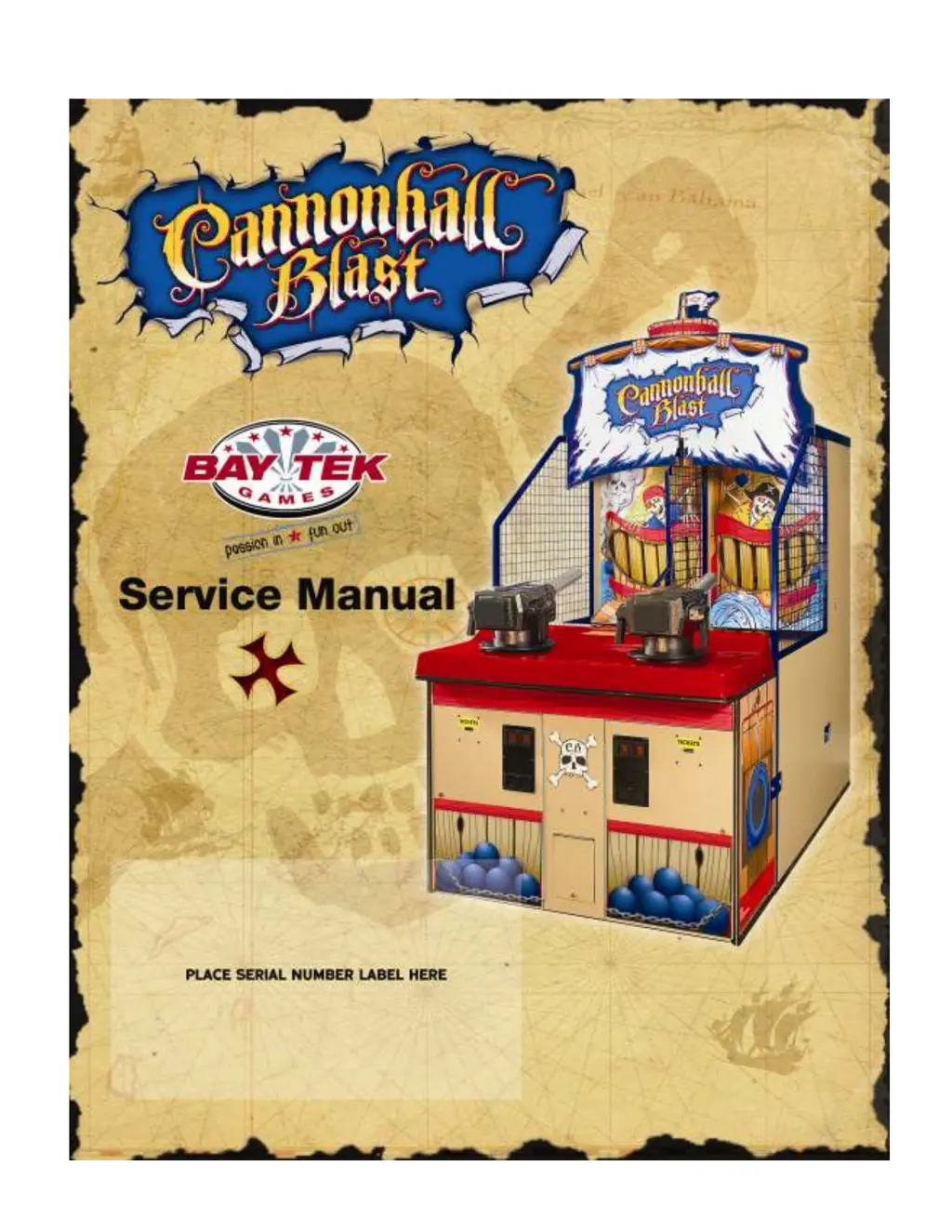
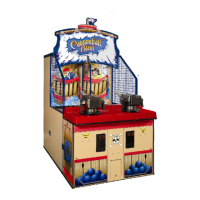
Bay Tek Games Cannonball Blast - User Manual

Bay Tek Games Cannonball Blast
22 pages
Print Icon
To Next Page IconTo Next Page
Loading...
1

Questions and Answers

  • J
    Jennifer OlsenAug 14, 2025
    How to troubleshoot no power on Bay Tek Games Arcade Game Machines?
    • O
      olangAug 14, 2025
      If your Bay Tek Games Arcade Game Machine has no power, here's what to check: * **Unplugged:** Ensure the game is plugged into a working wall outlet. * **Blown fuse:** For 220v applications, inspect the transformer fuse. * **Tripped breaker:** Check the voltage at the outlets and reset the outlet strip or building circuit breaker if tripped. Determine the cause before resetting. * **Bad power supply:** Perform a power supply diagnostic. If faulty, replace the power supply (A5PS1001).
  • D
    Daniel PerezAug 20, 2025
    Why is there no audio on my Bay Tek Games Arcade Game Machines?
    • K
      Kevin CollierAug 20, 2025
      If you're experiencing no audio on your Bay Tek Games Arcade Game Machine, try these solutions: * **Volume too low:** Increase the volume using the volume control located inside the front door panel. * **Loose wire:** Inspect the audio cable connections to the speaker, volume control, and main circuit board. * **Defective Potentiometer:** Replace the potentiometer (A5PO1K). * **Main circuit board malfunction:** If possible, replace the main board with one from another Gen 5 game to determine if the issue is with the main circuit board.
  • J
    Jordan SmithAug 25, 2025
    What to do if Bay Tek Games Arcade Game Machines does not coin up?
    • D
      david77Aug 25, 2025
      If your Bay Tek Games Arcade Game Machine isn't registering coins, here's what you can do: * **Coin switch faulty:** Make sure the coin actually triggers the switch. If not, replace the switch (A5SW4000). * **Bad connection:** Check the connections from the coin switch to the main circuit board for any breaks or looseness. * **Faulty main board:** Try replacing the main board with one from another Gen 5 game to isolate the problem.
  • S
    Steve CarlsonAug 27, 2025
    How to fix wrong number of tickets dispensed on Bay Tek Games Arcade Game Machines?
    • P
      Patrick NewtonAug 27, 2025
      If your Bay Tek Games Arcade Game Machine is dispensing the wrong number of tickets, try the following: * **Incorrect dipswitch settings:** Verify and reset the ticket pattern and other ticket dipswitches to the correct settings. * **Dirty opto-sensor:** Clean the opto-sensor on the ticket dispenser using compressed air or a cotton swab with isopropyl alcohol. * **Too many tickets in memory:** Loop the tickets and let the dispenser run, or remove the memory chip (U3) from the main board and power on the game without it. * **Faulty ticket dispenser:** Replace the ticket dispenser with a spare working one. * **Main circuit board malfunction:** Replace the main board with a spare Gen 5 board to isolate the problem.
  • J
    Joseph ComptonAug 31, 2025
    Why Bay Tek Games Arcade Game Machines does not score?
    • W
      William StanleyAug 31, 2025
      If your Bay Tek Games Arcade Game Machine isn't scoring, consider these potential causes: * **Teeth opto issues:** The teeth optos might be dirty, misaligned, or faulty. Try cleaning, aligning, or replacing the opto boards (AASE3900). * **Wiring problems:** Check the cable connections from the sensors to the main circuit board, paying attention to any terminals with two wires crimped to them. Ensure both wires are making a solid connection.
  • T
    Tyler HermanSep 3, 2025
    What causes the teeth reset bar to rotate multiple times on Bay Tek Games Arcade Game Machines?
    • B
      Brandon Oconnor Jr.Sep 3, 2025
      If the teeth reset bar on your Bay Tek Games Arcade Game Machine rotates multiple times, check these: * **Motor home sensor:** The motor home sensor might be dirty or faulty. Clean the sensor and replace it if necessary (AABD5010). * **White cam:** The white cam could be dirty or too far from the sensor. Clean the cam and ensure it measures 5 Volts DC when away from the sensor, dropping to 0 Volts when covering it. * **Faulty wiring:** Check the cable connections from the sensor to the main circuit board. * **Faulty main board:** If possible, replace the main board with one from another Gen 5 game to isolate the problem.
  • B
    brownashleySep 6, 2025
    How to turn off the orange low ticket light on Bay Tek Games Arcade Game Machines?
    • C
      Christie HawkinsSep 6, 2025
      To address the orange low ticket light on your Bay Tek Games Arcade Game Machine, check the following: * **Ticket tray status:** Load tickets into the tray, ensuring the ticket stack rests on top of the wire actuator of the switch. * **Faulty low ticket switch:** Replace the switch (AASW200) if it is faulty. * **Wiring issues:** Check the cable connections from the switch to the main circuit board for any broken or loose wires.
  • K
    Krystal PopeSep 9, 2025
    Why teeth will not reset on Bay Tek Games Arcade Game Machines?
    • W
      William SmithSep 9, 2025
      If the teeth on your Bay Tek Games Arcade Game Machine won't reset, and the game errors out after one attempt, consider these solutions: * **Blown in-line fuse:** Replace the fuse located in the wiring near the main circuit board. * **Faulty motor:** Replace the motor (AAMO3901). * **Linkage problem:** Inspect the linkage between the reset arm and gear motor. Check the connector cam setscrew and ensure it is tight. * **Power cycle:** Power the game off and then back on to see if it turns the first time. If it does, refer to “teeth reset bar rotates”.
  • C
    Clinton FinleyNov 16, 2025
    What to do if there is no air blast out of cannon in Bay Tek Games Arcade Game Machines?
    • E
      Elizabeth WelchNov 16, 2025
      If there is no air blast out of the cannon in your Bay Tek Games Arcade Game Machine, consider the following: * **No air pressure:** Verify the air line and air compressor are functioning correctly. Make sure the gauge on the air line input is working. * **Incorrect air pressure:** Adjust the compressor to output 90 PSI and the game's air pressure to 50 – 55 PSI. * **Trigger malfunction:** Inspect the trigger button and its wires connected to the main board. Replace the switch (A5PB7100) by removing the barrel from the gun and accessing the switch inside the right handle. * **Boom valve issue:** Check for a 12 Volt DC pulse at the boom valve. If the pulse is present, replace the boom valve (A5VA7100). If there is no pulse, check the wire continuity back to the main board. * **Wi...

Bay Tek Games Cannonball Blast Specifications

General IconGeneral
TypeArcade Game Machine
ManufacturerBay Tek Games
Game TitleCannonball Blast
Game TypeRedemption
ThemePirate
DisplayLCD
SoundStereo

Related product manuals