EasyManua.ls Logo

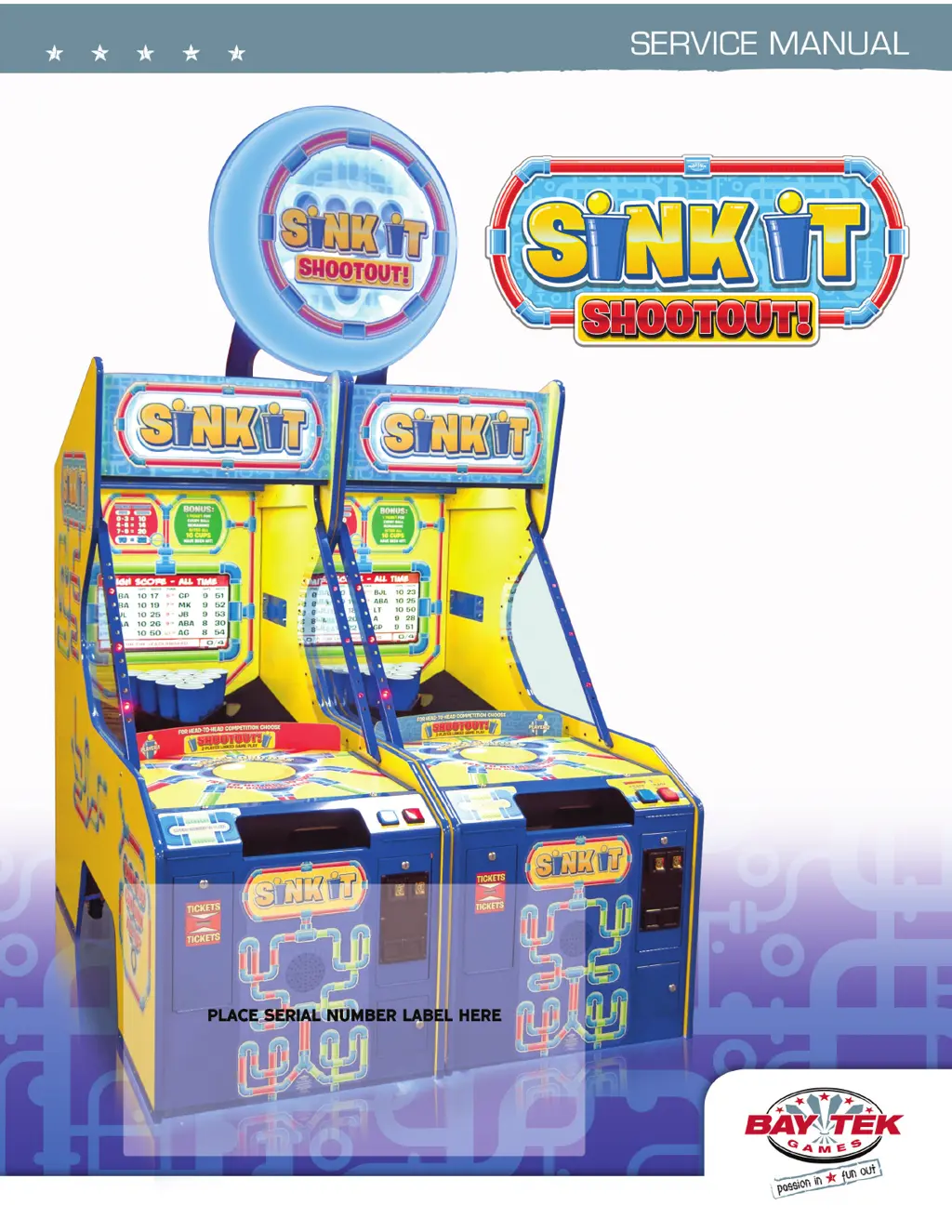
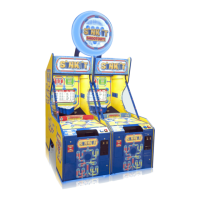
Bay Tek Games SINK IT SHOOTOUT! - User Manual

Bay Tek Games SINK IT SHOOTOUT!
50 pages
Print Icon
To Next Page IconTo Next Page
Loading...
1

Questions and Answers

  • E
    Eddie RamirezAug 12, 2025
    How to troubleshoot no power on Bay Tek Games Arcade Game Machines?
    • W
      wbarnesAug 13, 2025
      If your Bay Tek Games Arcade Game Machine has no power and no lights are on, check the wall outlet first. Then, reset the power strip breaker switch or the building circuit breaker. If necessary, replace the Line Filter (Part # A5FI9010) and try changing the plug position or replacing the plug. For further diagnosis, see the Power Supply diagnostic.
  • A
    Anna WaltonAug 19, 2025
    Why is there no sound on my Bay Tek Games Arcade Game Machines?
    • S
      sullivankarenAug 19, 2025
      If there is no sound on your Bay Tek Games Arcade Game Machine, enter the Machine Setup Menu and verify that the Game Volume and Attract Volume are not set to zero. Check the connections and reseat J19 on the main board using cable # AACE3302. If the problem persists, replace the speaker (AACE8811).
  • J
    Jennifer BrownAug 27, 2025
    What to do if AC Light and Bill Acceptor are on but everything else is off on Bay Tek Games Arcade Game Machines?
    • L
      Lorraine RiceAug 27, 2025
      If the AC light and bill acceptor are on, but everything else is off on your Bay Tek Games Arcade Game Machine, ensure the unit is plugged into the power strip and that the rocker switch is set to ON. To identify a faulty component, refer to the power supply diagnostics. This issue can be caused by a bad motor or a 12-volt short. Consult the Power Supply Diagnostic.
  • T
    tmasonNov 4, 2025
    What to do if the dollar bill acceptor is not functioning on my Bay Tek Games Arcade Game Machines?
    • A
      Ashley RobinsonNov 4, 2025
      If the dollar bill acceptor on your Bay Tek Games Arcade Game Machine isn't working, and you see a “Check Minigen Comm” error on the screen, start by referring to the “Check Minigen Comm” error diagnostic section. Ensure the acceptor cycles the stacker when the game powers up. If it doesn't, check the cable connections. Clean the bill acceptor as described in “How to Clean Bill Acceptor” or use a bill reader cleaning card (A5CC9000). Inspect the wiring from the bill acceptor to the Mini Gen Board (AACE3316, AACE3311) and repair or replace the harness if needed. Also, check the J9 connector on the Main Board to ensure the wires are secure. For further assistance, consult the troubleshooting section of the dollar bill acceptor manual or the diagnostics label on the back of the unit. Possible...

Summary

FACTORY CONTACT INFORMATION

WELCOME TO: Sink It!

HOW TO PLAY

GAME SPECIFICATIONS

SAFETY PRECAUTIONS

QUICK SETUP GUIDE

HEAD TO HEAD CONNECTION

DIP SWITCH SETTINGS

MAIN MENU

GAME SETUP

TICKET PATTERNS

DIAGNOSTICS MENU

LOCATION NAME & ADVERTISING

MACHINE SETUP- HEAD TO HEAD

MACHINE SETUP- SINGLE GAME

REPORTS MENU- HEAD TO HEAD

REPORTS MENU- SINGLE GAME

SOFTWARE UPDATE

MAINBOARD PINOUT DIAGRAM

MAINBOARD PINOUT GUIDE

MINIGEN PINOUT (AANEWGEN1-PJ;RBN)

WIRING DIAGRAMS

Coin Mech, Menu Button & Counters

Wiring details for coin mechanism, menu buttons, and game counters.

Player Button, Motor & Sensors

Wiring for player buttons, motor, and sensors.

Motherboard Communication

Wiring diagrams for motherboard and communication interfaces.

Cup Lights & Speaker

Wiring for cup lights and speaker assembly.

A;C In & Power Supply

Wiring and power supply connections for the game.

TROUBLESHOOTING GUIDE

How to Calibrate Camera

Step-by-step guide for camera calibration procedures.

Monitor Problems

Troubleshooting steps for monitor display issues like blurriness or brightness.

POWER SUPPLY DIAGNOSTICS

BILL ACCEPTOR DIAGNOSTICS

HOW TO: ACCESS MAINBOARD; MOTOR

HOW TO: REMOVE BALL SENSOR

HOW TO: REMOVE CUP ASSEMBLY

HOW TO: ACCESS CAMERA; AC LIGHT

CREDIT CARD READER

PARTS LIST

PARTS PICTURES

MAINTENANCE LOG

TECHNICAL SUPPORT

WARRANTY

CERTIFICATE OF COMPLIANCE

Bay Tek Games SINK IT SHOOTOUT! Specifications

General IconGeneral
BrandBay Tek Games
ModelSINK IT SHOOTOUT!
CategoryArcade Game Machines
LanguageEnglish

Related product manuals