EasyManua.ls Logo

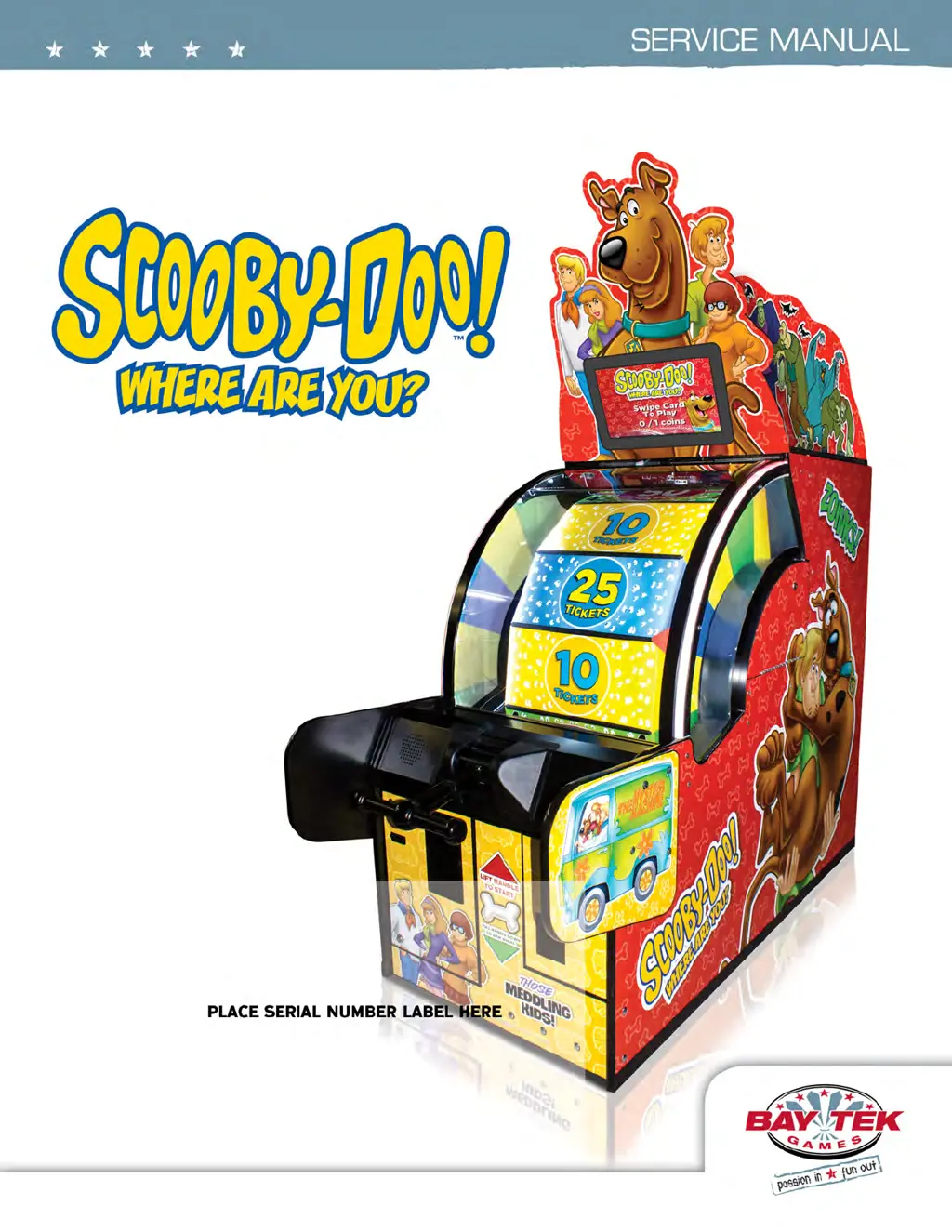
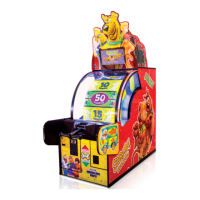
Bay Tek Games Scooby-Doo - User Manual

Bay Tek Games Scooby-Doo
54 pages
Print Icon
To Next Page IconTo Next Page
Loading...
1

Questions and Answers

  • K
    Kelsey WilliamsAug 19, 2025
    How to troubleshoot no power issue in Bay Tek Games Scooby-Doo?
    • H
      hudsonjeffreyAug 19, 2025
      If your Bay Tek Games Arcade Game Machine has no power, check the wall outlet cable (A5CORD5) connected to the line filter at the back of the game (A5FI9010). Also, inspect the rocker switch on the power strip and ensure all power cords are securely plugged in. Reset the power strip breaker switch or the building circuit breaker. If the issue persists, replace the line filter (A5FI9010). Refer to the Power Supply Diagnostics for further assistance.
  • A
    Andrew MooreAug 21, 2025
    What to do if the dollar bill acceptor is not working on Bay Tek Games Scooby-Doo?
    • M
      Mr. Dale WilsonAug 21, 2025
      First, ensure the bill acceptor has 110 Volts AC and cycles the stacker when the game powers up. If not, check cable connections to the power strip. Clean the acceptor slot with a bill reader cleaning card (A5CC9000). Make sure the dip switch is set to “always enable”. Check the wiring from the bill acceptor to the main board, repairing or replacing the wiring harness if necessary (AAJP9092, AACE1611). Refer to the troubleshooting section of the dollar bill acceptor manual for more details.
  • K
    Kyle EsparzaAug 23, 2025
    Why does the monitor show 'No Signal' on Bay Tek Games Scooby-Doo Arcade Game Machines?
    • P
      prestondanielleAug 23, 2025
      If your Bay Tek Games Arcade Game Machine monitor displays 'No Signal', ensure power is plugged into the back of the monitor. Check the connection of the two cables to the monitor and down to the power strip (A5CORD1, A5CORD5). Replace the monitor if necessary (A5CBDI030).
  • J
    Jeffrey BentleyAug 26, 2025
    How to fix no audio issue in Bay Tek Games Scooby-Doo Arcade Game Machines?
    • J
      Julie SantiagoAug 26, 2025
      If there is no audio in your Bay Tek Games Arcade Game Machine, first increase the volume by pressing the Menu button and adjusting the volume slider bar. Check the audio cable connections from the motherboard to the I/O board to the speakers (A5CEAU010, AACB1900-SD, AACE1605, AACE8811). Unplug the phono jack from the motherboard and plug it into an MP3 player or phone to test the speakers. If there's still no sound, replace the motherboard (AAMB9-FHD).
  • C
    Chelsey VillanuevaAug 27, 2025
    What to do if some functions don't work after turning on Bay Tek Games Arcade Game Machines?
    • S
      Shannon RamirezAug 28, 2025
      If your Bay Tek Games Arcade Game Machine turns on but some functions are not working, it could be due to several reasons: * None of inputs work. * No coin up, no test buttons, display may say door open. * Display is OK, but does not show some screens. * No volume, or Game freezes, locks up. Inspect the I/O Serial cable (AACE1614) connecting the I/O board to the motherboard and replace it if needed. Also, check the USB software stick for looseness or faults and replace it if necessary (A5FHD005). If the problem persists, consider replacing the motherboard (AAMB9A-FHD) due to faulty RAM.
  • M
    Mrs. Dominique CarrAug 29, 2025
    Why Bay Tek Games Arcade Game Machines does not coin up?
    • J
      John MartinezAug 29, 2025
      If your Bay Tek Games Arcade Game Machine isn't registering coins, ensure all doors are closed. Check the coin signal wires (white and black) and their connections from the coin switches to the I/O Aux Board, referring to the wiring diagram. Check the continuity of the wires (AACBL4A-DOOR, AACE1610). If the coin mechanism is faulty, replace it. Ensure the CE1614 cable is connected from the I/O board to the Motherboard. Replace the I/O Aux Board if necessary (AACB1900-SD).
  • H
    hermanstephanieSep 1, 2025
    What causes Bay Tek Games Scooby-Doo Arcade Game Machines to have bill acceptor on but everything else off?
    • W
      wheelermeganSep 1, 2025
      If the bill acceptor is on, but everything else is off on your Bay Tek Games Arcade Game Machine, ensure the power supply is plugged into the power strip and the rocker switch on the power supply is set to ON. See the power supply diagnostics to isolate any bad components. A bad solenoid or a 12-volt short could be the cause. Refer to the Power Supply Diagnostics section for further troubleshooting.
  • A
    ahensonSep 3, 2025
    What to do if directional colored LEDs are not working on Bay Tek Games Scooby-Doo?
    • L
      Laura BaileySep 3, 2025
      If the directional colored LEDs on your Bay Tek Games Arcade Game Machine are not working, slide open the front windshield and examine the LED strip. Plug the LED strip into the cable from the other side to test it. Replace if needed (AACE4000). Check the cables from the LED strip to the Light Control Board (AACE4000, AACE4002). Verify there are 5 Volts DC going to the Light Control Board. If necessary, replace the Light Control Board (Part # AACB6921-SD).
  • R
    Ruth LawsonSep 5, 2025
    Why does Bay Tek Games Scooby-Doo display 'Door Open' and prevent menu access?
    • K
      karen86Sep 5, 2025
      If your Bay Tek Games Arcade Game Machine displays 'Door Open' and you cannot enter the menu, the I/O Serial cable might be unplugged from the I/O board to the motherboard. Inspect the cable AACE1614 and replace it if needed.
  • K
    Katherine VillanuevaSep 7, 2025
    How to fix left or right wheel white LEDs not working on Bay Tek Games Arcade Game Machines?
    • M
      Melissa GarnerSep 7, 2025
      If the white LEDs on the left or right wheel of your Bay Tek Games Arcade Game Machine are not working, slide open the front windshield and examine the LED strip. Plug the LED strip into the cable from the other side to test it; replace if needed (AALS1701). Check the cables from the LED strip to the Power Supply (AALS1701, AACE1625). If the issue persists, replace the I/O Aux Board (Part # AACB1900-SD).

Summary

How to Play

Game Specifications

Safety Precautions

Marquee Set Up Guide

Standard Set Up Guide

Mainboard Pinout

Wiring Diagrams

Troubleshooting Guide

Power, LED, and Bill Acceptor Issues

Diagnosing issues with game power, marquee, and bill acceptor functionality.

Audio, Monitor, and Game Function Issues

Troubleshooting no audio, monitor problems, and general game function errors.

Coin-Up, Ticket Dispensing, and Logic Issues

Resolving problems with coin-up, ticket display, and game logic.

Scoring, Motor Assist, and Spinning Issues

Addressing scoring errors and motor assist or wheel spinning problems.

Ticket Payout and Dispensing Accuracy Issues

Diagnosing incorrect ticket amounts and dispensing problems.

Spin Meter, Handle Control, and Solenoid Issues

Troubleshooting spin meter, handle control, and solenoid operation.

Button, Meter, and Door Error Troubleshooting

Resolving problems with menu buttons, meters, and 'Out of Order Door Open' errors.

Door Open Error

Limit Switch Map

Software and Encoder Sensor

Adjusting Encoder Wheel Sensor

Game Adjustments

Puppy Video Wizard Error

Power Supply Diagnostics

Bill Acceptor Diagnostics

Technical Support

Warranty and Non-Warranty Services

Bay Tek Games Scooby-Doo Specifications

General IconGeneral
ManufacturerBay Tek Games
CategoryArcade Game Machines
Game TitleScooby-Doo
TypeRedemption Game
MonitorLCD
Dimensions36" W x 36" D

Related product manuals