20
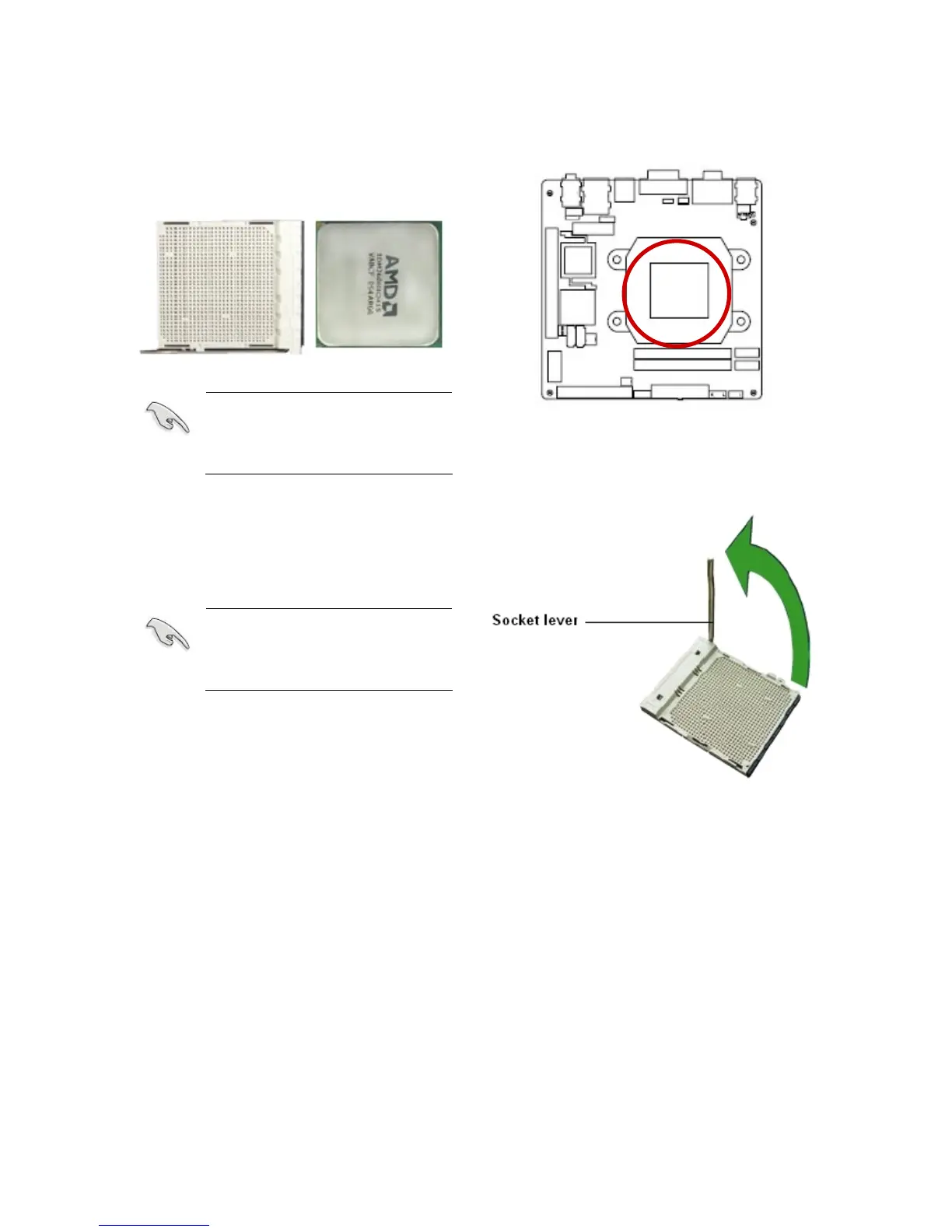
1.4.1 Installing the CPU
1. Locate the CPU socket on the
motherboard.
Before installing the CPU,
make sure that the socket
box is facing towards you and
the load lever is on your left.
2. Unlock the socket by pressing the lever
sideways, then lift it up to 90º~100º
angle.
Make sure that the socket
lever is lifted up to 90º ~ 100º
angle; otherwise the CPU
does not fit in completely.



 To Next Page