User’s Manual
65
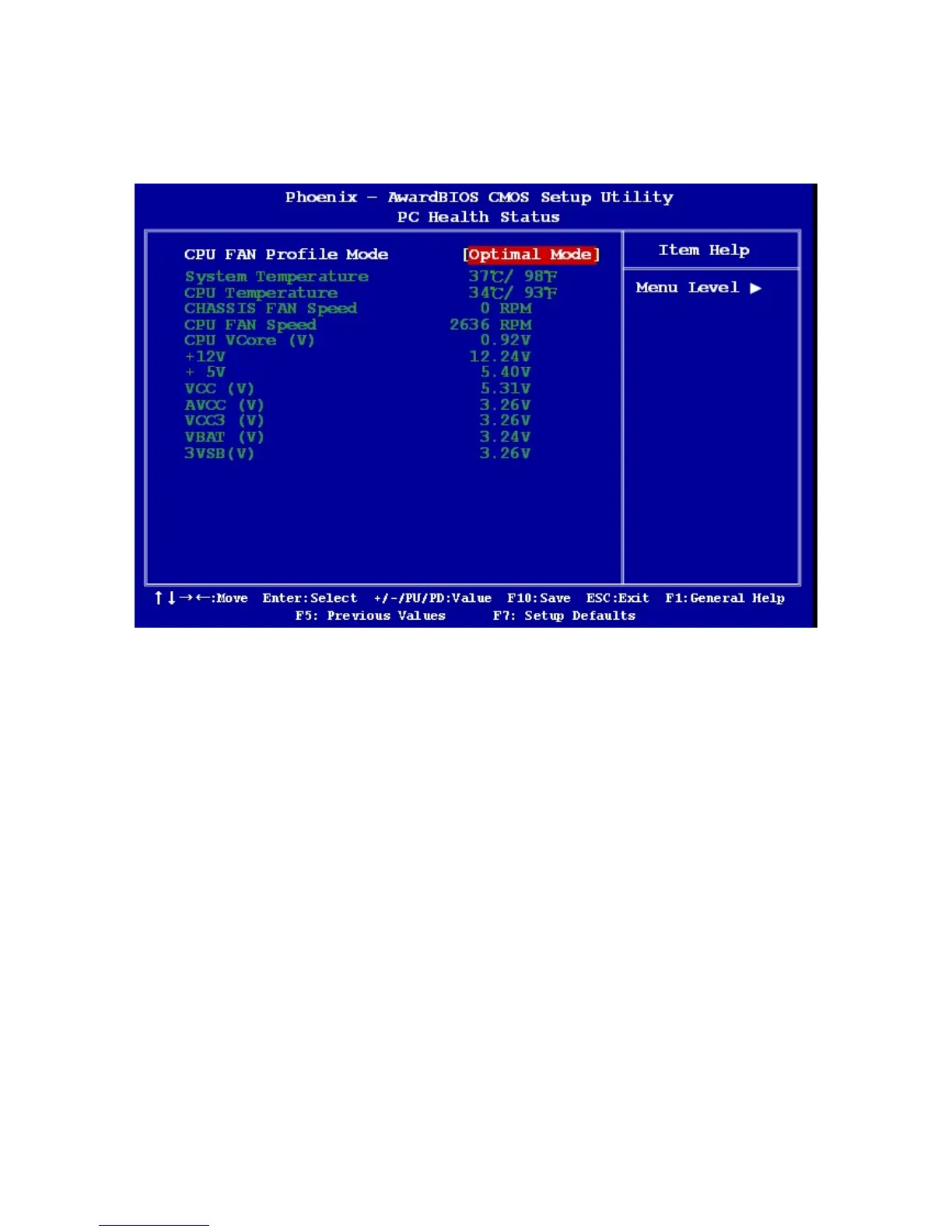
2.2.7 PC Health Status
This section shows the status of your CPU, Fan & System
2.2.7.1 CPU FAN Profile Mode
The options: Optimal / Silent /Performance / Disable
2.2.7.2 CPU Temperature Protect
This item allows you to set the CPU temperature that is decided when the system have to
shut down to protect CPU. The options: 60℃/140℉, 65℃/149℉, 70℃/158℉, Disabled.
2.2.7.3 System Temperature
This shows you the current temperature of system.
2.2.7.4 CPU Temperature
This shows the current CPU temperature.



 To Next Page