User’s Manual
63
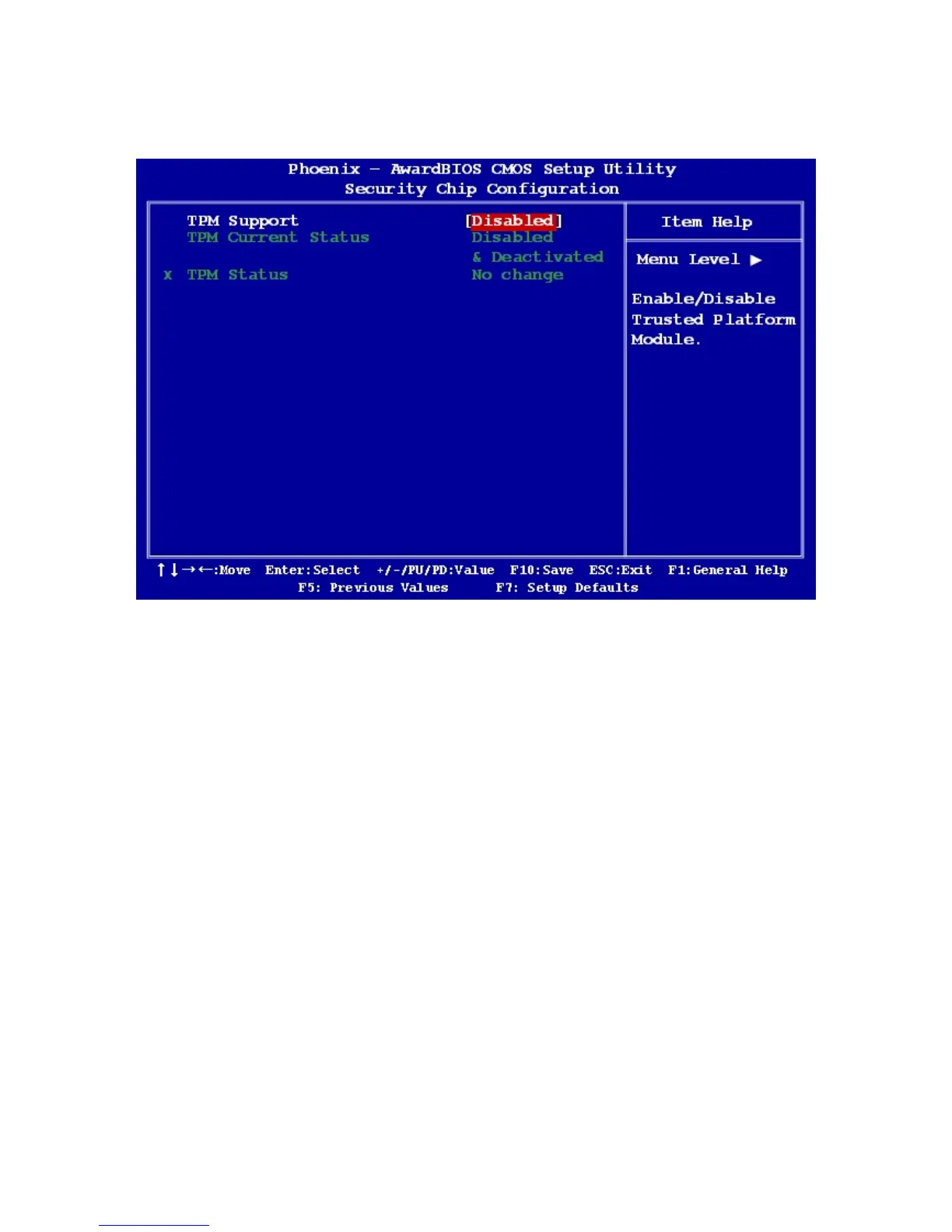
2.2.5 Security Chip Configuration
2.2.5.1 TPM Support
The options: Enable, Disable
2.2.5.2 TPM Status
The options:
[No Change]: Keep current status
[Clear]: Rest configurations
[Enable & Activate]: TPM Enabling
[Deactivate & Disable]: TPM Disable



 To Next Page