64
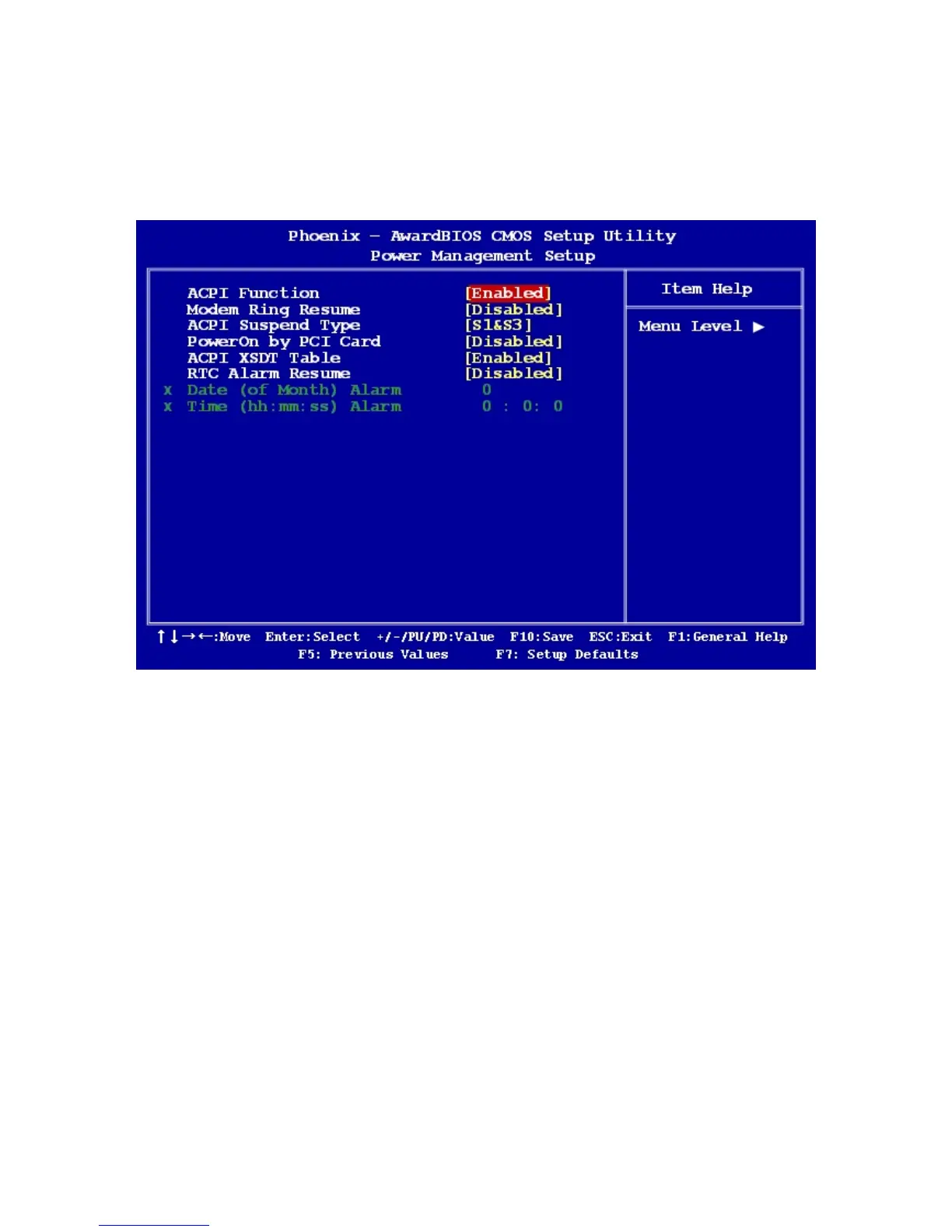
2.2.6 Power Management Setup
The power management setup controls the single board computer's “green” features to
save power. The following screen shows the manufacturer’s defaults.
2.2.6.1 ACPI Function
The choices are “Enabled” and “Disabled”.
2.2.6.2 ACPI Suspend Type
This item allows you to set ACPI suspend type to S1/POS(Power On Suspend) or
S3/STR(Suspend To RAM).
2.2.6.3 PowerOn by PCI Card
The choices are “Enabled” and “Disabled”.
2.2.6.4 RTC Alarm Resume
When “Enabled”, set the date and time at which the RTC (real-time clock) alarm awakens
the system from suspend mode. The choices are “Enabled” and “Disabled”.



 To Next Page