24
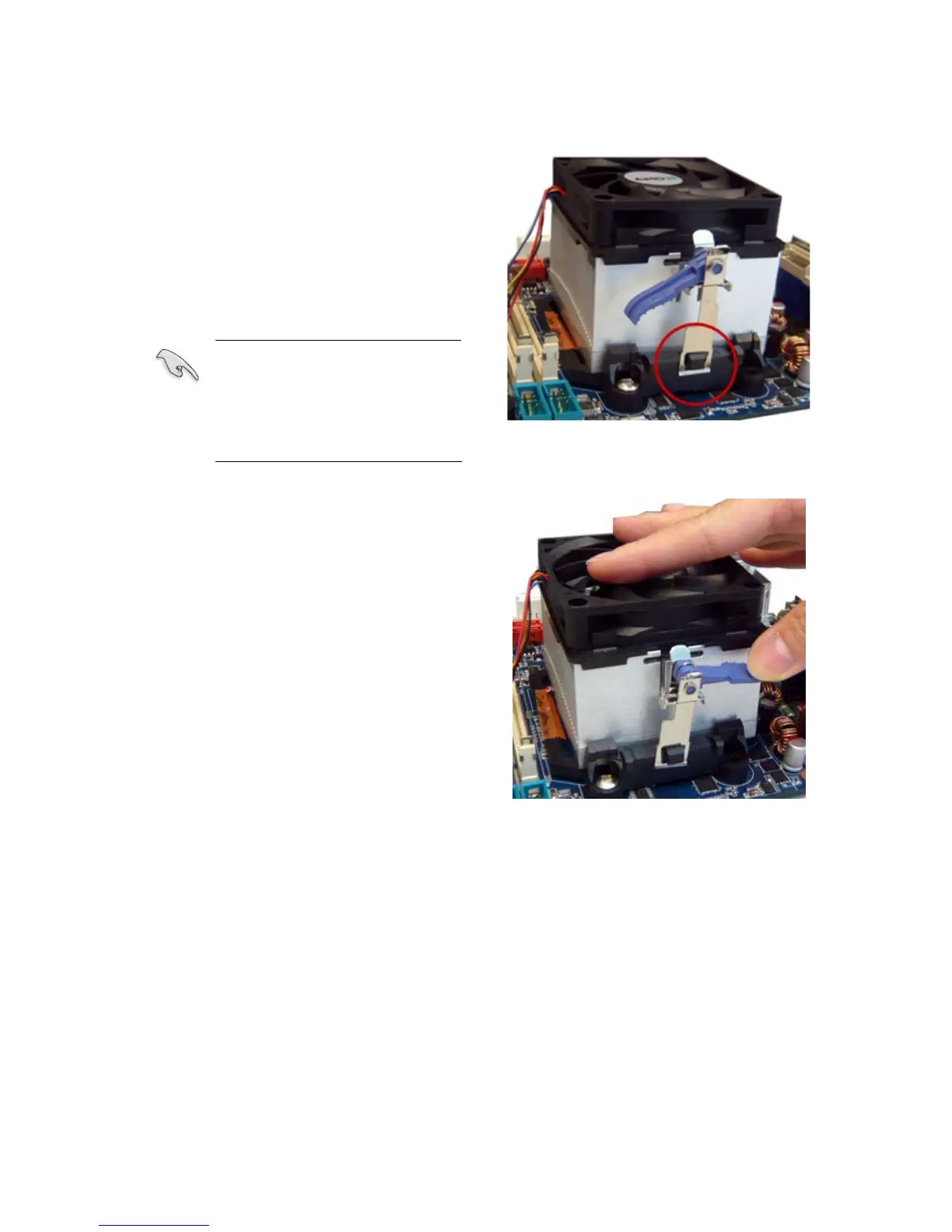
2. Attach one end of the retention bracket
to the retention module base.
3. Align the other end of the retention
bracket (near the retention bracket lock)
to the retention module base. A clicking
sound denotes that the retention bracket
is in place.
Make sure that the fan and
heatsink assembly perfectly
fits the retention mechanism
module base; otherwise, you
cannot snap the retention
bracket in place.
4. Push down the retention bracket lock on
the retention mechanism to secure the
heatsink and fan to the module base.



 To Next Page