60
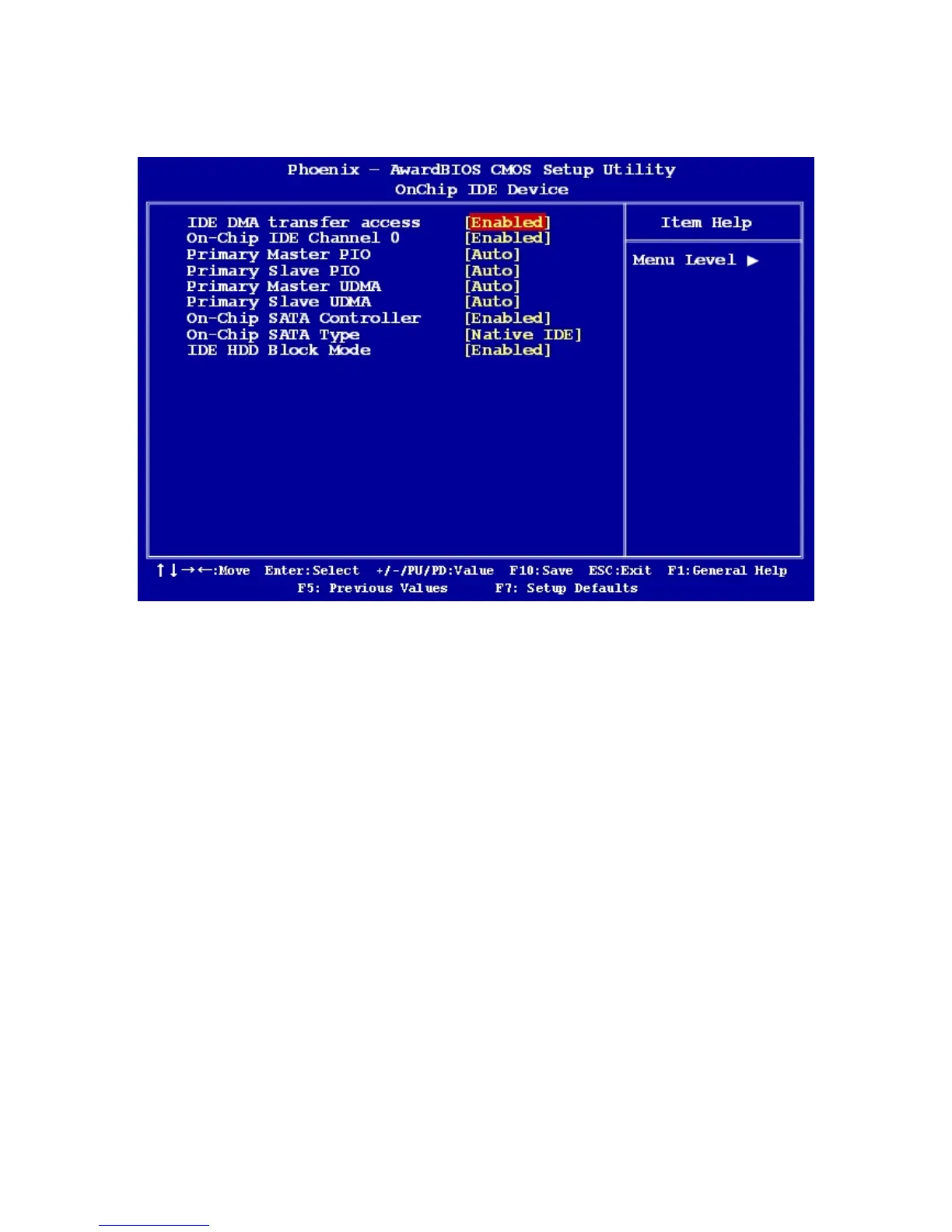
2.2.4.1 OnChip IDE Device
z IDE DMA Transfer Access
Use this field to enable or disable IDE DMA transfer access.
z On-Chip IDE Channel
The options: Enabled, Disabled.
z Primary/Secondary Master/Slave PIO/UMDA
The channel has both a master and a slave, making four IDE devices possible. Because
two IDE devices may have a different Mode timing (0, 1, 2, 3, 4), it is necessary for these to
be independent. The default setting “Auto” will allow auto detection to ensure optimal
performance.
z On-Chip SATA Controller
The options: Enabled, Disabled.
z On-Chip SATA Type
The options: Native IDE, RAID, AHCI, Legacy IDE, IDE->AHCI
z IDE HDD Block Mode
If the IDE hard drive supports block mode select Enabled for automatic detection of the
optimal number of block read/writes per sector the drive can support.



 To Next Page