SYSFAN2
Mainboard
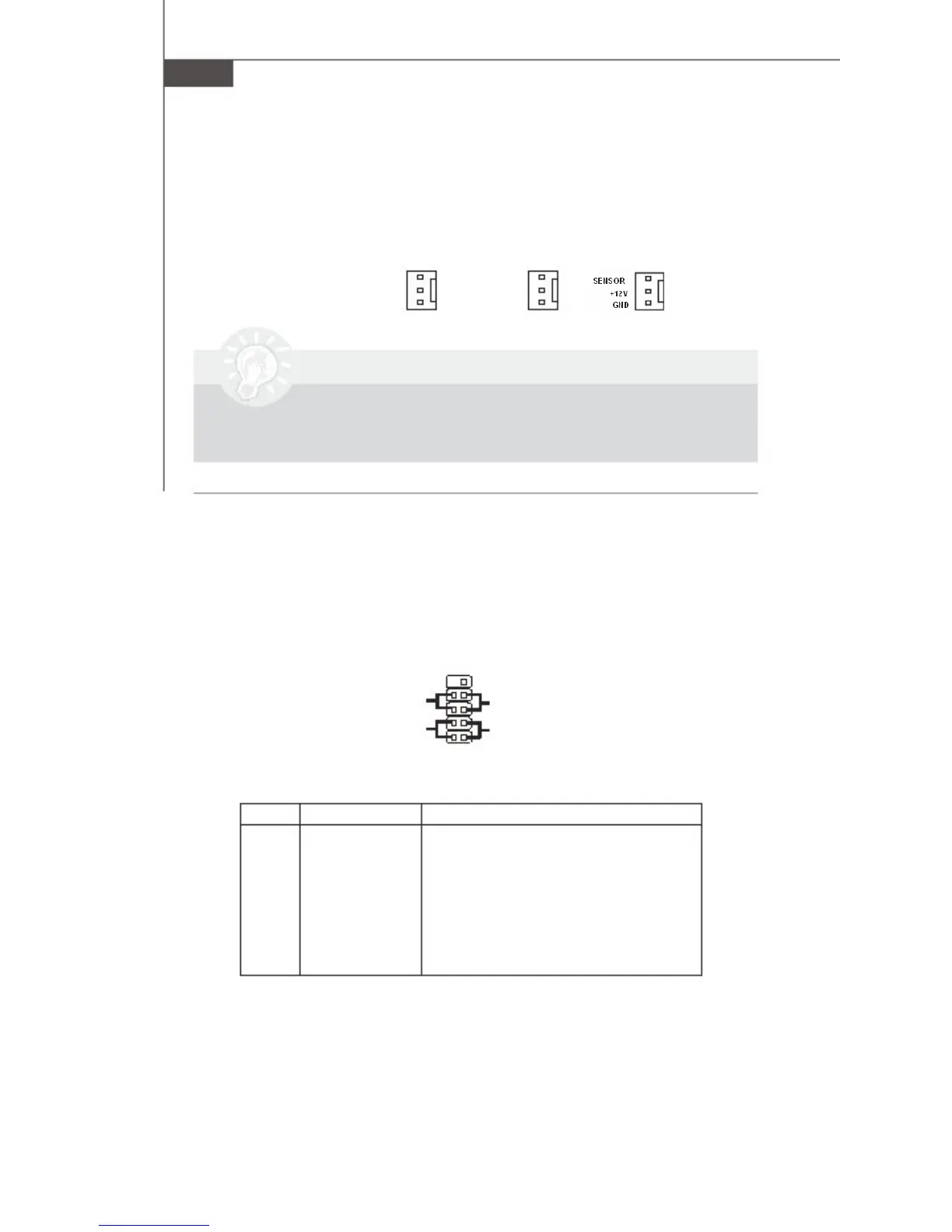
Fan Power Connectors: CPUFAN1, SYSFAN1, SYSFAN2
The fan power connectors support system cooling fan with +12V. When connecting
the wire to the connectors, always take note that the red wire is the positive and
should be connected to the +12V, the black wire is Ground and should be connected
to GND. If the mainboard has a System Hardware Monitor chipset on-board, you must
use a specially designed fan with speed sensor to take advantage of the CPU fan
control.
SENSOR
+12V
GND
SENSOR
+12V
GND
CPUFAN1
SYSFAN1
Important
Please refer to the recommended CPU fans at Intel® / AMD® official website or
consult the vendors for proper CPU cooling fan.
Front Panel Connector: JFP1
The mainboard provides one front panel connector for
electrical connection to the front panel switches
and LEDs. The JFP1 is compliant with Intel
® Front
Panel I/O Connectivity Design Guide.
JFP1
10
Power -
Switch +
Power
LED
2
9
+ Reset
- Switch
- HDD
+ LED
1
JFP1 Pin Definition
PIN
1
2
3
4
5
6
7
8
9
10
SIGNAL
HD_LED +
FP PWR/SLP
HD_LED -
FP PWR/SLP
RST_SW -
PWR_SW +
RST_SW +
PWR_SW -
NC
KEY
DESCRIPTION
Hard disk LED pull-up
MSG LED pull-up
Hard disk active LED
MSG LED pull-up
Reset Switch low reference pull-down to GND
Power Switch high reference pull-up
Reset Switch high reference pull-up
Power Switch low reference pull-down to GND
No Connection
Key
2-12



 To Next Page