MX945GME
Mainboard
Slots
PCI ( Peripheral Component Interconnect )
Express Slot
PCI Express architecture provides a high performance I/O infrastructure for Desktop
Platforms with transfer rates starting at 2.5 Giga transfers per second over a PCI
Express x1 lane for Gigabit Ethernet, TV Tuners, 1394 controllers, and general pur-
pose I/O. Also, desktop platforms with PCI Express Architecture will be designed to
deliver highest performance in video, graphics, multimedia and other sophisticated
applications. Moreover, PCI Express architecture provides a high performance graphics
infrastructure for Desktop Platforms doubling the capability of existing AGP 8x de-
signs with transfer rates of 4.0 GB/s over a PCI Express x16 lane for graphics
controllers, while PCI Express x1 supports transfer rate of 250 MB/s.
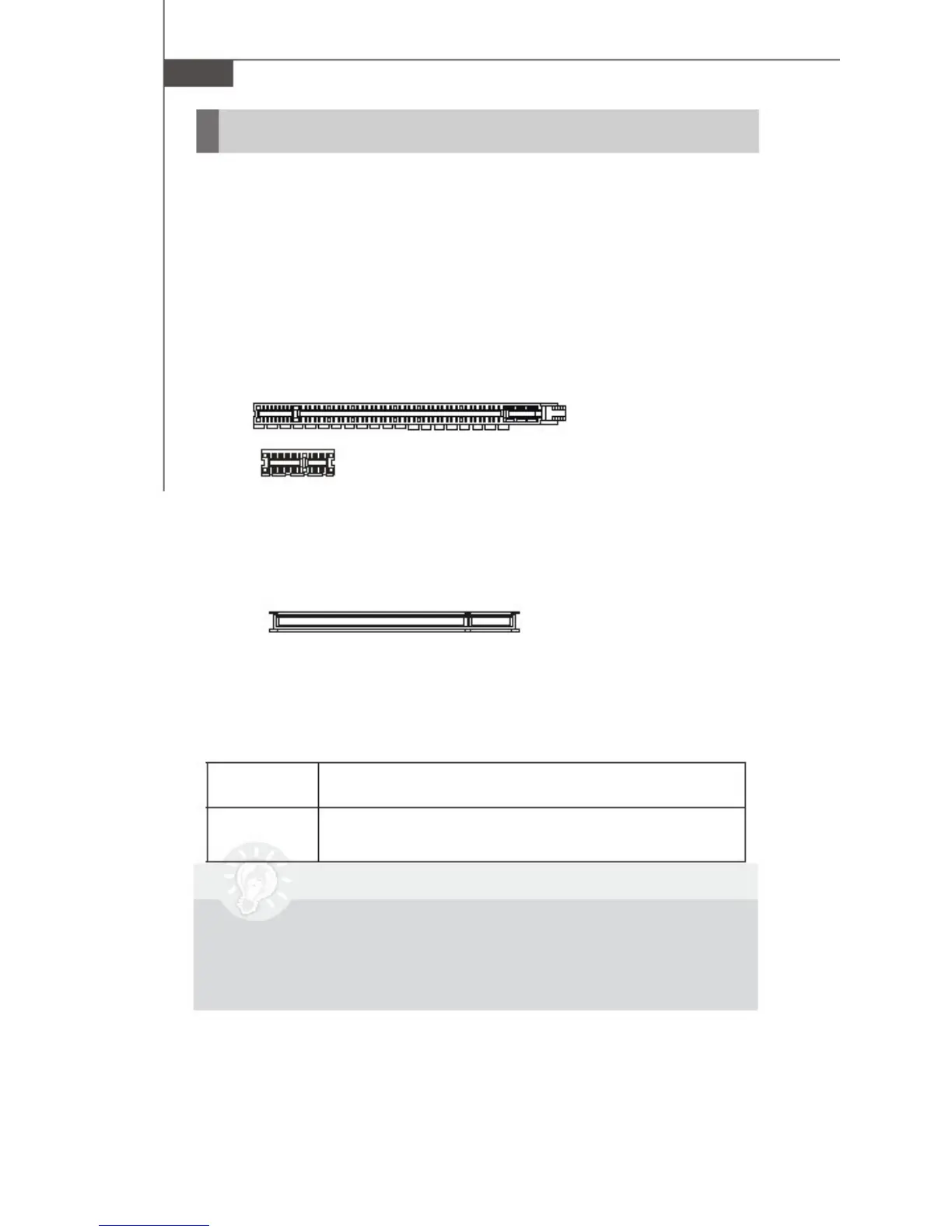
PCI Express x16 Slot
PCI Express x1 Slot
PCI (Peripheral Component Interconnect) Slot
The PCI slot supports LAN cards, SCSI cards, USB
cards, and other add-on cards that comply with PCI
specifications. At 32 bits and 33 MHz, it yields a
throughput rate of 133 MBps.
32-bit PCI Slot
PCI Interrupt Request Routing
The IRQ, acronym of interrupt request line and pro-
nounced I-R-Q, are hardware lines over which devices
can send interrupt signals to the microprocessor.
The PCI IRQ pins are typically connected to the PCI
bus pins as follows:
Order 1 Order 2 Order 3 Order 4
32-bit PCI1
INT A# INT B# INT C# INT D#
Important
When adding or removing expansion cards , make
sure that you unplug the power supply first.
Meanwhile , read the documentation for the expansion
card to configure any necessary hardware or
software settings for the expansion card , such
as jumpers , switches or BIOS configuration.
2-18



 To Next Page