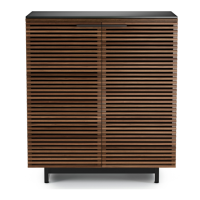
10 | BDIUSA.COM CORRIDOR 6521
FINE TUNING
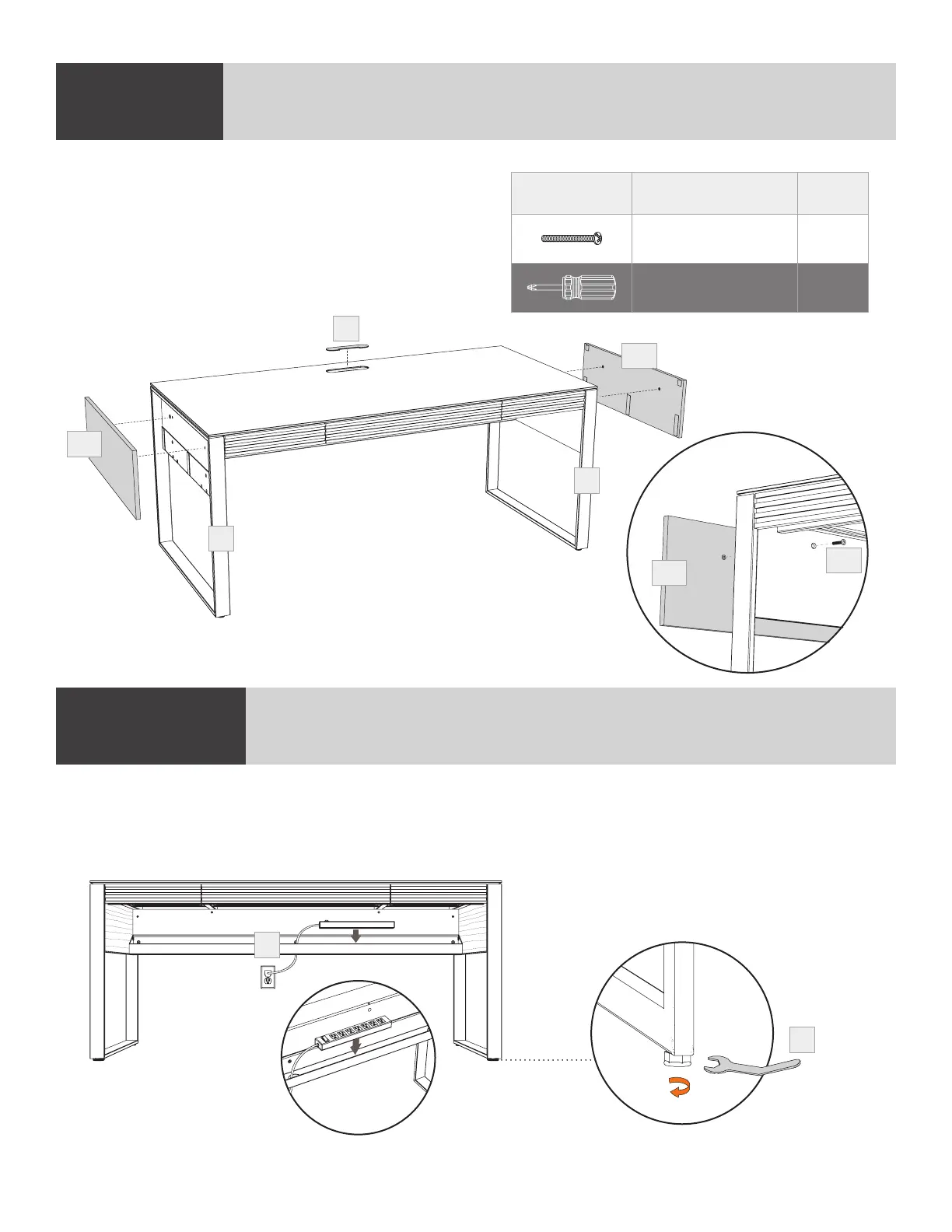
Place AC power strip/surge protector (not included) into (A4) Wire Management Trough.
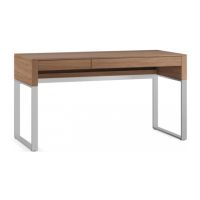
To level your Corridor Desk, dial down one or more levelers with the (T2) Leveler Wrench until you
attain a level stance.
STEP 1. ATTACH THE BASESTEP 7. INSTALL REMOVABLE SIDE PANELSASSEMBLY
Place (C11) Wire Management Lid into opening
in (C1) Glass Panel. Attach (C12) Removable Side
Panels to (A2 & A3) Legs using (H12) Screws and
a Phillips Screwdriver (not included) ensuring the
top edge of the (C12) Removable Side Panel sits
against the top inside edge of (A2 & A3) Legs.
PART/DESCRIPTION QTY
H12-SCREW 4
NOT INCLUDED
Phillips Screwdriver
1
A3
A2
C11
C12
C12
C12
H12
A4
T2


 To Next Page