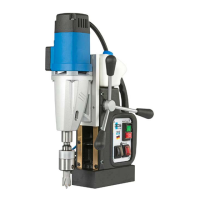
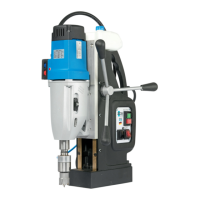
MABasic 200 and 400
Insert the core drill into the direct tool
mount (illustration A)
Before mounting, clean the Weldon
shank and direct tool mount (2) of the
machine.
Check the the lead connection for
lubricant.
Unscrew the two Allen screws in the
direct tool mount using the hexagonal
offset screwdriver (24) supplied.
Insert the core drill in the direct tool
mount (2).
NOTE
► Insert the appropriate ejector pin (22)
before inserting the core drill.
Tighten the two Allen screws in the di
-
rect tool mount (2) using the hexagonal
offset screwdriver (24) supplied.
Removing the tool
Unscrew the two Allen screws in the
tool mount (2) using the hexagonal
offset screwdriver (24) supplied and
remove the core drill from below.
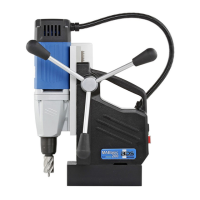
MABasic 450 and 850
Insert the core drill into the industrial
holder (illustration B)
Push the industrial holder (25) into the
spindle taper of the machine.
Before inserting, clean the Weldon
shank of the tool and the tool holder.
Check the the lead connection for
lubricant.
Unscrew both Allen screws in the tool
mount using the hexagonal offset
screwdriver (24) supplied.
Insert the core drill into the tool mount.
NOTE
► Insert the appropriate ejector pin (22)
before inserting the core drill.
Tighten both Allen screws in the tool
mount (2) using the hexagonal offset
screwdriver (24) supplied.
Removing the tool
Unscrew the two Allen screws in the
tool mount (2) using the hexagonal
offset screwdriver (24) supplied and
remove the core drill from below.
Preparation


 To Next Page