13
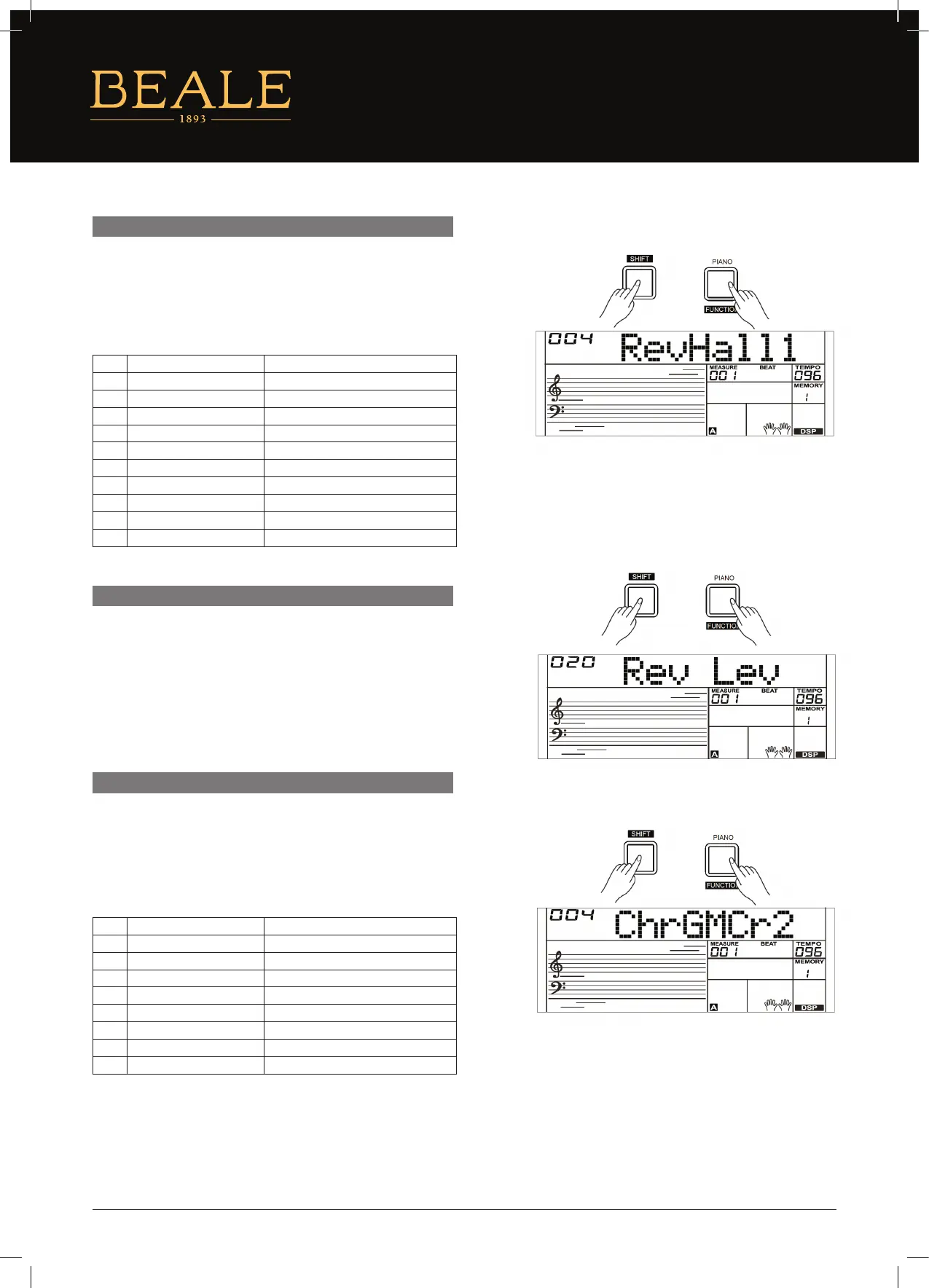
Press and hold the [SHIFT] button and then repeatedly press the
[FUNCTION] button to select the Reverb Type menu. The LCD will
display “004 RevHall1”. Use the [+/YES]/[–/NO] button or the data
dial to change reverb type. The default setting is Hall 1.
1. Press and hold the [SHIFT] button and then repeatedly press
the [FUNCTION] button to select reverb level. The LCD displays
“xxx Rev Lev”, adjustable range is: 0–32. Use the [+/YES]/ [–/NO]
button or data dial to change reverb level.
2. Press the [+/YES] and [–/NO] buttons simultaneously to restore
its default setting: 20.
1. Press and hold the [SHIFT] button and then repeatedly press
the [FUNCTION] button to select the Chorus Type menu. The
LCD will display “004 ChrGMCr2”, Use the [+/YES]/[–/NO] button
or the data dial to change the chorus type. The default setting is
GM Chorus 2.
REVERB TYPE
REVERB LEVEL
CHORUS TYPE
NO. LCD REVERB TYPE
1 RevRoom1 Room 1
2 RevRoom2 Room 2
3 RevRoom3 Room 3
4 RevHall1 Hall 1
5 RevHall2 Hall 2
6 RevHall3 Hall 3
7 RevChrh1 Church 1
8 RevChrh2 Church 2
9 RevDelay Delay
10 RevPnDly Pan Delay
NO. LCD CHORUS TYPE
1 ChrChrs1 Chorus 1
2 ChrChrs2 Chorus 2
3 ChrGMCr1 GM Chorus 1
4 ChrGMCr2 GM Chorus 2
5 ChrFlgr1 Flanger 1
6 ChrFlgr2 Flanger 2
7 ChrRtry1 Rotary 1
8 ChrRtry2 Rotary 2


 To Next Page