Keypad lock
Prevents accidental presses of the keys/buttons.
1. Press the Power On/Off button briefly to lock or unlock the keypad.
The display shows: Keyboard locked. Press power to unlock.
USB connection
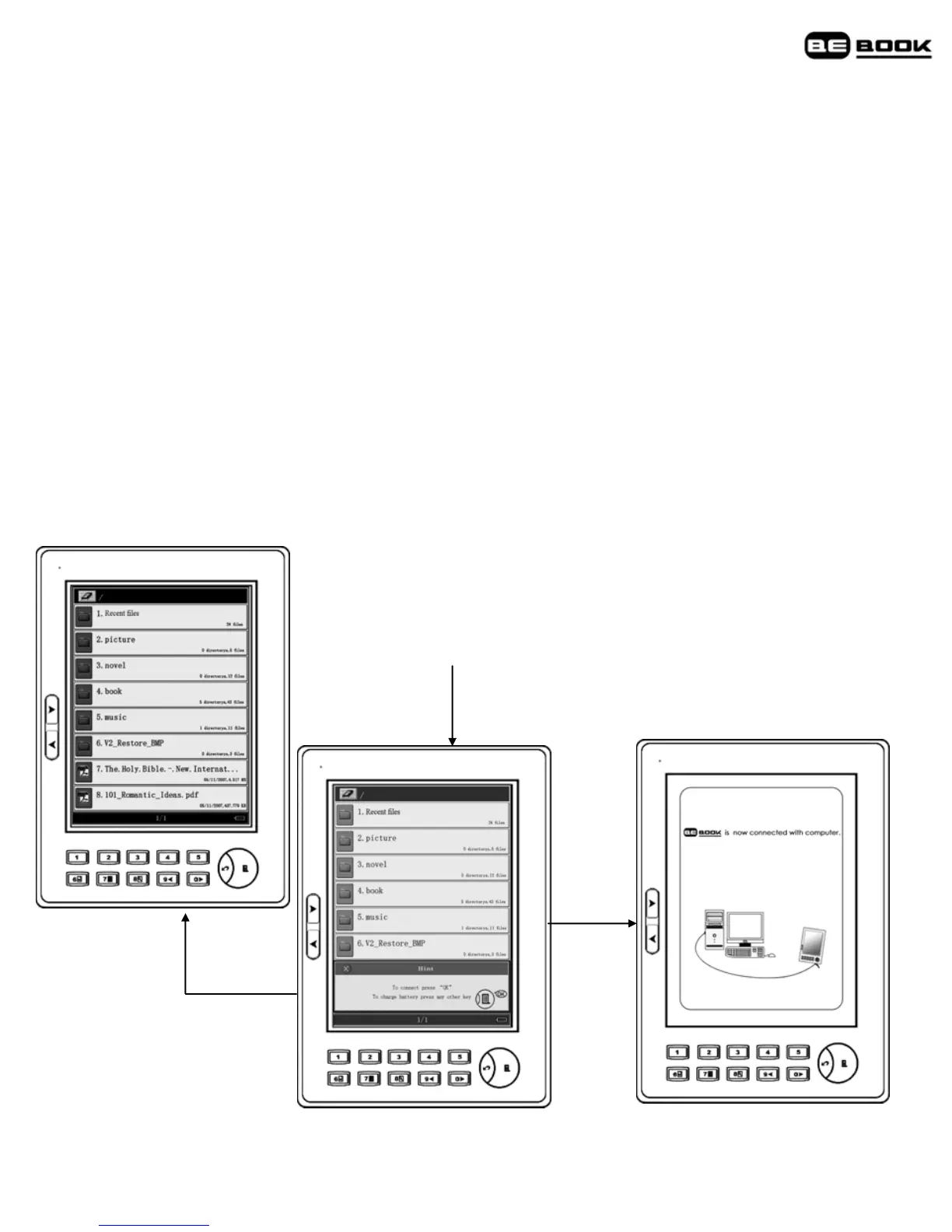
You can connect your BeBook to your PC or Mac by USB cable supplied.
Plug in the USB cable to your computer and BeBook and press menu to
connect. When connected the My Computer window will display a
Removable Disk icon.
Note
Exit
Insert USB Cable
Menu
When the USB cable is connected, you will not be able to read books on
your BeBook screen.



 To Next Page