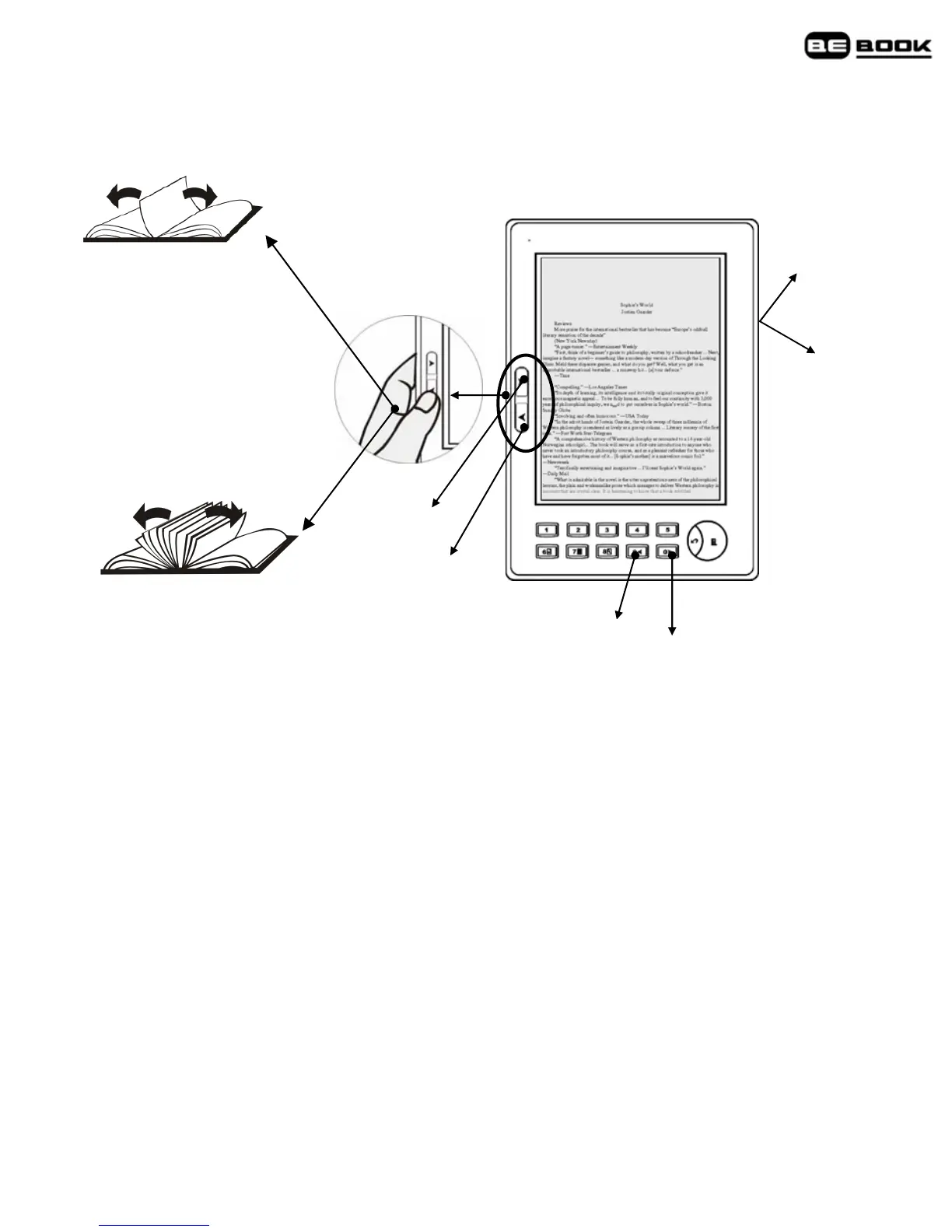
3. Move the thumbwheel up/down to turn a page; move the
thumbwheel down to display menu or to confirm the current operation.
Long press to turn 10
pages at one time
Press at one time to
display the previous or
next page
Previous
Next
Previous
Next
Next
Previous
First/Last page
Go straight to the first or last page of a book.
1. When a text page of a book is displayed, press Menu button to open
the menu.
2. Press 1 to display the first page, or 2 to display last page.
Note
First/Last page and Page Jump are book features only and do not apply
to images.
Jump to a page
Go straight to a specific page number.



 To Next Page