Search
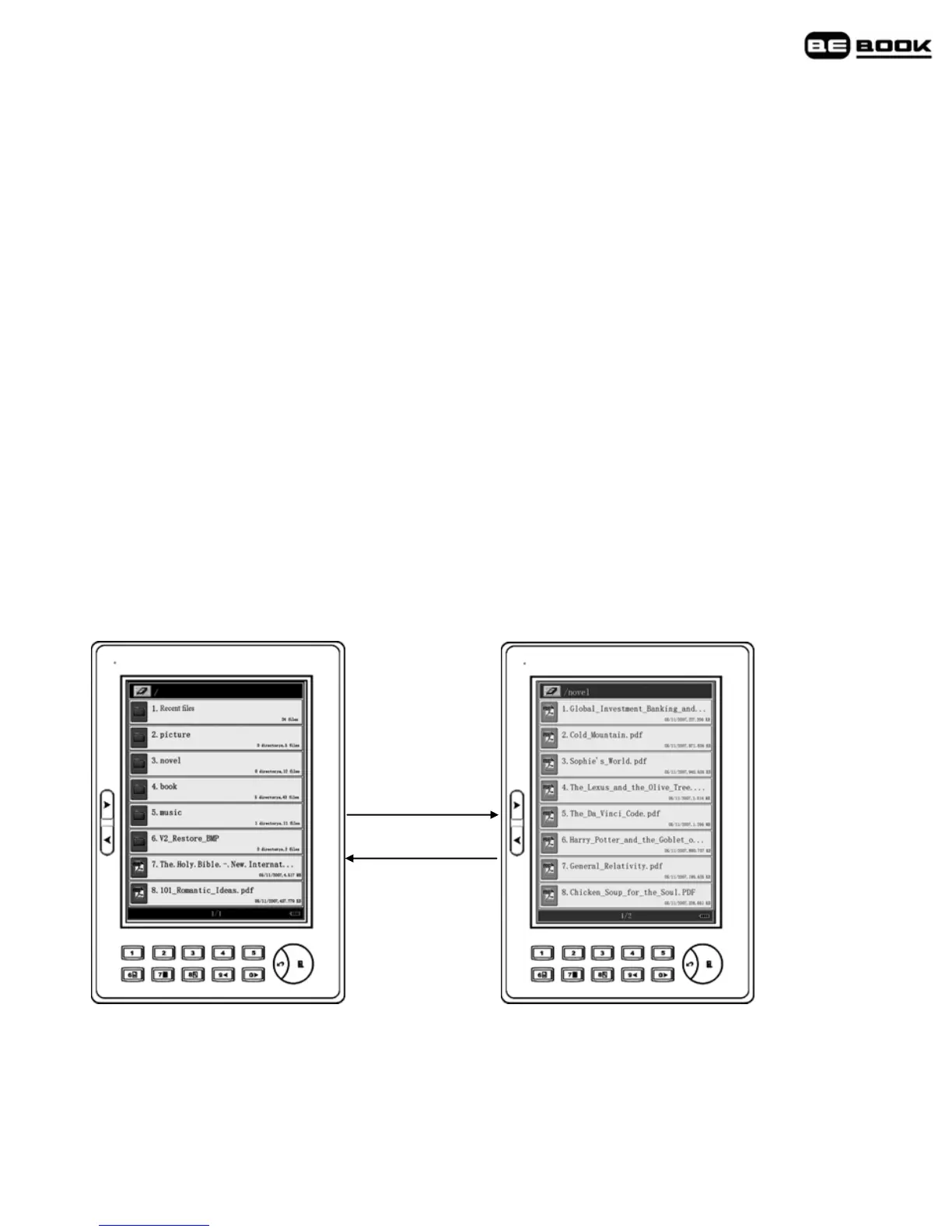
Search for a book
1. When the bookshelf page is displayed, up to eight titles are shown.
Press Next> or <Previous buttons or move the thumbwheel down to
display the next bookshelf page.
2. Press and hold the Next> or <Previous buttons to skip 10 pages
forward or back.
3. To select a title from the bookshelf page, press a key 1-8.
Search by folder category
You can save books of the same kind in the same folder.
1. Press a number key 1–8 to enter a sub-folder.
Exit
1~8
2. Press a key 1-8 to open the book or document you want.
Search by order
1. When the bookshelf page is displayed, press the Menu button to
display the menu.



 To Next Page