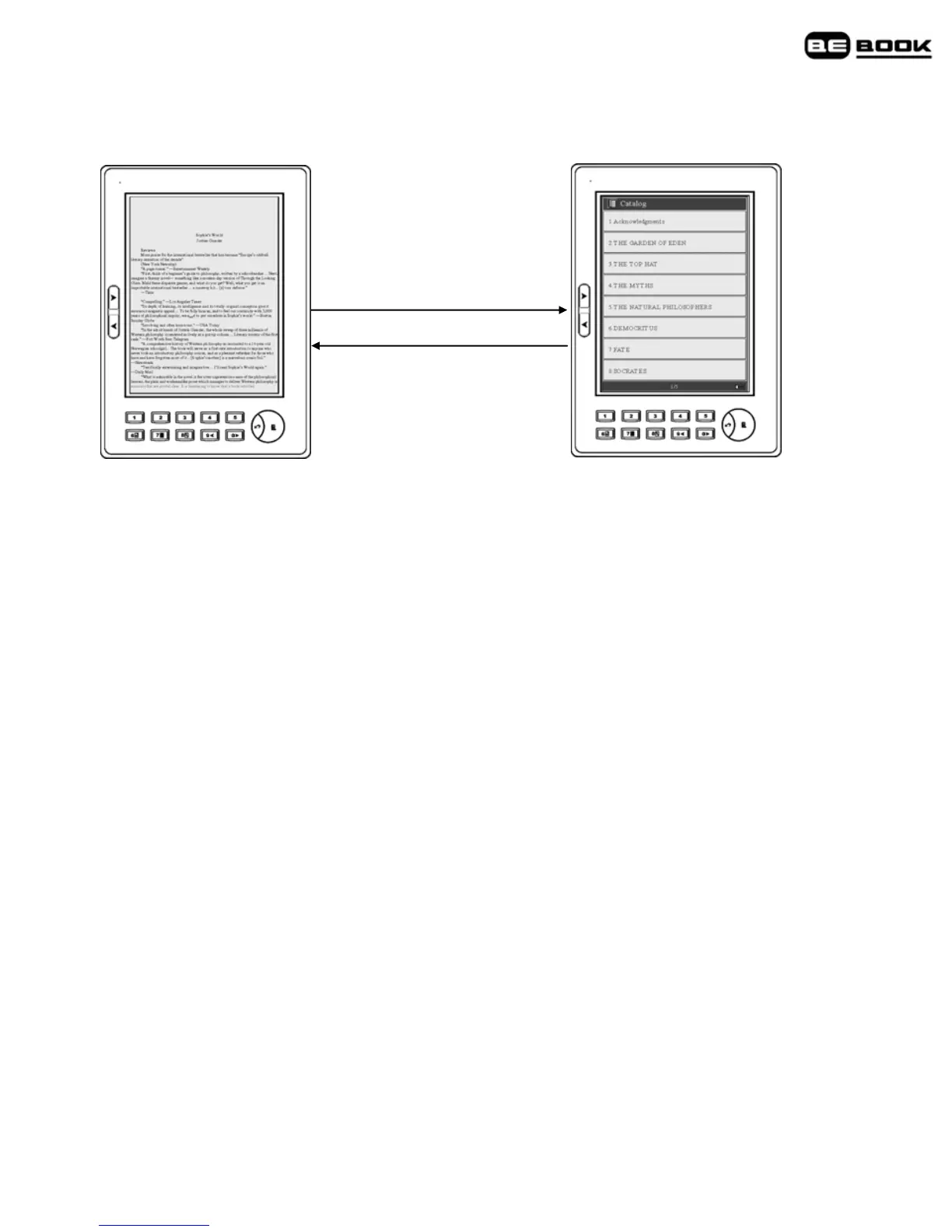
Catalog
Go to catalog /7
Exit
1. When a page of text is displayed, press Go to catalog/7 key to
display the catalog screen.
2. Press a key 1-8 to select from the catalog options displayed. If
required, select from the next catalog option screen.
3. At the final screen press the number key to go to the chapter you
want.
4. Press Exit to return to the previous screen.
Note
The index is not available for images or documents in txt and html
formats.



 To Next Page