Getting started
1. Install the battery
Open the battery cover.
Install the battery as indicated on the battery slot.
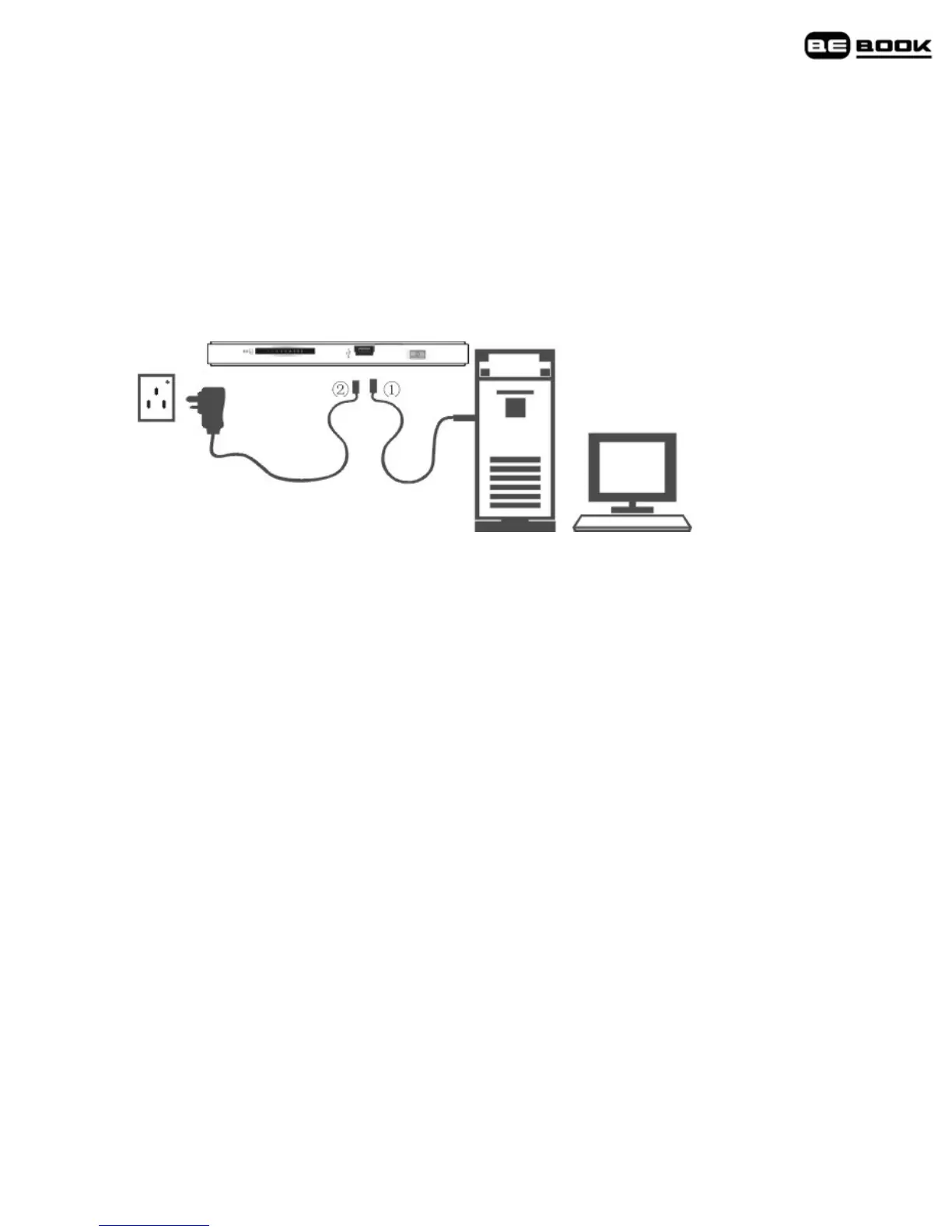
2. Charge battery for at least 12 hours
• Plug the USB
1
cable into your PC or Mac and connect the other end to
your BeBook.
• To charge the battery for the first time, please allow 12 hours
continuous charging. Subsequently, it takes about four hours to fully
charge the battery from flat.
Charging indicator light
• While charging the light flashes orange.
• When fully charged the light is green.
Your BeBook can be used while charging, but the charging takes longer.
One full charge lasts up to 7000 page turns or up to 5 hours of mp3
playback.



 To Next Page