Important
Do not use a different type of battery or charger, this can cause
damage to your BeBook.
Do not remove the battery when charging.
Note
Your BeBook can be also charged by a power adapter
2
(not supplied).
Connect the BeBook to the power adapter, and plug the power adapter
into a mains power socket.
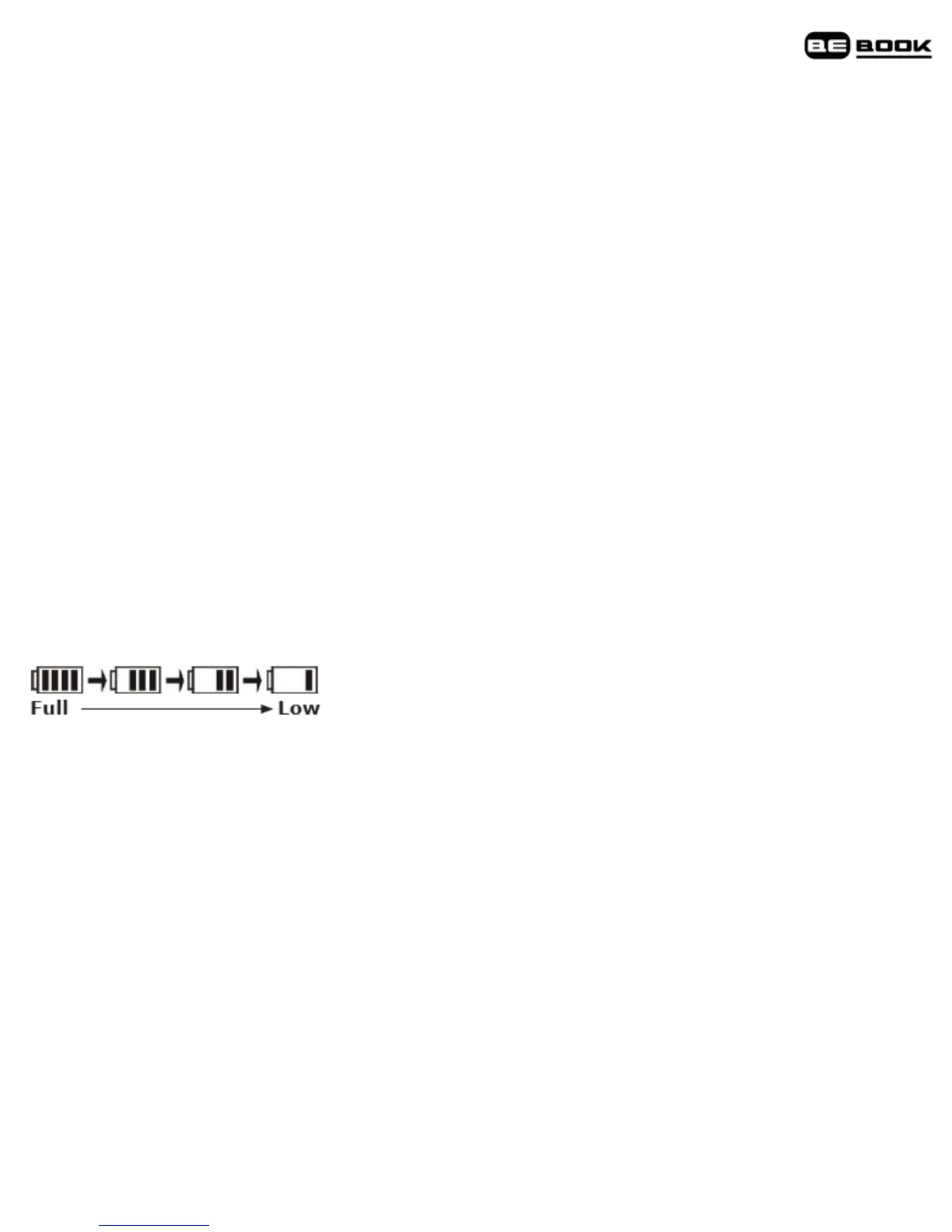
Battery status
The battery status icon is displayed at the bottom right corner of the
screen. When only one power bar is displayed or you hear the low
battery warning, charge the battery.



 To Next Page