2. All available information about the book you are reading is displayed.
This can include the author, file name publisher and publication date.
Different books may supply different information.
3. Press exit to return to the previous screen.
MP3 tracks
Play music
1. When the main bookshelf screen is displayed, press the number key
to play your MP3 files.
2. Press the Menu button to display the MP3 menu, and then press 1,
the Music Play function will display all information of the current MP3,
including song title, bit rate and playing time.
MP3 controls
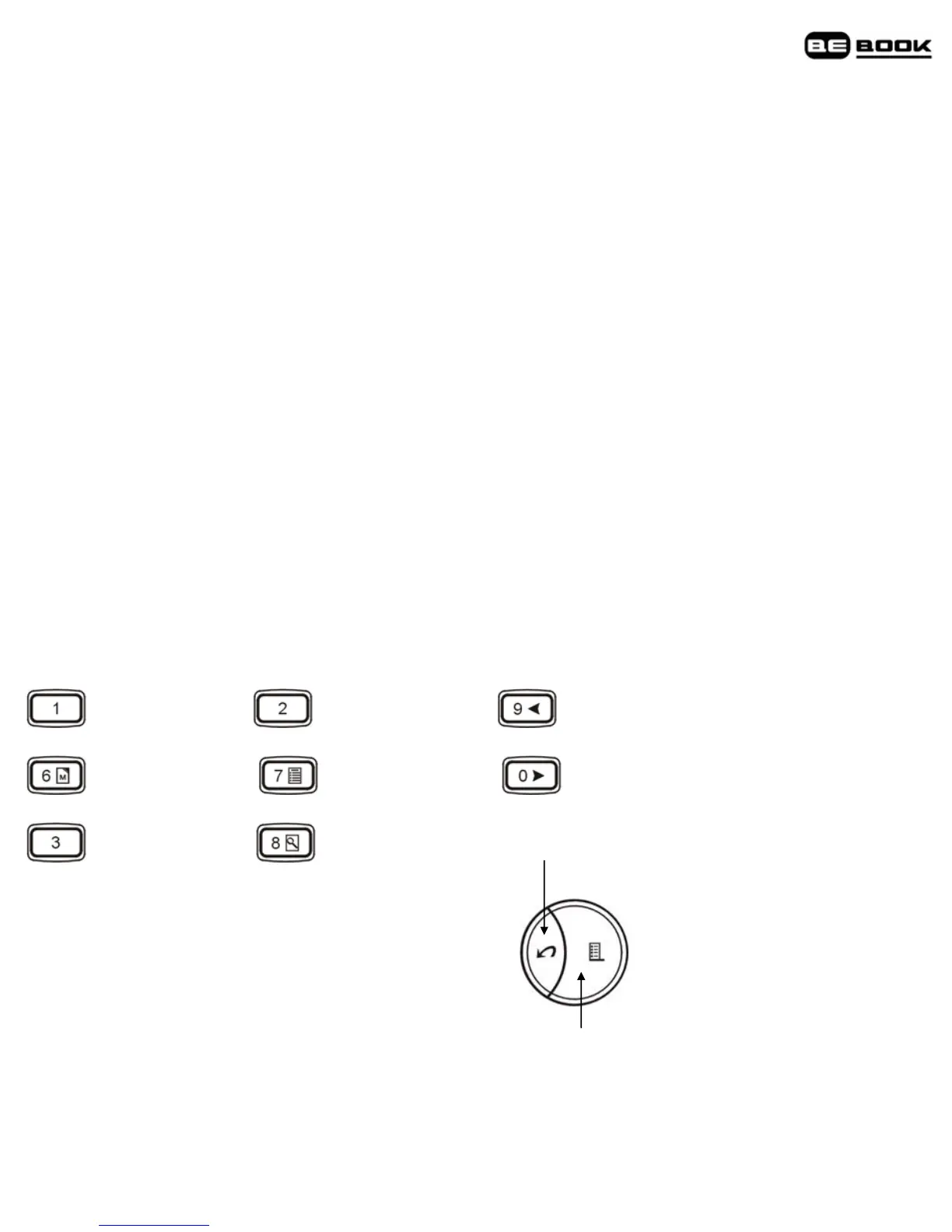
Fast Rewind Volume down Previous track
Fast forward Volume up Next track
Cycle Stop
Back to bookshelf
Note
Play/Pause
It is possible to use all features of the BeBook Mini while listening to
MP3 files.



 To Next Page