AR6201 - RT6201 - RCU6201 - AR6203
DV 14307.03 Issue 1 09/2013 Page 2-21
Display Contents Description
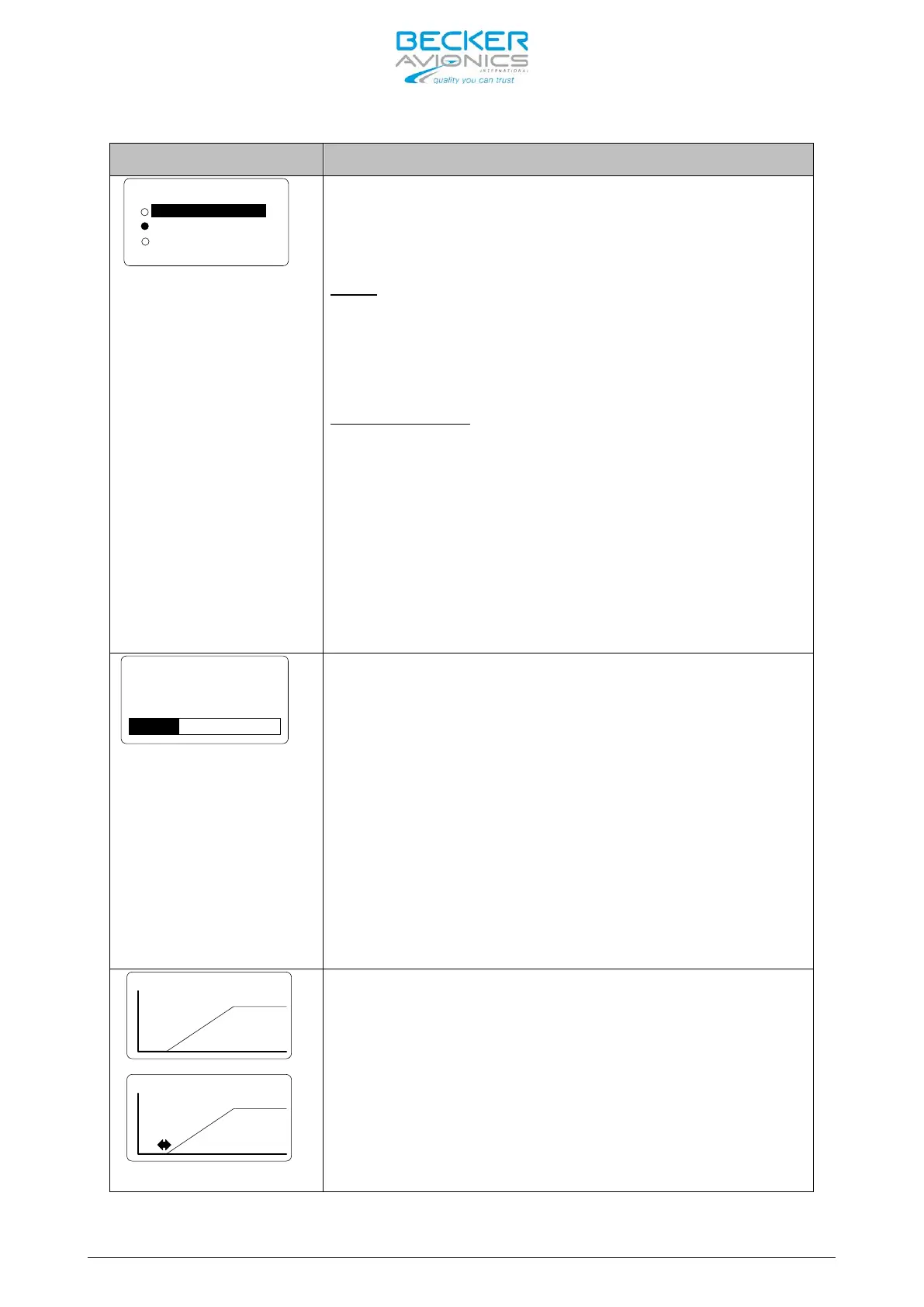
DIMMING INPUT
NONE
0-14V
0-28V
One of three op
tions can be selected by turning the
“ROTARY ENCODER” to dim display illumination
push-b
utton background lighting. Finalize the
selection by pressing “STO” push-button.
:
The illumination for LCD and push-
buttons is
controlled via the “ROTARY ENCODER” on the
transceiver itself. The pilot can adjust
brightness in the pilots menu.
:
The background lighting for LCD and push-
controlled (via pin P1-10/P1-
of the aircraft. The dimming curve is
within the range from 0 … 14 V DC
28 V DC
. Adjusting the brightness via the “ROTARY
ENCODER” is no longer possible after selecting this
option.
Note: Menu available on primary and secondary
controller
The brightness of the LCD and push-
button
illumination can be adjusted between 0% (off) and
100%. Select your brightness by turning
ENCODER”. The BRIGHTNESS
settings can also be
adjusted in the pilot setup menu. Pilots can
change the parameter at any time.
BRIGHTNESS
settings are separate for each
controller
therefore this menu is available on
both controllers.
Note: This page is displayed only if dimming
input is set to “NONE”. Otherwise the
aircraft dimming bus will control the
brightness
The page “ILLUM CURVE” is
DIMMING i
nput is either selected for “14V or 28V”
dim-bus voltage. The illumination curve
shows the
relation between dimming bus voltage and
brightness of the LCD and push-
illumination. Two adjustable points V1 and V2
define th
e illumination curve. Select the
respective parameter by pushing the “STO” button
and then adjust the value in horizontal
(left/right) respectively vertical up/down)



 To Next Page