AR6201 - RT6201 - RCU6201 - AR6203
DV 14307.03 Issue 1 09/2013 Page 2-27
Display Contents Description
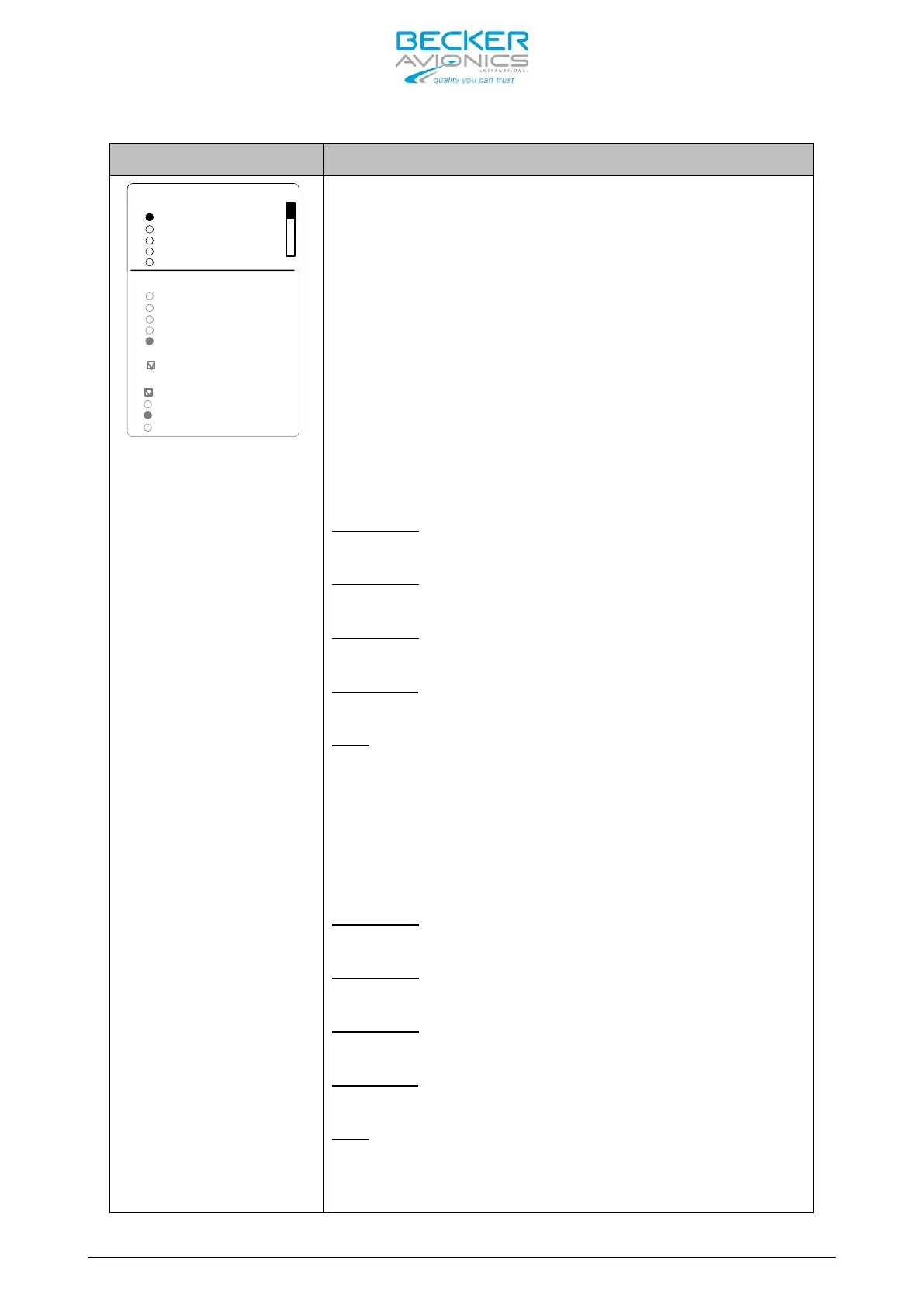
IN/OUT CFG 2
STD 1 MIKE
STD 2 MIKE
STD 3 MIKE
DYN MIKE
HDPH 1
HDPH 2
SPEAKER
BOTH MIKES
MICROPHONE 1
MICROPHONE 2
NONE
STD 1 MIKE
STD 2 MIKE
STD 3 MIKE
DYN MIKE
NONE
OUTPUTS
NONE
MIC ACTIVATION
On “IN/OUT CFG 2” page the microphone inputs and
headphone outputs for configuration CFG2 can be
configured. This page is displayed only if MIKE_SW
input (Pin J1-
24) has active state. Please
remember when MI
KE_SW connected in installation
both configurations
for IN/OUT CFG1 and IN/OUT
CFG2 shall be configured
the “ROTARY ENCODER”.
“MICROPHONE 1” (at one time o
selected):
- standard microphone input 1
(Pins P1-18/ P1-8) is selected
- standard microphone input 2
(Pins P1-9/ P1-8) is selected
- standard microphone input 3
(Pins P1-19/ P1-8) is selected
- dynamic microphone input
(Pins P1-6/ P1-5) is selected
- No microphones is used in microphone path 1
“MICROPHONE 2” (at one time o
selected):
- standard microphone input 1
(Pins P1-18/ P1-8) is selected
- standard microphone input 2
(Pins P1-9/ P1-8) is selected
- standard microphone input 3
(Pins P1-19/ P1-8) is selected
- dynamic microphone input
(Pins P1-6/ P1-5) is selected
- No microphones is used in microphone path 2



 To Next Page