AR6201 - RT6201 - RCU6201 - AR6203
DV 14307.03 Issue 1 09/2013 Page 2-31
Display Contents Description
After modifying this parameter a communication
check shall be done by the installer. It is
recommended to perform this communication check
with and without engine running.
Menu available on primary controller.
For installations with high interferences
it is recommended to use sensitivity level 27mV to
1500 mV.
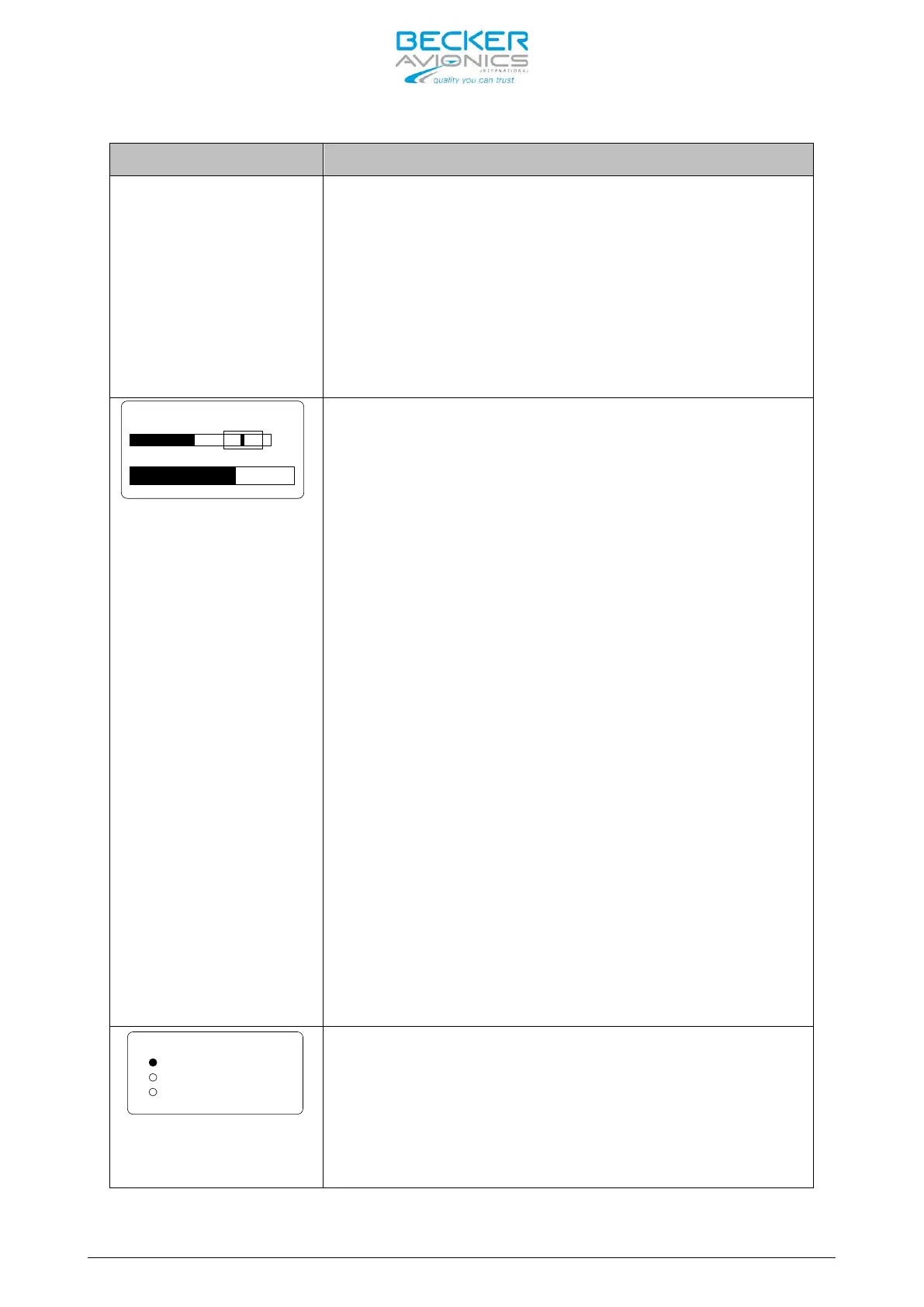
DYN MIKE SENS
VU
20 dB 2.5 mV
Note:
displayed if :
Dynamic input is selected
in IN/OUT CFG1 and
MIKE_SW input pin status
is [
]
or Dynamic Mike input is
selected in IN/OUT CFG2
and MIKE_SW input pin
status is [
]
The sensitivity of the Dynamic Mike, “DYN MI
KE
SENS”, input is adjustable within a range of 0,5
mV to 25 mV by turning the “ROTARY ENCODER”.
The factory setting is 3.5 mV.
When speaking normally into the microphone the bar
graph should remain within the recommended
predefined range
The micro
phone sensitivity shall be adjusted
to achieve a correct modulation by keeping the
cockpit noise suppression as high as possible.
If the sensitivity is adjusted to a smaller value
(e.g. 1 mV) the cockpit noises may become louder
than for a higher adjustment (e.g. 25 mV).
Otherwise, adjusting the sensitivity to a very
high value (e.g. 25 mV), the cockpit noise is
significantly reduced but the modulation of the
transmitter may not be sufficient.
The installer shall perform a communication check
after modifi
cation of this parameter. Recommended
is to perform this check with and without a
running engine.
Note 2: Menu available on primary
controller.
For installations with high interferences it
is recommended to use sensitivity level 2 mV
mV
SPKR VOLUME SOURCE
PRIMARY CH
SECONDARY CH
BOTH
One of the three following options may be selected
for speaker volume source, “SPKR VOL SRC”, by
pressing the “STO” button:
PRIMARY CH
If “PRIMARY CH” is selected the speaker volume
will be adjustable by AR6201-(X0X).



 To Next Page