AR6201 - RT6201 - RCU6201 - AR6203
Page 2-32 DV 14307.03 Issue 1 09/2013
Display Contents Description
SECONDARY CH
If “SECONDARY CH” is selected the speaker volume
will be adjustable by RCU6201.
BOTH
If “BOTH” is selected the speaker volume will be
adjustable by the arithmetic average value from
AR6201-(X0X) and RCU6201.
The “SPKR VOLUME SOURCE” shall be set to
“PRIMARY CH” if the optional second controller
RCU6201 is not available. Note: If optional second
controller RCU6201 is not available then SPKR
VOLUME SOURCE shall be set to the PRIMARY CH
Menu available on primary controller only
The noise s
quelch threshold “SQUELCH THR” is
adjustable within a range of
the “ROTARY ENCODER”.
Minimum Adjustment of 6 means:
W
eak RF signals can trigger the Squelch threshold
and the voice signal might be
noisy background.
Maximum adjustment of 26 means:
Only strong RF signals will
trigger the Squelch
threshold. The voice signal will be audible very
clear with very low background noise.
Weak RF signals may not trigger the Squelch
thres
hold and therefore the audio may not be heard
by the pilots.
Note: Adjustment of the “SQUELCH THR” is
via the “PILOTS MENU” at any time.
Menu available on primary controller only
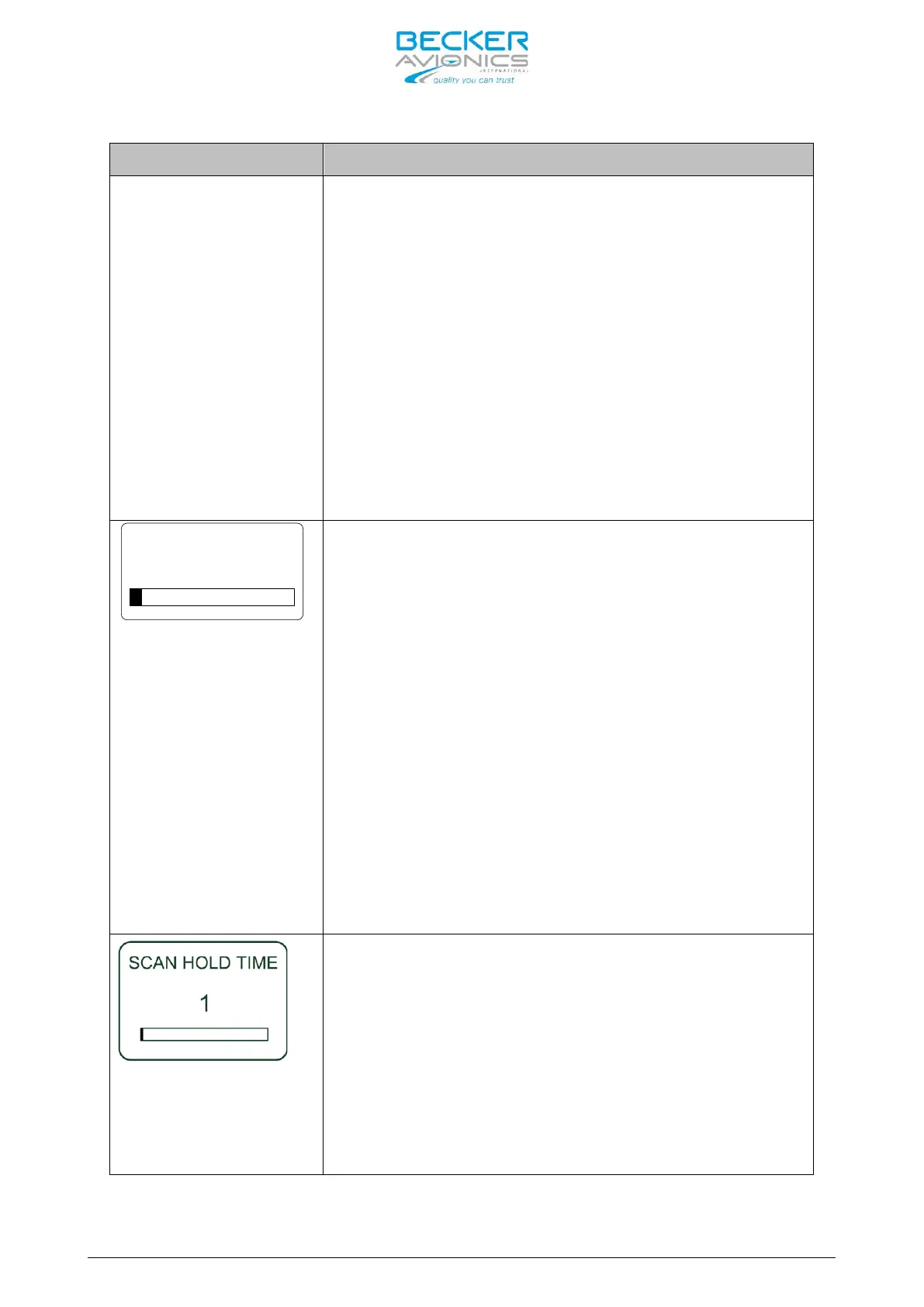
The “SCAN HOLD_TIME” is adjustable within the
range of 1
to 60 seconds by turning the “ROTARY
ENCODER”.
1. For normal airborne operation it is recommended
to leave the setting at 1.
2. The default factory setting is 1.
3. The Menu is available only on the primary
controller
Note: Menu available on primary controller only



 To Next Page