34
Navigation mode
• DURATION:
Setting as to whether ETA, the current
time or the remaining travel time
should be displayed on the right side
of the display during navigation.
•
MOTORWAY:
Stipulation as to whether the route is
calculated with or without motorways.
•
FERRY:
Stipulation as to whether the route is
calculated with or without ferries.
•
TOLL:
Stipulation as to whether the route is
calculated with or without toll roads.
• SPEEDLIMITS:
Setting to stipulate whether speed
limits are to be displayed during navi-
gation.
! Scroll through the list of settings by
turning the right rotary control .
! To change a setting select the required
entry and press the right rotary
control .
After 8 seconds without operation, or if
the button is pressed, the system
returns to the route guidance display.
The changes are then active.
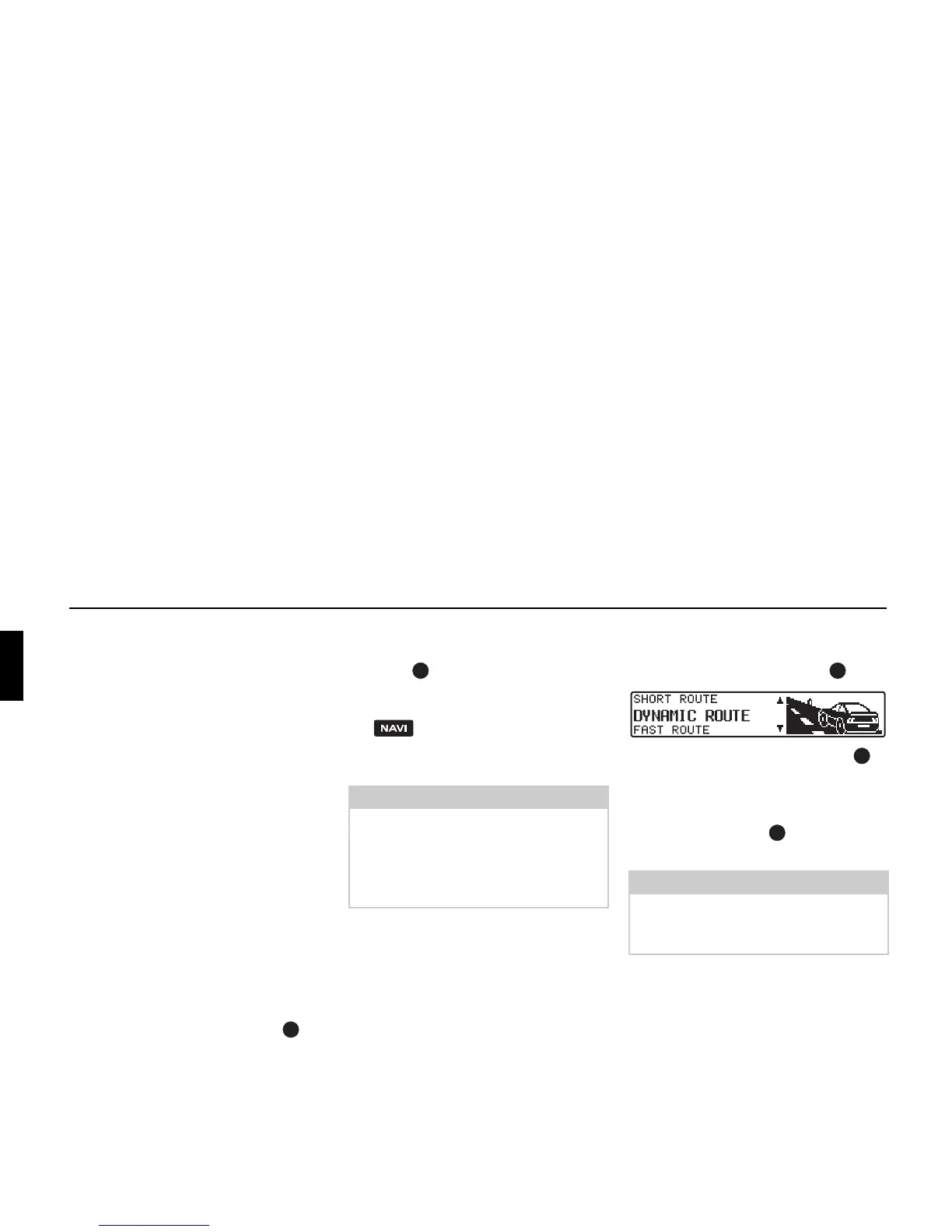
Changing ROUTE:
! Select ROUTE: from the settings and
press the right rotary control .
! Then turn the right rotary control to
select the required route calculation
method.
! The setting is accepted by pressing the
right rotary control .
The list of settings is displayed again.
Note:
After changing settings (ROUTE:, MO-
TORWAY:
, FERRY: and TOLL:) the
route must be recalculated by Indianap-
olis Pro. You may then have to insert
the navigation CD.
Note:
Further information on setting options
can be found under “Selecting route set-
tings” on page 24.















 To Next Page