35
Navigation mode
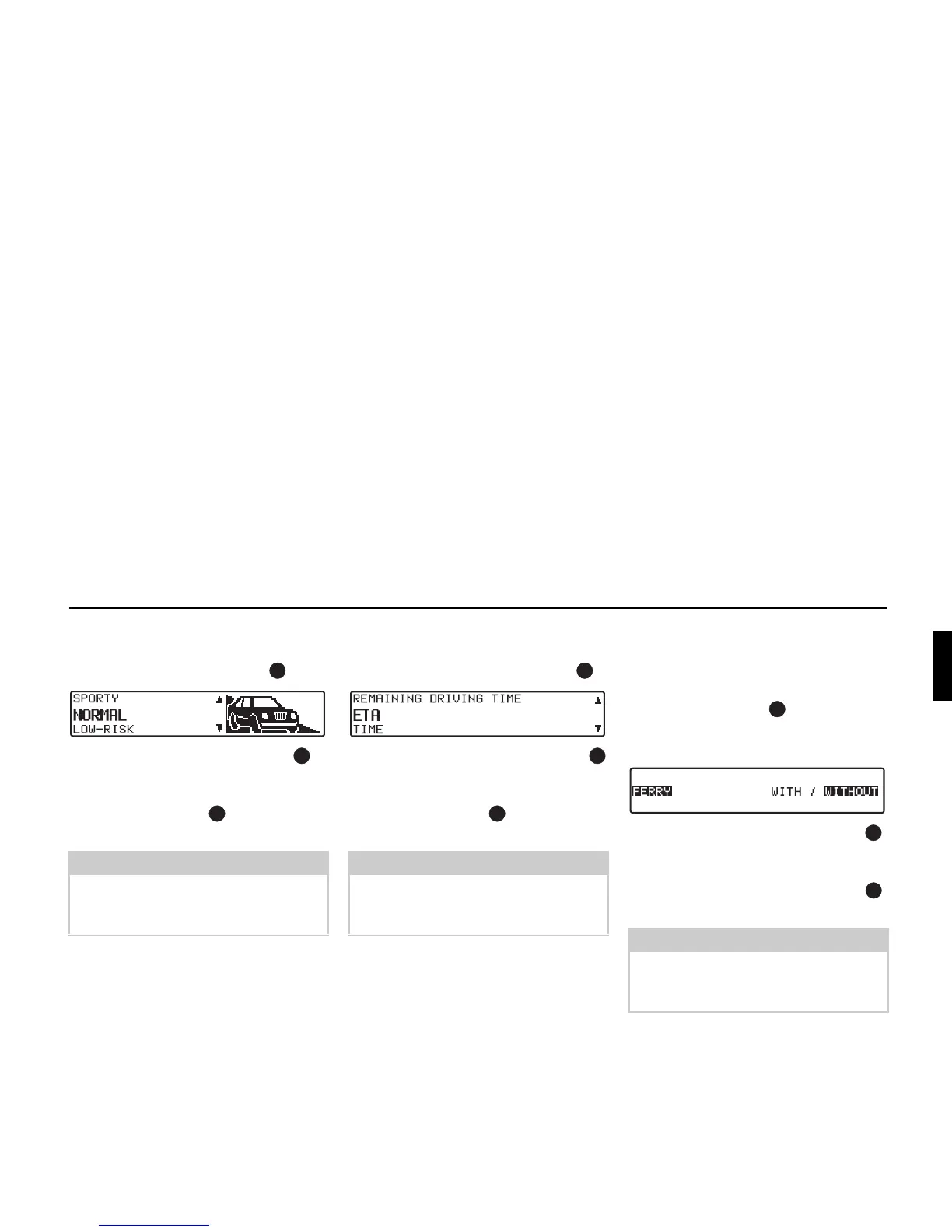
Changing ETA:
! Select ETA: from the settings and
press the right rotary control .
! Then turn the right rotary control to
select the required setting.
! The setting is accepted by pressing the
right rotary control .
The list of settings is displayed again.
Changing
DURATION:
! Select DURATION: from the settings
and press the right rotary control .
! Then turn the right rotary control
to select the required setting.
! The setting is accepted by pressing the
right rotary control .
The list of settings is displayed again.
Changing
MOTORWAY:, FERRY: or
TOLL:
! Select MOTORWAY:, FERRY: or
TOLL: from the settings and press the
right rotary control .
The setting
FERRY: is shown here by
way of an example.
! By turning the right rotary control ,
select either
WITH or WITHOUT.
!
The selection is accepted by pressing
and holding the right rotary control .
The list of settings is displayed again.
Note:
Further information on setting options
can be found under “Influencing the
calculation of ETA” on page 46.
Note:
Further information on setting options
can be found under “Setting the time
display” on page 47.
Note:
Further information on setting options
can be found under “Selecting route set-
tings” on page 24.















 To Next Page