55
NAVIGATION MODE >>>
> D
> GB
> F
> I
> PL
Entering a point of interest directly
> Press the
POI search by name button.
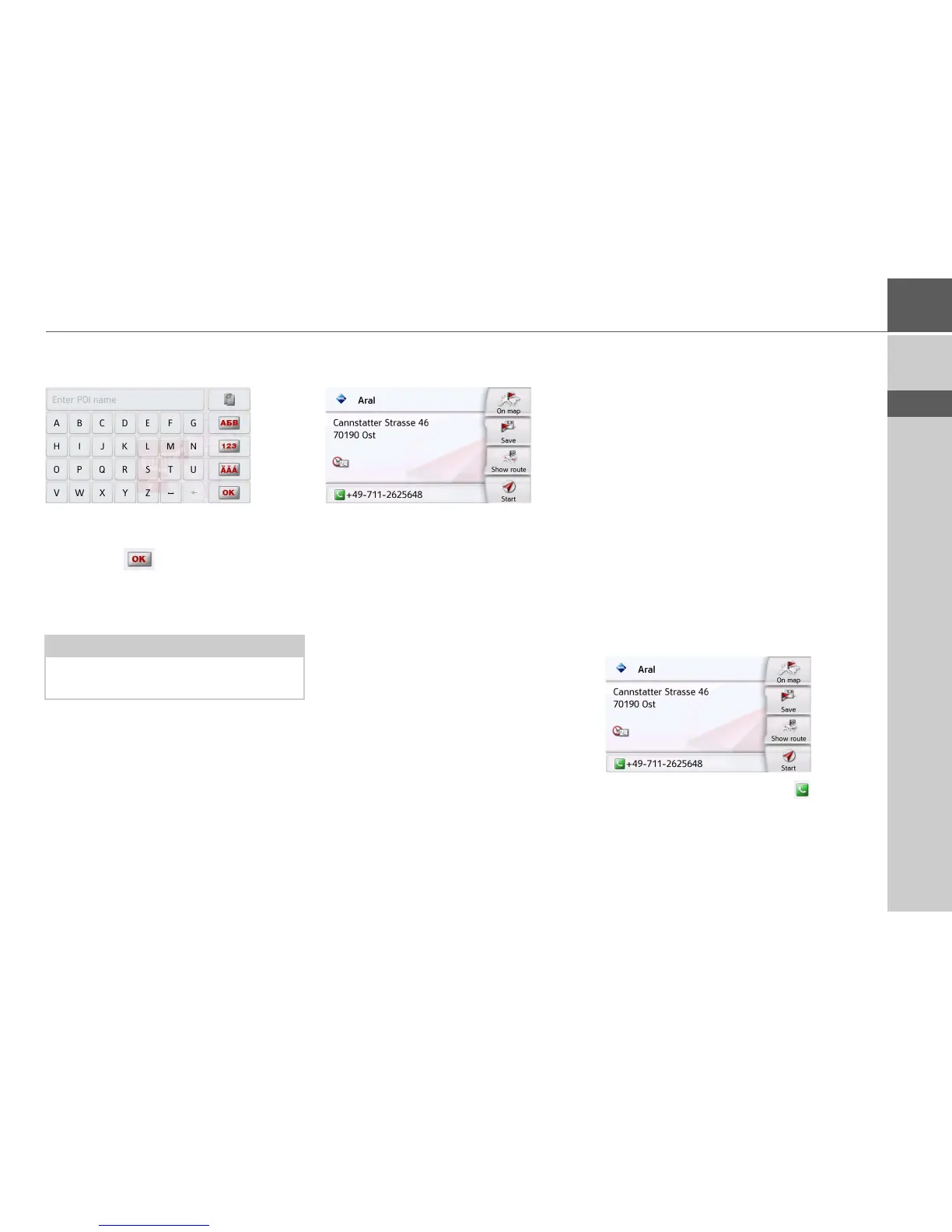
> Enter the desired point of interest or
part of the name.
> Press the button.
The Navigation device displays in a list all
the points of interest corresponding to
the name entered.
> Select the desired destination in the
list.
You will now receive additional informa-
tion about your chosen destination.
> Press the
Start to begin route guidance
to the point of interest straight away.
However, you can also display your
chosen point of interest on the map (
On
map
), store it in fast access mode (Save)
or display the route to the point of
interest (
Show route).
Calling special destination phone number
(depending on the model)
You can dial directly phone numbers
specified in the information on a point of
interest
The prerequisite here is that a cell phone
is connected via Bluetooth with the
Navigation device.
> Press the button with the symbol
shown at the bottom of the point of
interest information screen.
The call will be initiated.
Note:
The search radius is limited to 50 kilo-
meters around your current position.





 To Next Page