Frequency Selection Modes
26 VHF Transceiver 0638.420-071 Issue 06 02/2021
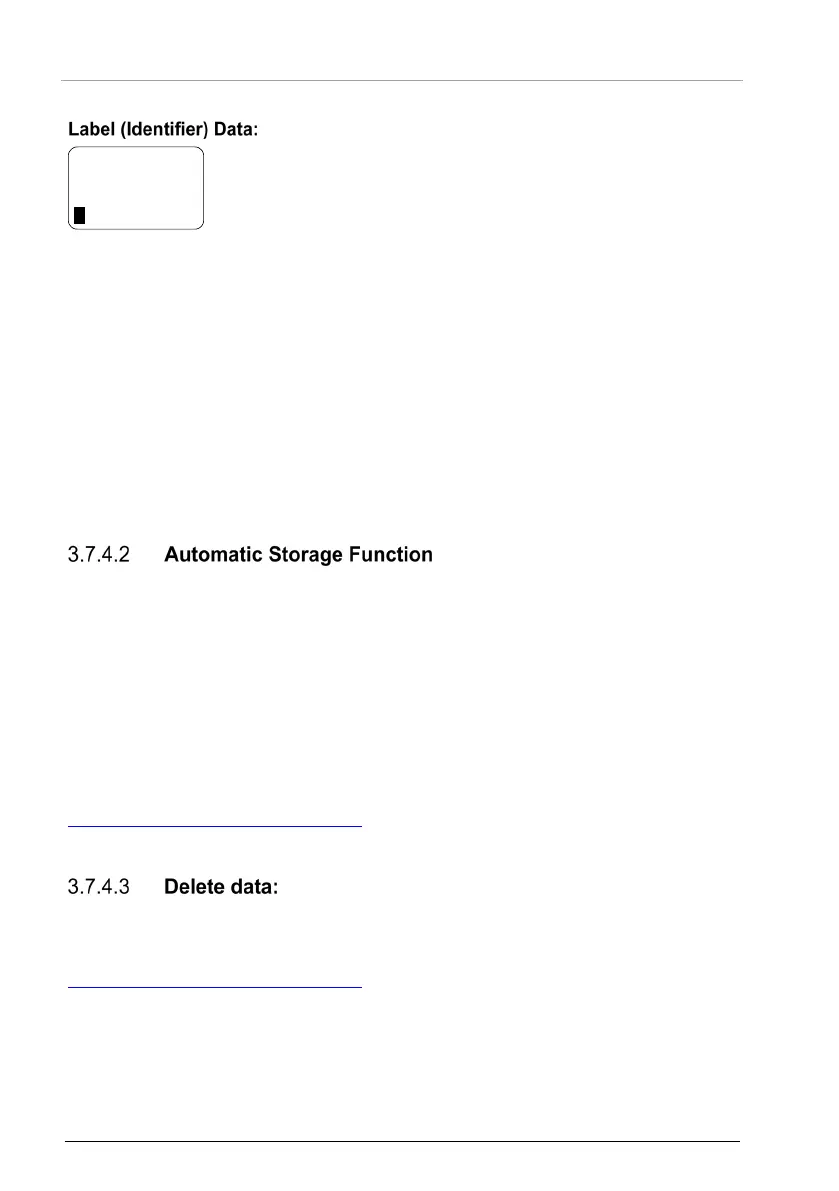
• Turn the rotary encoder to select the characters.
• The selection works in both directions
(example: blank A …Z 0 9 — / blank
A with a turn clockwise or counter clockwise).
• A short push on the rotary encoder and the cursor is on the
next position.
• A short push of the "STO" key stores the label.
• A long push of the "STO" key clears the label.
• When the change is stored the transceiver changes to the
before selected mode.
• If no action occurs in label editing mode in 7 seconds, the
transceiver changes to the before selected mode without
storage the frequency and label information.
• Stored frequencies are callable in channel mode (see "
The transceiver stores recently selected frequencies. Named and callable as
LAST 1…LAST 9 (see "Channel Mode", page 22).
• With the change to a new active frequency, the before selected
active frequency is stored in memory as LAST 1.
• The frequencies stored in LAST 1...LAST 8 are shifted to
memory channels LAST 2...LAST 9.
Notice The functions "LAST" and Store/Restore are only available if
they are enabled in the configuration setup*
("MEM OPTIONS").
* For details please refer to related manual:
http://www.becker-avionics.com/manuals/
Communication → VHF Transceiver
The stored data in user channel database can only be deleted in the
configuration setup*. Please notice, the whole channel database will be reset.
* For details please refer to related manual:
http://www.becker-avionics.com/manuals/
Communication → VHF Transceiver
STO
_ _ _ _ _ _ _ _ _ _
125.875



 To Next Page