13
DE
GB
FR
NL
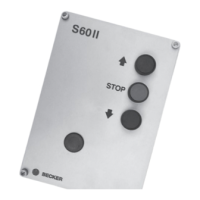
Integrated operating elements
• Door UP
Pressing the UP button (front) opens the door in self-locking. The door stops automatically when the upper end limit is
reached or if a safety function actuates (e.g. emergency stop switch).
If you wish to change to the Up direction while the door is descending, you must press the Stop button first of all.
• STOP
The opening or closing door can be stopped immediately in any position by pressing the STOP button (front).
• Door DOWN
Pressing the DOWN button (front) closes the door in deadman’s mode. If the “Multicard II” is used with safety edge and
light barrier, closing occurs in self-locking. The door stops automatically when the lower end limit is reached or if a safety
function actuates. If the bottom pneumatic safety-edge rail or light barrier actuates, the door stops and then moves to the
upper final position or clears the obstacle, depending on the setting of the Multicard II.
• Emergency stop switch (optional)
When the emergency stop switch is activated, the control voltage is switched off. The “+UB” LED on the motherboard goes
out and the drive is switched off immediately. Further door movement is only possible after releasing the emergency stop
switch.
• Main switch (optional)
The main switch switches the mains feed off at all poles.
• Safety disconnection (optional)
The drive is additionally isolated from the mains with the “Ö-Norm module”.
Control inputs and external pick-ups
Note
See also “Functional overview”
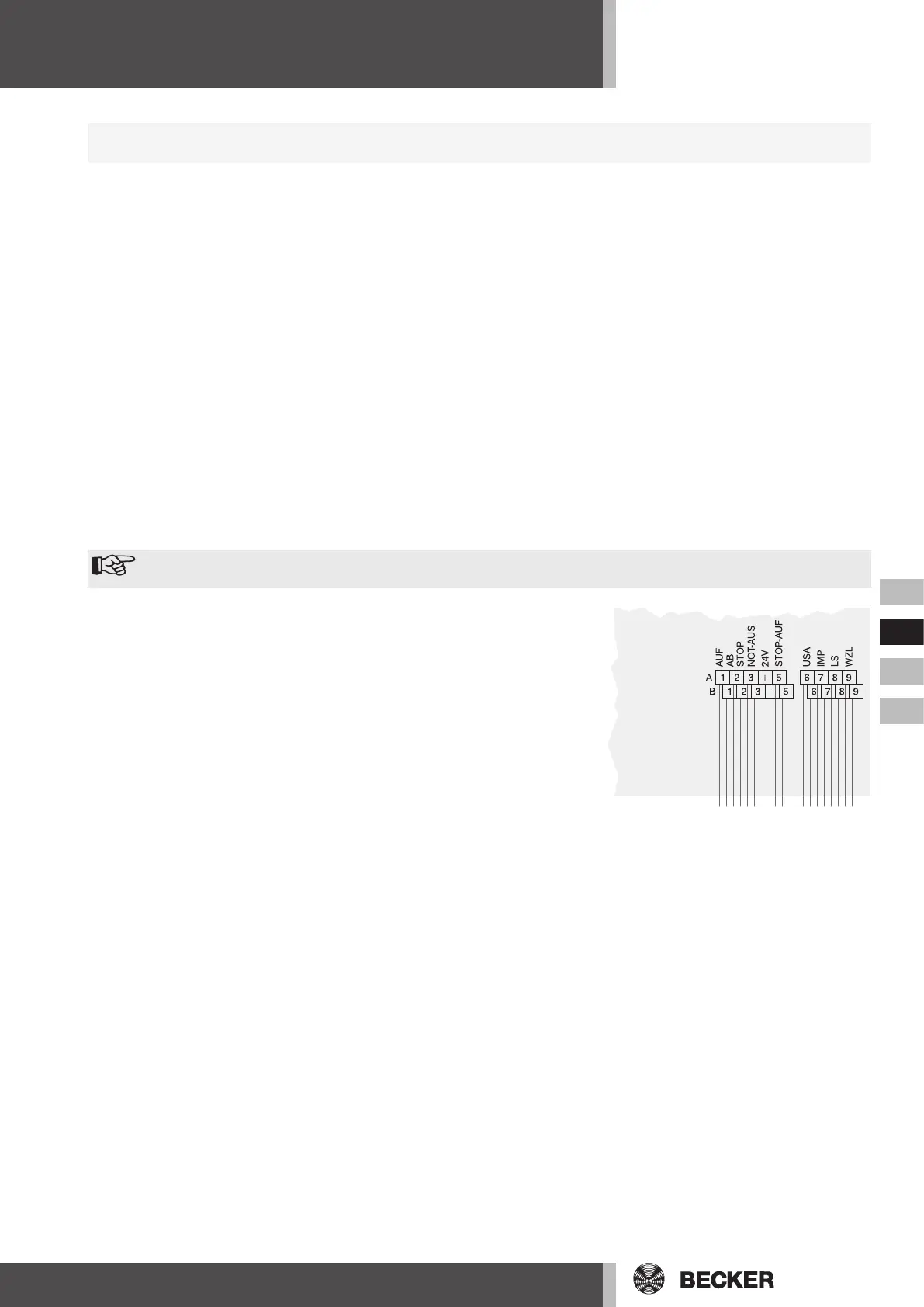
• External pick-ups (UP STOP DOWN)
An additional triple pushbutton can be connected, which is identical in func
-
tion to the buttons on the front of the control.
• EMERGENCY STOP switch (EMERGENCY STOP)
The S60II control can be supplied with an EMERGENCY STOP switch in the
housing cover, if required.
• Slack cable limit switch (EMERGENCY STOP)
A slack cable limit switch can be connected in series with the EMERGENCY
STOP switch.
• Run-in safety device (STOP-UP)
A break contact in the run-in safety device stops upwards movement.
• 24V DC output voltage
A 24V d.c. voltage, protected by fuse F2 = 200mA, is available, e.g. for sup-
plying a light barrier.
• Bottom pneumatic safety-edge rail (USA)
An electrical (EL) or pneumatic (DW) safety contact rail with 1.2kOhm or 8.2 kOhm can be connected.
• Pulsed input (IMP)
For example, a ceiling pull switch can be connected, which converts the commands into the step switching sequence UP-
STOP-DOWN-STOP-UP ... .
• Light barrier (LS)
If the light barrier is interrupted (break contact), the door stops and ascends again. In conjunction with the automatic re
-
closing function, the light barrier resets the closing time to 3 seconds.
If the deadman’s insert card is used, the light barrier only produces a stop in the down direction.
• Automatic reclosing feature (WZL)
If the automatic reclosing feature is activated, the open door closes automatically after a preset time.
• 1-channel radio receiver
If a radio receiver (available as an accessory) is mounted, the step switching sequence can be implemented as at the
pulsed input, with the 1-channel hand transmitter.
The Multicard II insert card also provides the following connection options:
• Partial opening
• Optical safety device OSE (FRABA)
For the exact functions and settings, please refer to the instructions for the relevant insert card.
Functional description


 To Next Page
 Loading...