Commissioning/application notes
CU1521-xxxx, CU156138 Version: 2.5
5.2.4 Connecting and disconnecting the fiber cable
Connecting and disconnecting the optical fiber cable
NOTICE
Risk of damage to the cable!
To disconnect the optical fiber cable always pull the connector to release the locking mechanism - never
pull the optical fiber cable itself.
Crossover cables
Please note that when connecting the CU1521, CU1521-0010 to the remote station, it may be
necessary to use "crossed" cables in order to establish a connection.
Practical tip:
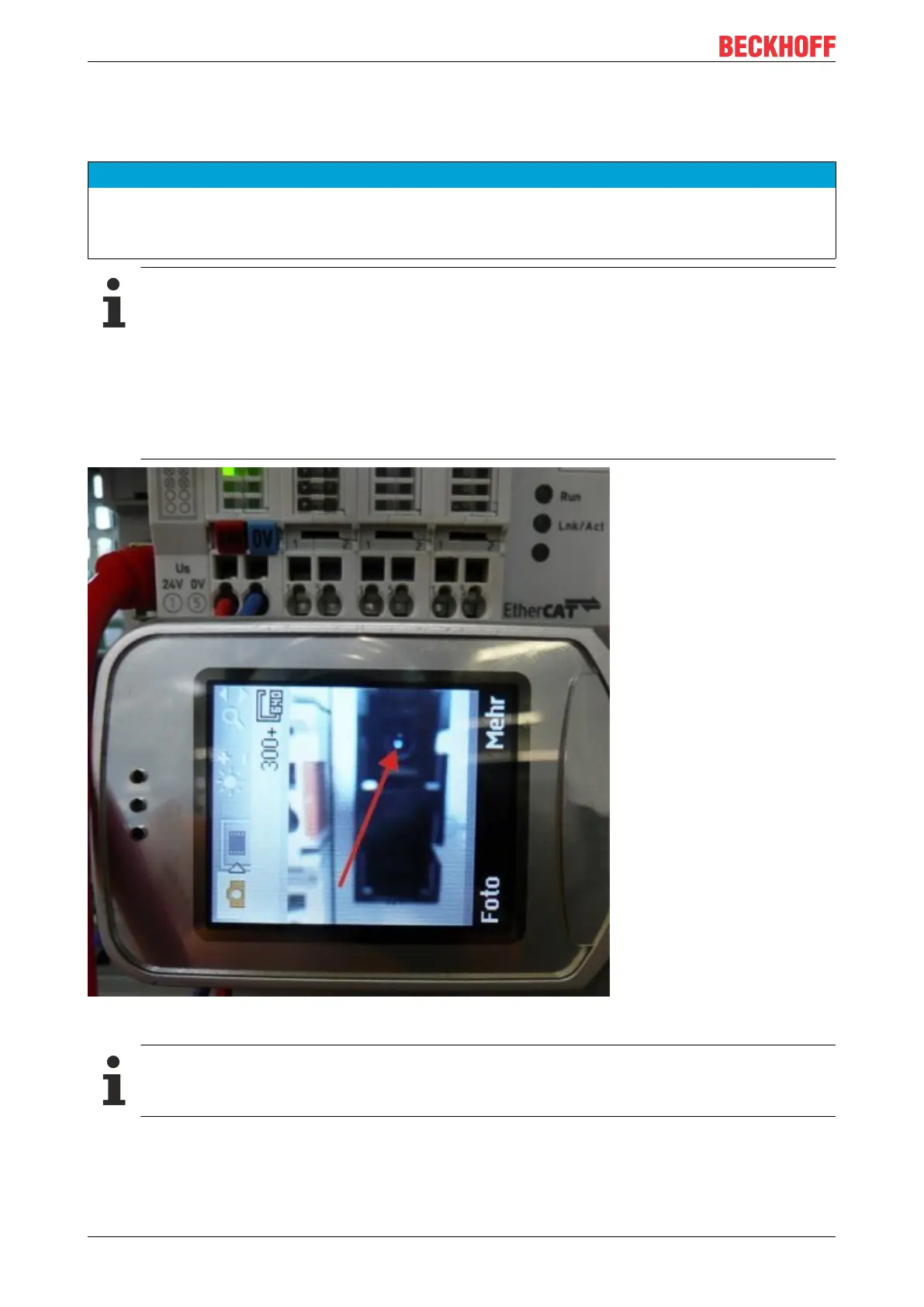
The infrared light emission can be made visible with some digital/mobile phone cameras (see figure
Visualization of infrared light at the SC Duplex connector), whether the camera used can receive
the IR wavelengths; must be checked in each individual case. Avoid 'light meeting light' when
connecting the optical fiber cable (Tx -> Tx). In this case no connection can be established, and you
have to cross the cables (Tx -> Rx).
Fig.24: Visualization of infrared light at the SC duplex connector
Use of blind plugs
To protect the transceiver from environmental influences, unused connection socket should be
sealed with the blind plugs provided! See Fig.: Blind plugs in unused sockets



 To Next Page