9
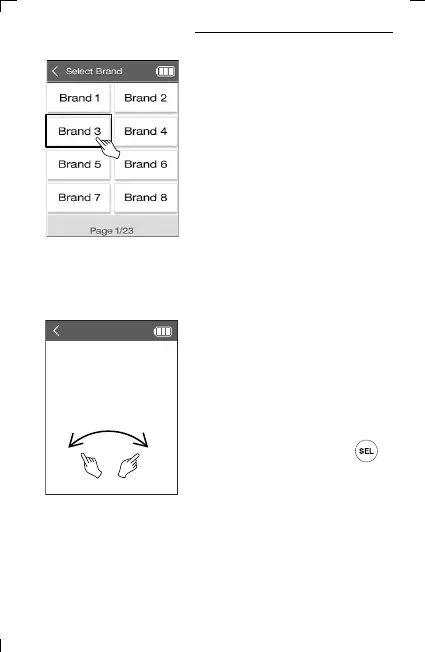
4) Select the manufacturer of your device.
(※ You can change the page by scrolling left/right or using the
previous/next page key to view more search by device and
manufacturer.)
5) Select an IR Codeset suitable for the
device. and press ON/OFF, Volume,
Channel keys, etc. to check if the device
operates normally.
Scroll left and right to find the
appropriate Codeset and press
key to confirm.
[TV]: Brand
Test any key to control the
selected device. If the device
is successfully operated.
Press SEL button to finish.
To change the codeset,
press Prev/Next button
5. Adding Database Devices



 To Next Page