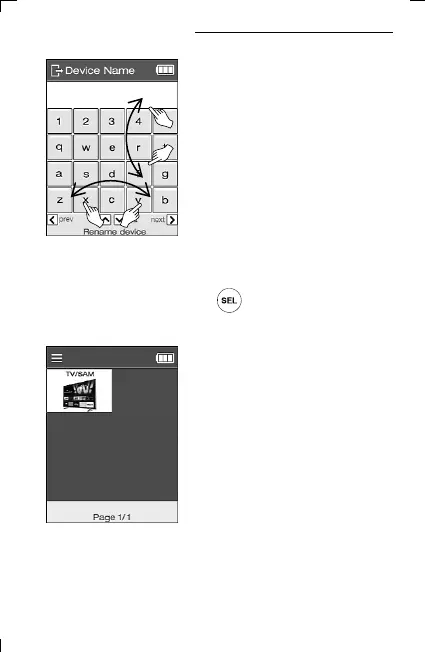
(※ You can change capital and small letters by scrolling up/down the
screen, and the keyboard layout of letters by scrolling/right.
After setting the name, press the key to save.)
10
6) Set the device name.
7) When the device addition is complete,
the added devices appear in the order
they were created on the main screen.
5. Adding Database Devices



 To Next Page