15
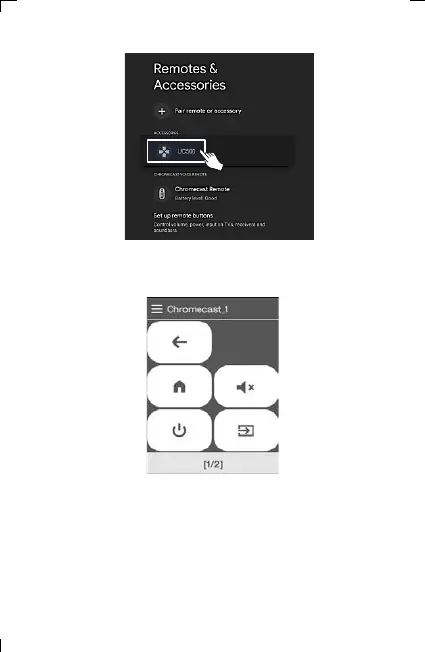
14) When pairing is completed, the “UC500” device is registered to
Chromecast.
15) The pairing progress window appears on the LCD screen of
UC500 for a while, and the device selection screen appears.
(You can check the operation by pressing the key on the
Chromecast device.)
6. Adding and Using OTT/Bluetooth Devices OTT/Bluetooth



 To Next Page