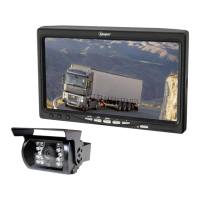
Need help?
Do you have a question about the Beeper RWEC110X and is the answer not in the manual?
General introduction to the BEEPER safety and comfort product.
Important safety and general instructions before installing the system.
Information on how the system handles condensation and camera waterproofing.
Guidance for installing the system on vehicles with multiplexed wiring.
How to connect the extension cable and power wires for the camera.
Recommendations for optimal placement of the display for visibility and security.
Steps for attaching the display bracket and securing the unit.
Recommendations for placing and orienting the camera for optimal viewing.
Details on how to attach the camera bracket and secure the camera.
How to switch between different video inputs like cameras or other sources.
Explains the four available modes for rotating the screen image.
How to access and adjust settings like brightness, contrast, and color via the menu.
Describes the system's function as a normal rearview camera.
Explains the system's function as an electronic mirror for rear view.
Information regarding product warranty, technical support, and contact details.
Official statement of compliance with relevant standards and regulations.
 General
| Brand | Beeper |
|---|---|
| Model | RWEC110X |
| Category | Automobile Accessories |
| Language | English |

 To Next Page