9
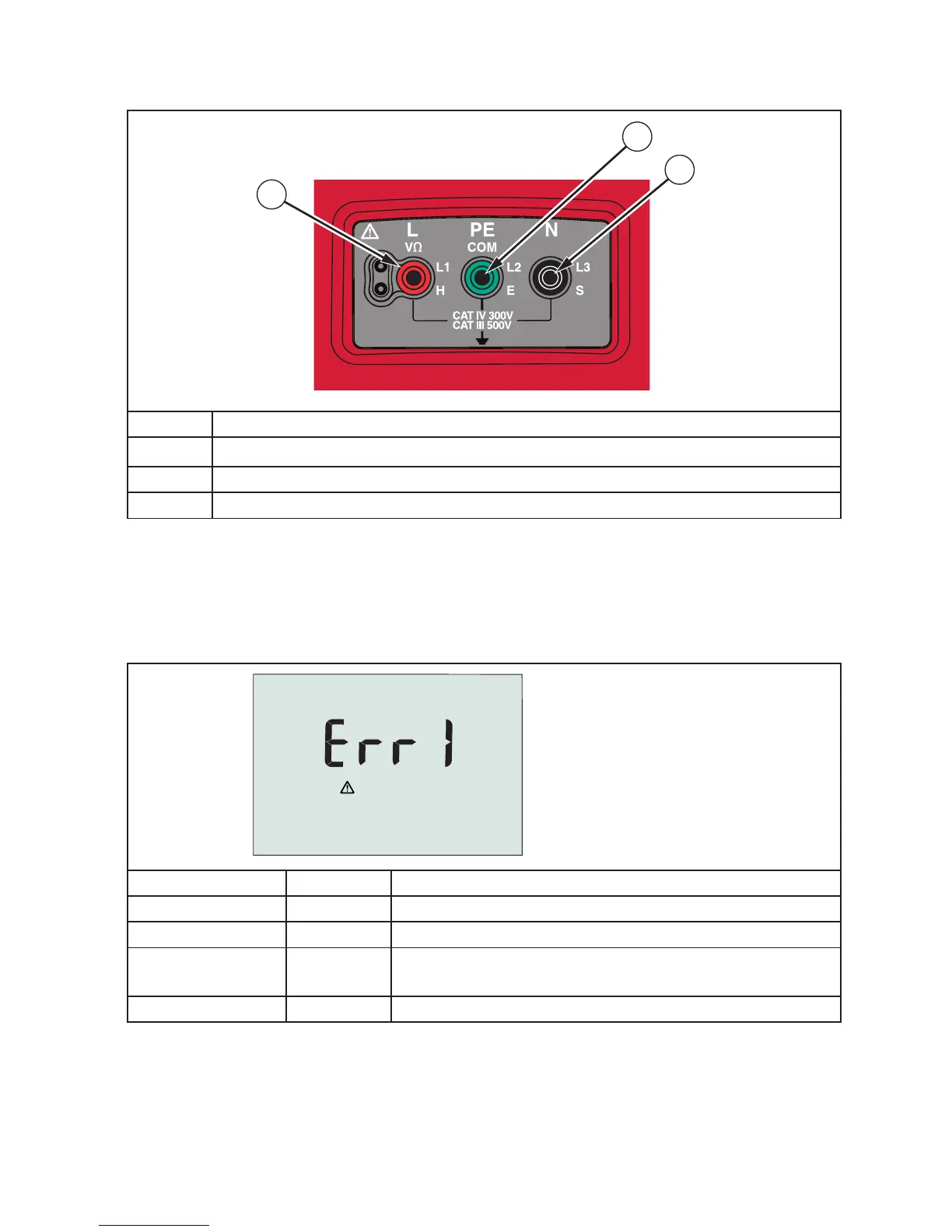
Input Terminals
Use the rotary switch to select the type of test you want to perform.
36
37
38
Number Description
36
L (Line)
37 PE (Protective Earth)
38 N (Neutral)
Error Codes
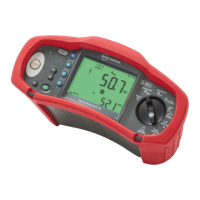
Various error conditions are detected by the tester and are indicated with the W icon,
“Err”, and an error number on the primary display. See table below. These error conditions
disable testing and, if necessary, stop a running test.
Figure 1. Error Display
Error Condition Code Solution
Self-test Fails 1 Return the tester to your distributor or Beha-Amprobe.
Over-temp 2 Wait while the tester cools down.
Fault Voltage 4
Check the installation, in particular, the voltage
between N and PE.
Excessive Noise 5 Switch off all appliances (Loop, RCD measurements)


 To Next Page