– 19 –
© behr Labor-Technik 2013
249101
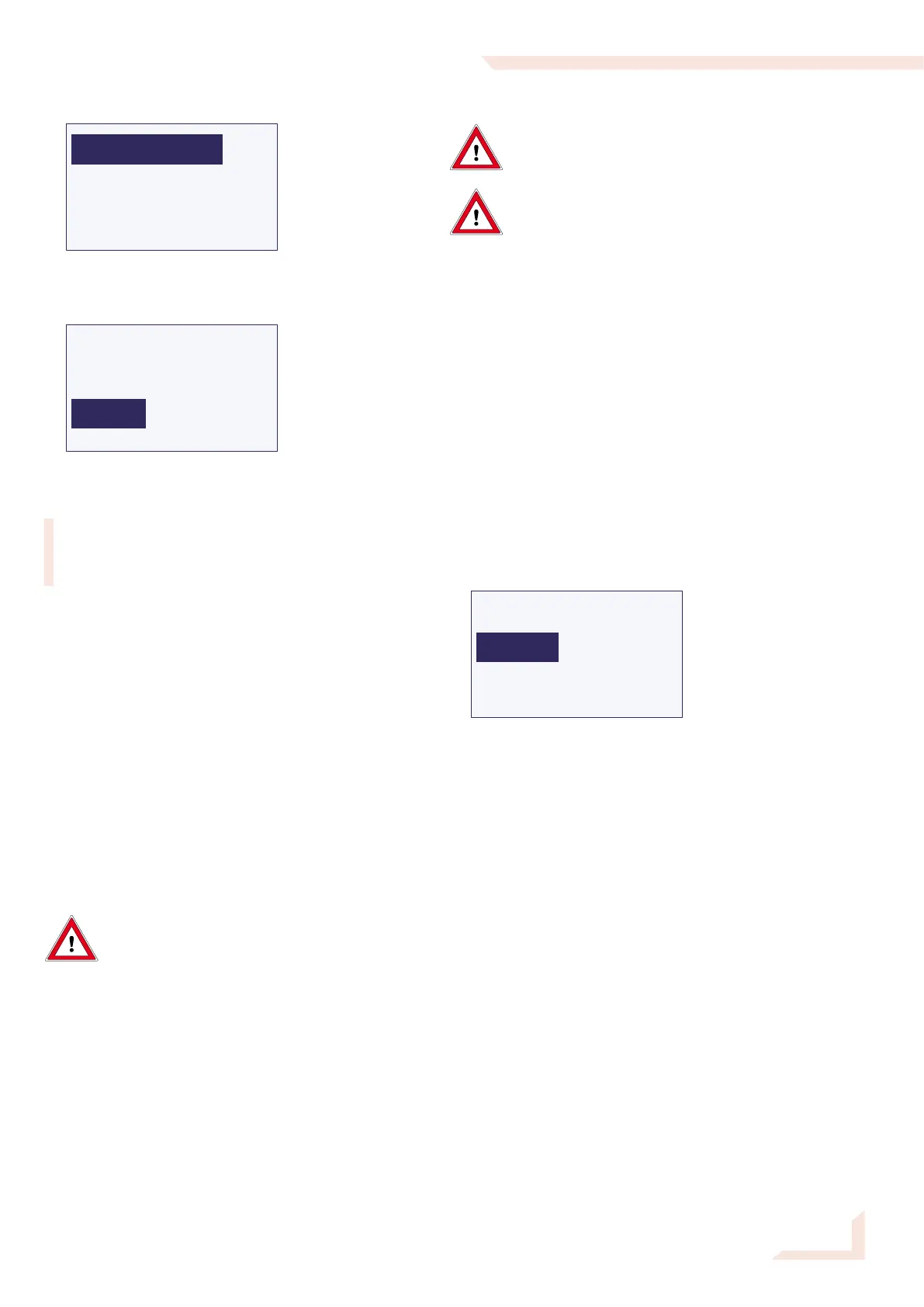
The following menu appears:
Select MANUAL ENTRY. The display will then appear
as follows:
NaOH
Steam
Dil. H2O
==>><<==
Select Steam. In this function the operating control knob
acts as an on/off switch.
The introduction of steam is started by a short press
of the operating control knob. Steam will continue to
flow into the sample vessel until the operating control
knob is pressed again.
Press the operating control knob briefly to start the
steam delivery. Continue the introduction of steam until
approximately 1 cm of condensate has accumulated in
the titration vessel.
Ending the test run
Press the operating control knob to end the distillation.
Now select DRAINSAMPLE. Hold the operating control
knob depressed until there is no more water in the sam-
ple vessel.
Select Drain Titr.Cell. Hold the operating control knob
depressed until there is no more water in the titration
cell.
Caution! Sample vessel is hot!
After distillation do not touch the sample
vessel by hand. Use the crucible tongs or a
suitable kind of protection.
Depress the quick-release fastener remove the sample
vessel.
Push the PTFE steam delivery tube into its retaining
notch.
By repeatedly pressing <<==, you will return to the main
menu.
Automatic Distillation with the behr S 5
Glass can break and cause injury! In work-
ing with glass components, observe all
appropriate safety precautions.
Risk of burns and injuries! When working
with acids and bases, follow the safety
guidance in the pertinent Safety Data
Sheets.
Open the water tap.
Inserting the sample vessel
Insert the steam delivery tube (4.20) into the sample
vessel containing the digested sample material. Press
the quick release fastener (4.22) down and insert the
sample vessel.
Check for firm and complete seal of the vessel mouth
against the Viton stopper (4.26).
Switching the steam distillation apparatus on
Close the protective door and turn the apparatus on
using the MAIN SWITCH.
Following the initialization, the main menu appears:
The menu selection Start is highlighted.
Switching the titrator on
Make sure the titrator and - if installed - the printer is
switched on.
Insert the pH electrode in the lid opening (4.16).
Enter the sample data (e. g. sample weight) on your
titrator. Depending on the type of your titrator, you may
be able to enter the sample data beforehand, or have
them transmitted from a balance. See user‘s manual of
your titrator.


 To Next Page