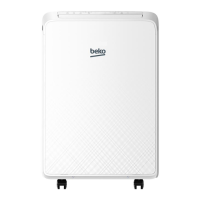
Portable Air-conditioner / User Manual
45 / 220 EN
7 Installaton explanatons
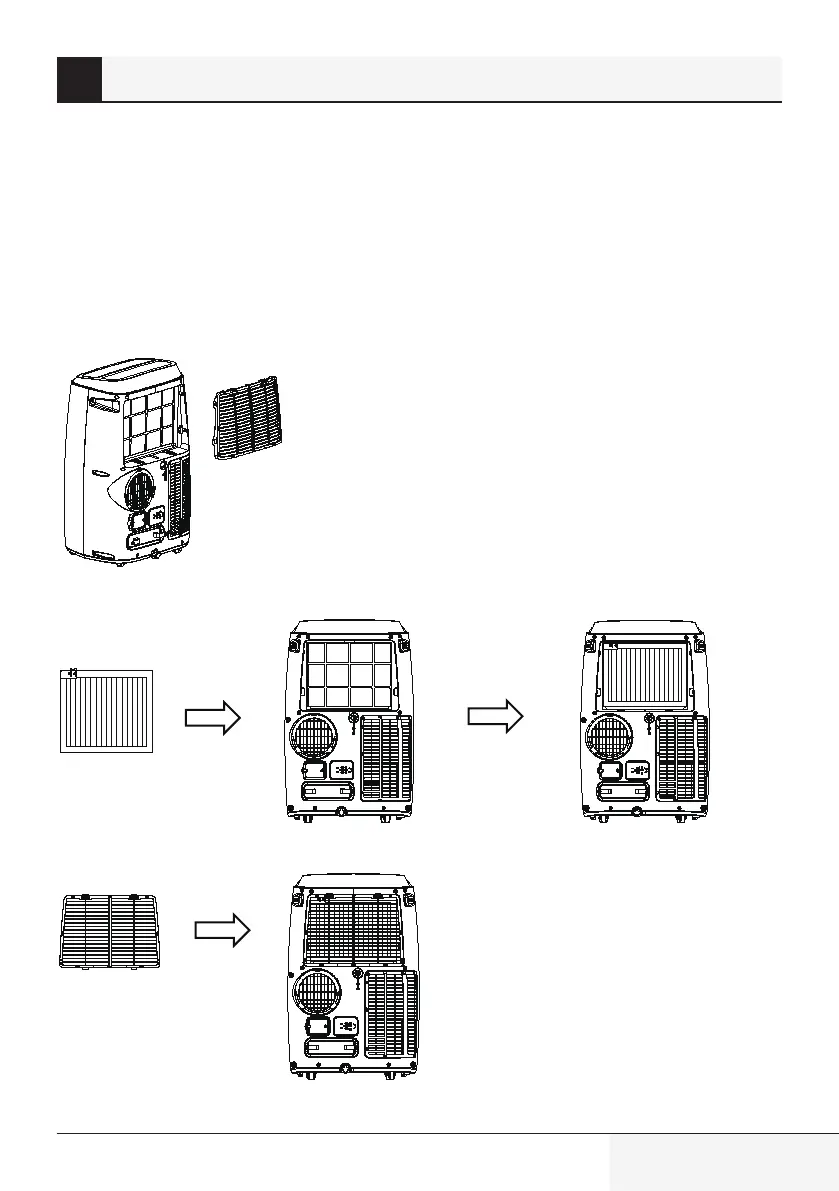
7.4 Use the Hepa 13 flter (only for BP113H model)
1.
Putting on the Hepa 13 filter, the fresh indicator turns on.
2.
In air purifier function, the cooling and dehumidifying function is invalid.
3.
If you need cooling and dehumidifying function, you have to put off the Hepa 13 filter.
How to put on the Hepa 13 filter
1.
Take out the unit filter.
2.
Put on the Hepa 13 filter.
3.
Put on the unit filter.


 To Next Page