16030_P75445-A_F5D8233-4_V3000_N_RTR_MNL_961008.doc
Page 56 of 108
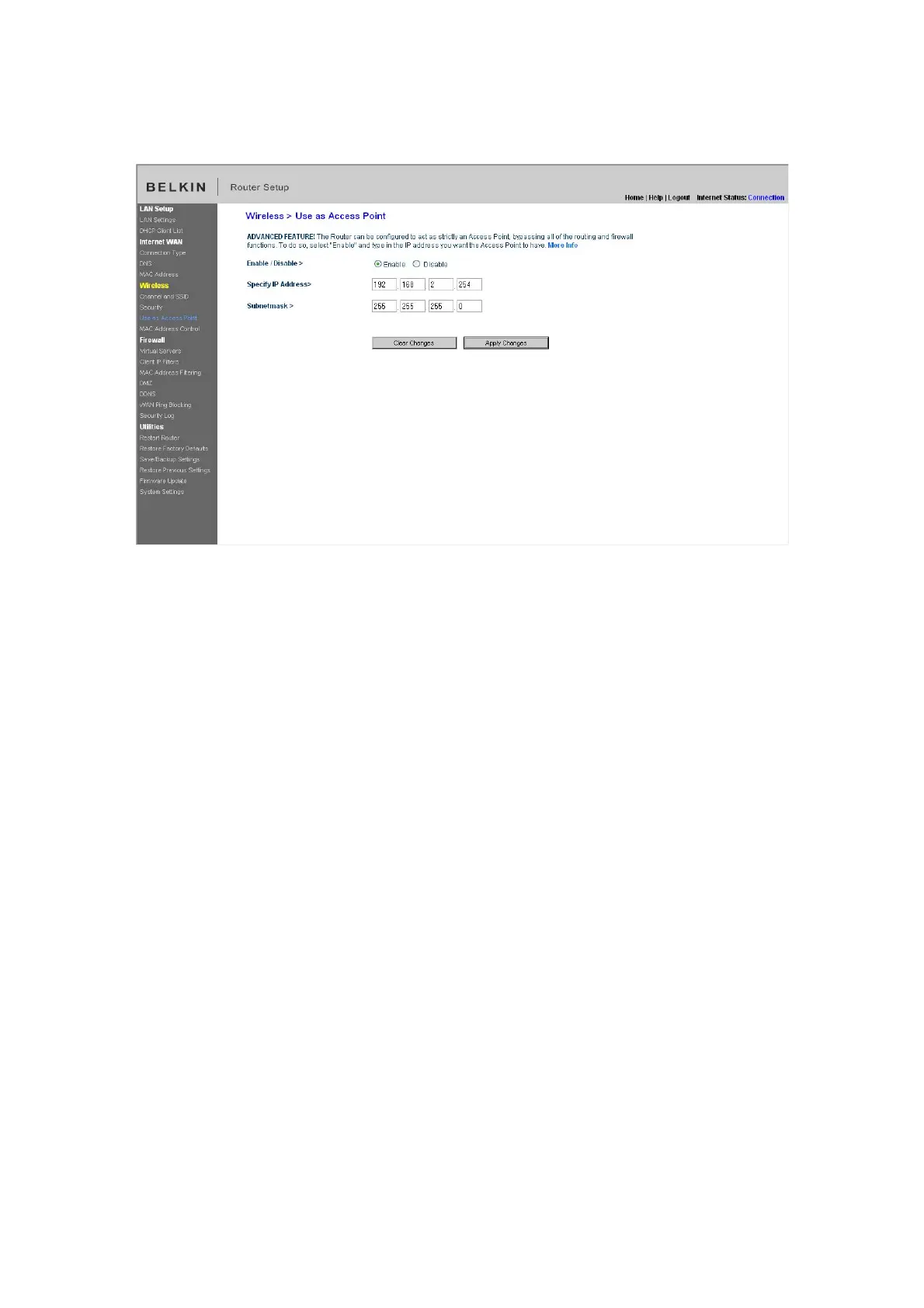
[insert Use as AP.tif]
Setting MAC Address Control
The MAC address filter is a powerful security feature that allows you to specify
which computers are allowed on the wireless network. Note: This list applies only
to wireless computers. This list can be configured so any computer attempting to
access the wireless network that is not specified in the filter list will be denied
access. When you enable this feature, you must enter the MAC address of each
client (computer) to which you want to allow network access. The “Block” feature
lets you turn on and off access to the network easily for any computer without
having to add and remove the computer’s MAC address from the list.



 To Next Page