16030_P75445-A_F5D8233-4_V3000_N_RTR_MNL_961008.doc
Page 79 of 108
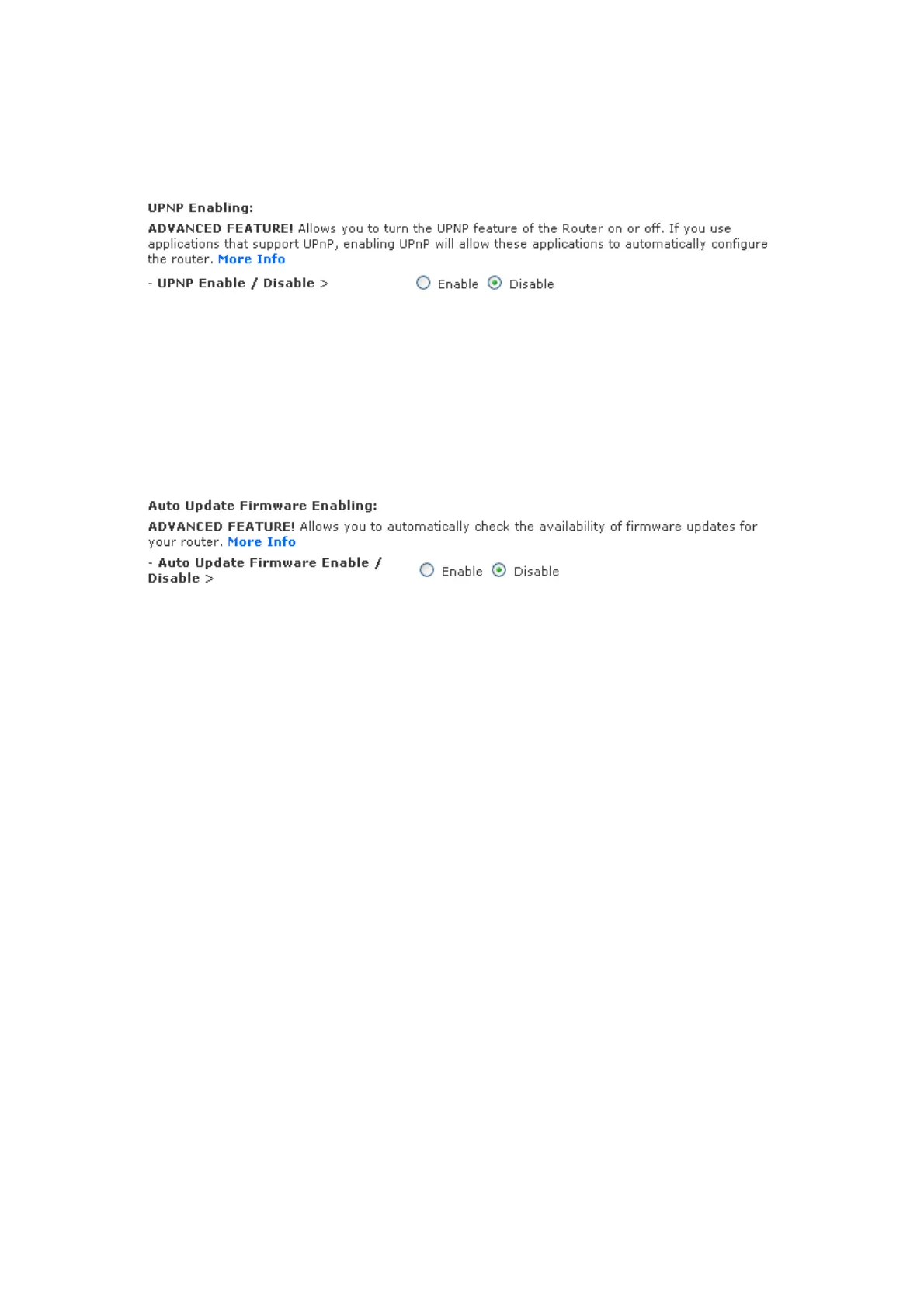
[insert Upnp.tif]
Enabling/Disabling Auto Firmware Update
This innovation provides the Router with the built-in capability to automatically
check for a new version of firmware and alert you that the new firmware is
available. When you log into the Router’s advanced interface, the Router will
perform a check to see if new firmware is available. If so, you will be notified. You
can choose to download the new version or ignore it.
[insert Auto_Update_FW.tif]
Manually Configuring Network Settings
Set up the computer that is connected to the cable or DSL modem FIRST using
these steps. You can also use these steps to add computers to your Router after
the Router has been set up to connect to the Internet.
Manually Configuring Network Settings in Mac OS up to 9.x


 To Next Page