16030_P75445-A_F5D8233-4_V3000_N_RTR_MNL_961008.doc
Page 87 of 108
Recommended Web Browser Settings
In most cases, you will not need to make any changes to your web browser’s
settings. If you are having trouble accessing the Internet or the Web-Based
Advanced User Interface, then change your browser’s settings to the
recommended settings in this section.
Microsoft
®
Internet Explorer 4.0 or Higher
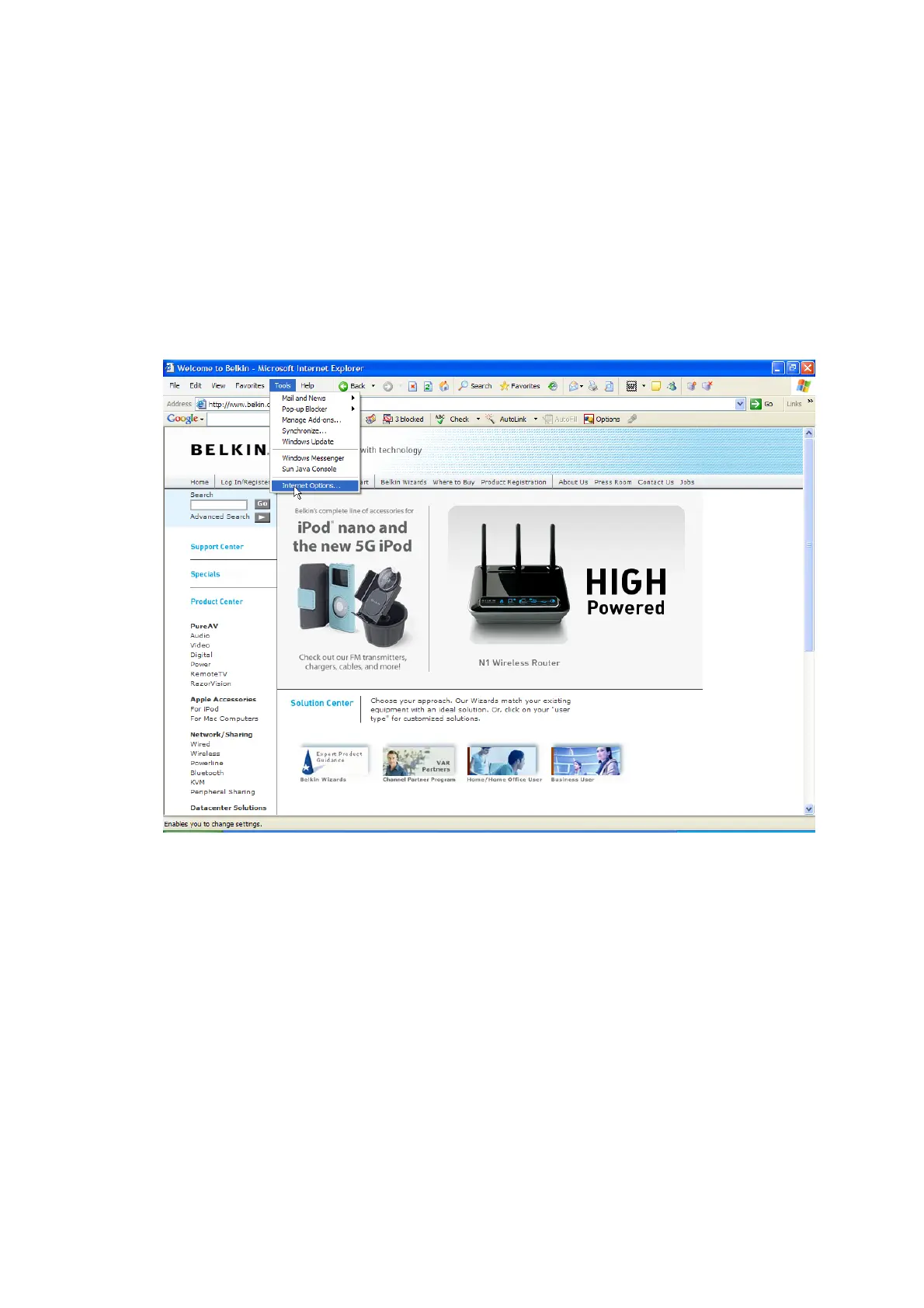
1. Start your web browser. Select “Tools” then “Internet Options”.
[insert Internet_options.tif]
2. In the “Internet Options” screen, there are three selections: “Never dial a
connection”, “Dial whenever a network connection is not present”, and
“Always dial my default connection”. If you can make a selection, select
“Never dial a connection”. If you cannot make a selection, go to the next step.


 To Next Page