16030_P75445-A_F5D8233-4_V3000_N_RTR_MNL_961008.doc
Page 86 of 108
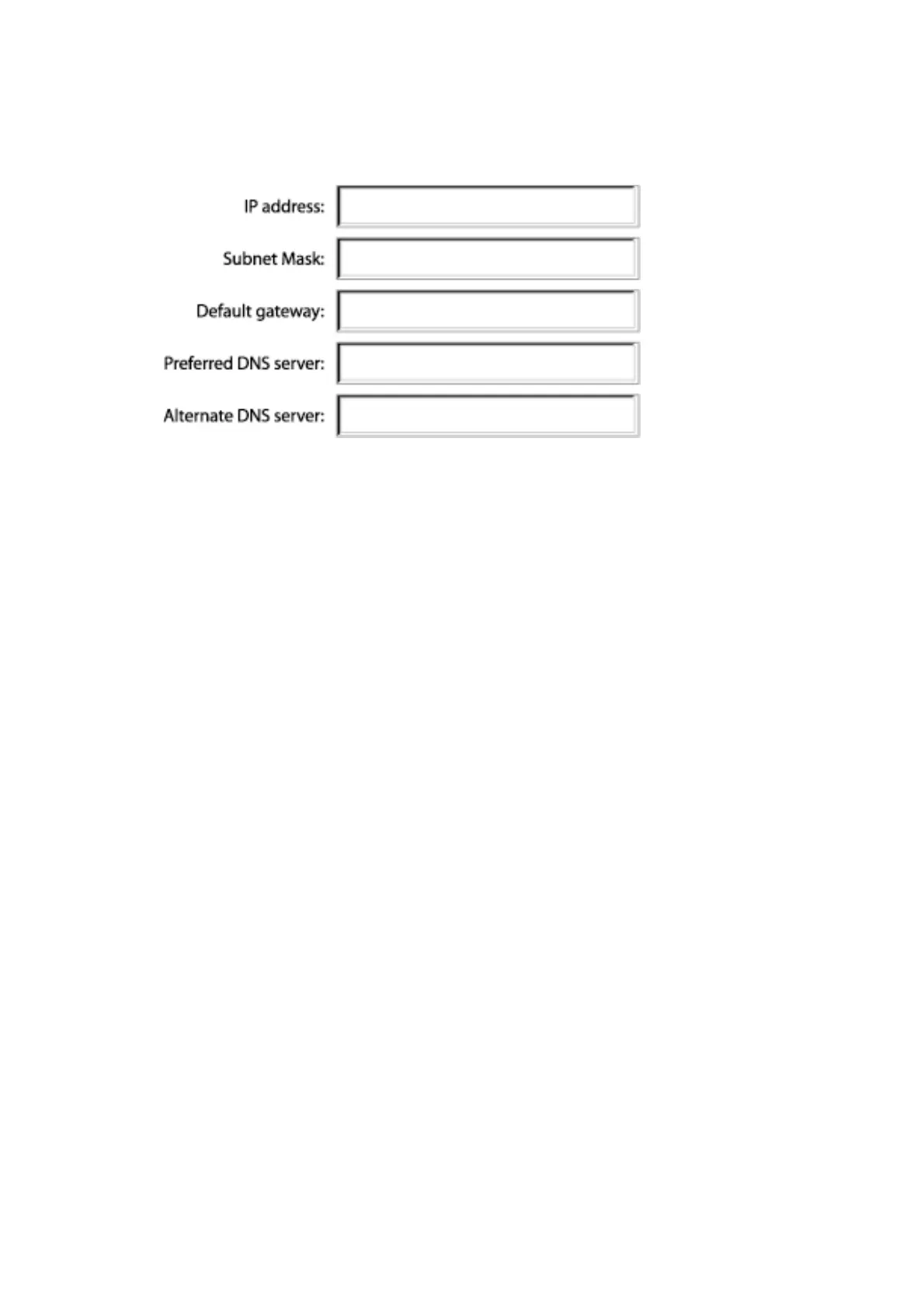
[win2k settings chart.tif] [keep]
[use current image]
7. If not already selected, select “Obtain IP address automatically” on the IP
address tab. Click “OK”.
Restart the computer. When the computer restarts, your network
settings are now configured for use with the Router.



 To Next Page