16030_P75445-A_F5D8233-4_V3000_N_RTR_MNL_961008.doc
Page 80 of 108
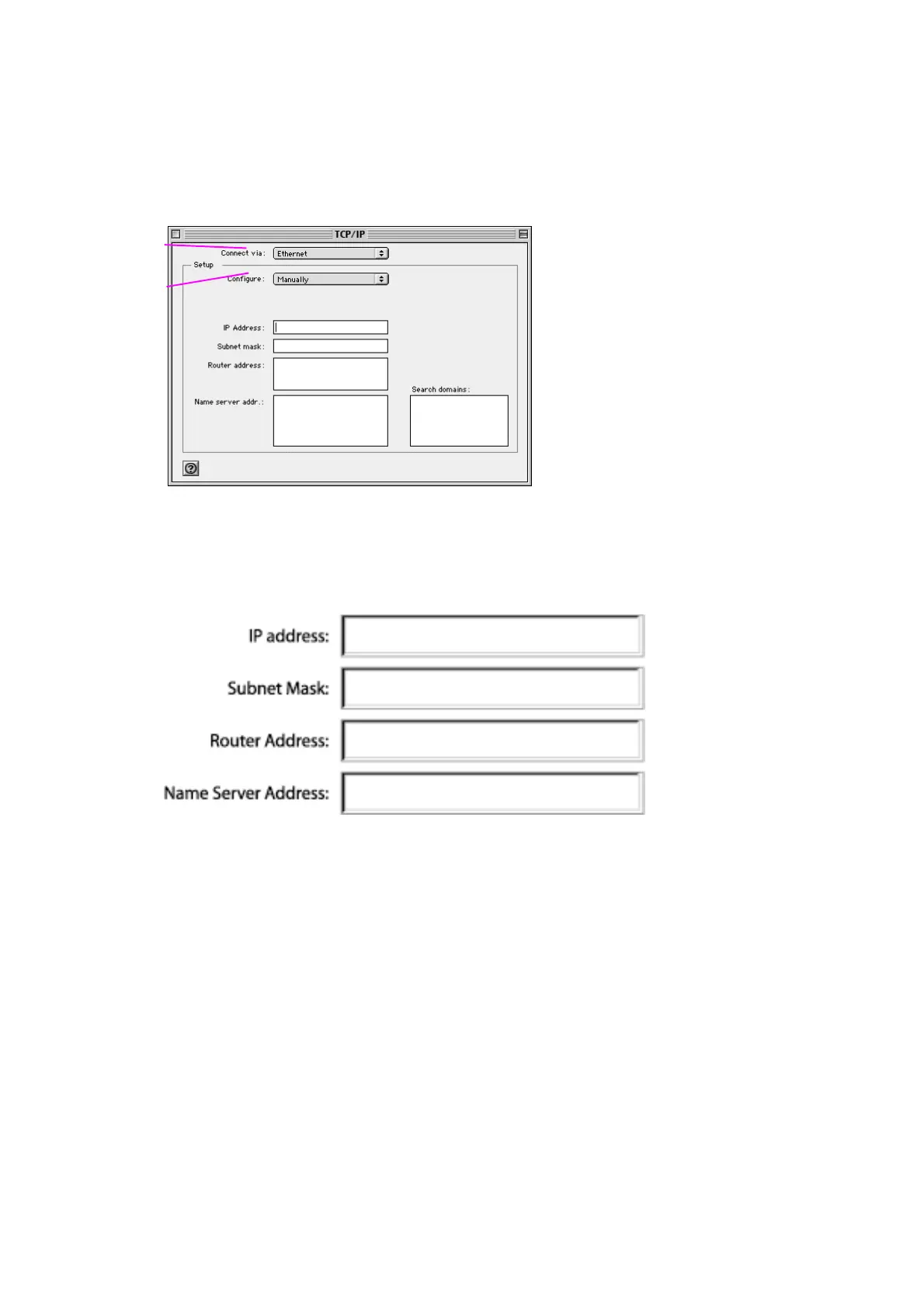
1. Pull down the Apple menu. Select “Control Panels” and select “TCP/IP”.
2. You will see the TCP/IP control panel. Select “Ethernet Built-In” or “Ethernet”
in the “Connect via:” drop-down menu (1).
[xxxxxxx][use current image]
[keep]
3. Next to “Configure” (2), if “Manually” is selected, your Router will need to be
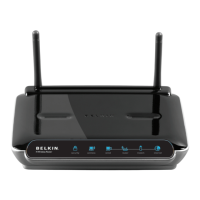
set up for a static IP connection type. Write the address information in the
table below. You will need to enter this information into the Router.
[MacOS9 chart.tif] [use current image] [keep]
(1)
(2)


 To Next Page