16030_P75445-A_F5D8233-4_V3000_N_RTR_MNL_961008.doc
Page 71 of 108
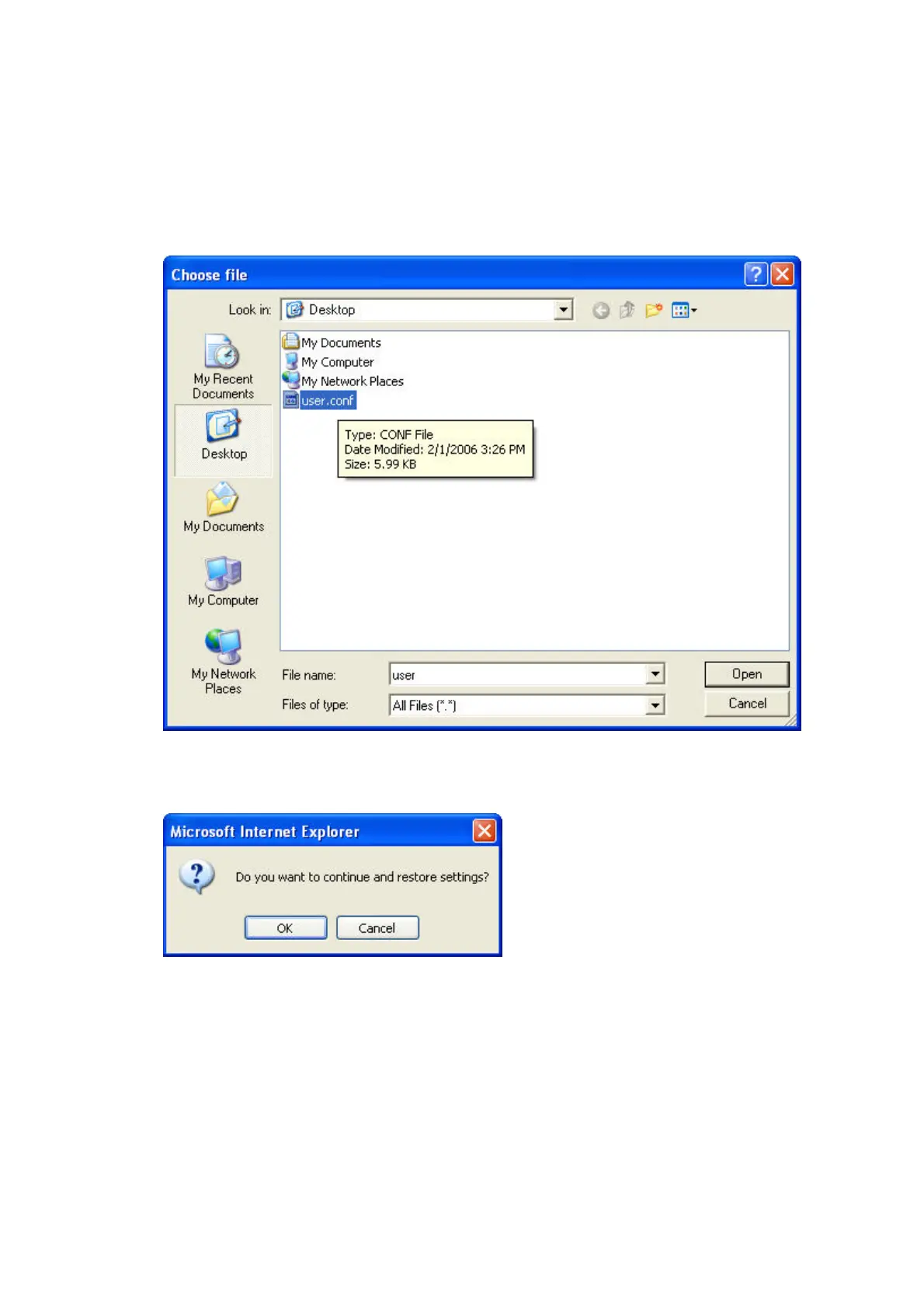
1. Click “Browse”. A window will open that allows you to select the location of
the configuration file. All configuration files end with a “.conf”. Locate the
configuration file you want to restore and double-click on it.
9230_Restore_Saved_Settings_Choose_File.jpg[keep]
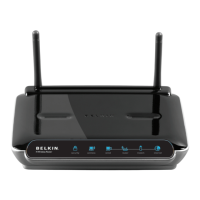
2. You will be asked if you want to continue. Click “OK”.
9230_Restore_Saved_Settings_Confirmation.jpg[keep]
3. A reminder window will appear. It will take up to 60 seconds for the
configuration restoration to complete. Click “OK”.


 To Next Page