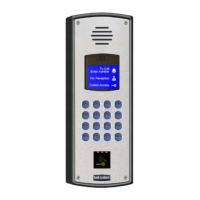
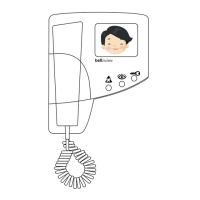
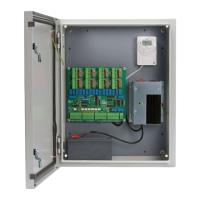
Bell View Video Entry System
20
Fault Finding
Speech Problems
Low speech volume ! Volume adjustment required on the Speech Unit,
see page 16 under SPEECH ADJUSTMENTS.
! Speech Unit is not tight against the panel grill.
! Panel grill is blocked.
! More than one active telephone is off the hook.
! Speech Unit supply voltage low. Check 10V-15V
across 'C' and 'H' on unit, after activating first.
Constant tone/feedback when in
use.
! Volume adjustment required on the Speech Unit,
see page 16 under SPEECH ADJUSTMENTS.
! ‘O’ connection between Speech unit and
telephone open circuit.
! Speech Unit is not tight against the panel grill.
! Entrance panel and telephone too close together.
! The entrance panel is surrounded by reflecting
walls.
! Panel grill is blocked.
Speech not audible when phone is
live.
! Low speech volume. To increase refer to page 16
under SPEECH ADJUSTMENTS.
! No / low supply to Speech Unit. Check 10V-15V
across 'C' (positive) and 'H' on the unit, after
activating first.
! Faulty 'R', 'O', or 'T' line.
No speech when the phone is
buzzed
! Check ‘Auto - Display’ DIP switch setting is ON.
Refer to page 14.
! No / low supply to ‘+’ and ‘-’ video supply at the
phone. Check 10V - 15V across connections.
! Wiring fault on the speech signal connections ‘R’
or ‘T’. ‘R’ carries the phone microphone signal to
the speech unit. ‘T’ the Speech unit microphone to
the phone.
! 2 Door Systems
Common call button wire connected to ‘+’ or ‘C’
instead of ‘B’ on the Switching Unit.



 To Next Page