additional FunCtion modes
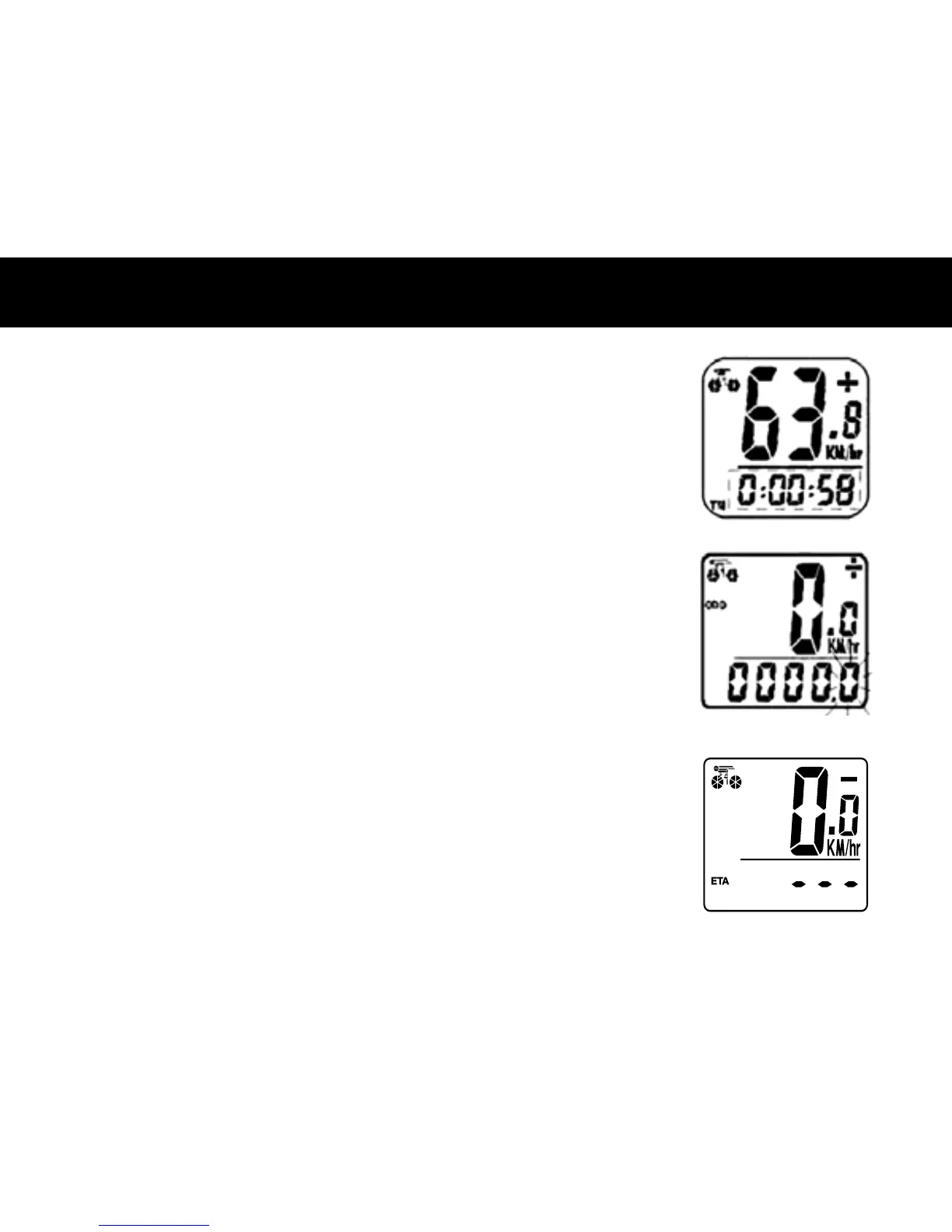
FREEZE FRAME MEMORY– At the end of a ride segment you can press the LEFT
button to set Freeze Frame Memory. This function locks the computer saving TM,
DST and AVS which will ash. Info can be read at a later time by pressing the RIGHT
button. To release the memory, press the LEFT button until the display digit is static
again. This is particularly useful when crossing the nish line of a time trial, since the
TM cannot be stopped manually.
ODOMETER SAVE FUNCTION– The SAVE function allows you to keep the
important data of total distance (ODO) even after battery replacement. To set ODO,
after battery replacement and wheel size setting, press RIGHT button to ODO mode
and then hold LEFT button for 2 seconds until the last digit ickering. To adjust
number, press the RIGHT button and then press the LEFT button to conrm and select
digit to be input. Repeat this sequence to reach the desired odometer value. Press the
LEFT button again to return to normal ODO mode.
ETA– This function estimates the time required to travel the distance. To set ETA,
enter ETA mode, Hold LEFT button for 2 seconds. IF trip distance is 0, --- will appear,
if trip distance has value, the trip distance data will display on screen and the rst
digit on the right will icker, press RIGHT button to advance the digit, LEFT button to
conrm. Repeat the procedures until the desired distance is input. After the distance
is set, it shows the estimated time of arrival. hr: mins. It will show 99:59 initially, and
after you have ridden a few seconds, the remaining time will update by calculating
your riding speed.



 To Next Page