CUSTOMER CARECUSTOMER CARE
CHANGING LIGHT BULBS
(where tted)
Warning:Thereisariskofelectricshock,
so always make sure you have turned
off and unplugged your appliance before
starting. Always allow the product to cool
down before you change a bulb.
Not all appliances have the same number
and type of bulbs. Before replacing your
bulb, open the oven door and see which
type you have. Then use the table to help
you change your bulb correctly.
Bulbs can be purchased from hardware
stores(alwaystaketheoldbulbwithyou).
Please remember that bulbs are not cov-
ered by your warranty.
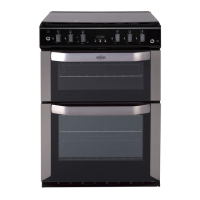
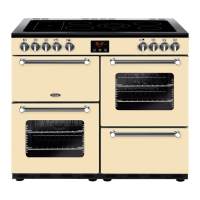
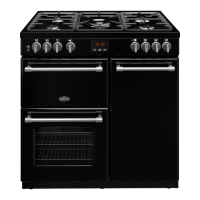
No of Lamps Bulb location Oven Type Instructions
2 Side All Remove the oven shelves. Grasp
thelenscoveronthelighttting
and pull it away from the side of
the oven. Unscrew the bulb and
replace. Replace the lens cover
1 Rear Fanned/Multifunction
(Electric)
Remove the oven shelves.
Remove the loose oven back
by unscrewing the 4 securing
screws(oneateachcorner)
and remove. Unscrew the lens
cover by turning anticlockwise.
Remove the bulb and replace.
Replace the lens cover and oven
back.
1 Rear Conventional/Fanned
(Gas)
Remove the oven shelves. Un-
screw the lens cover by turning
anticlockwise. Remove the bulb
and replace. Replace the lens
cover.


 To Next Page