Don't touch the heating elements
or
other parts that may become hot when the oven
is
in
use - children must
be kept away!
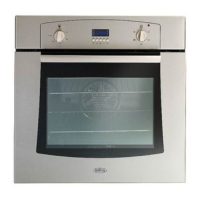
1 Turn the oven on by rotating the oven control knob
position.
2 Select the temperature
in
the oven
by
selecting the temperature
(in
degrees Celsius) printed on the knob.
3 The amber temperature indicator light on the control panel will glow until the pre-set temperature set
is
reached.
4 Once the temperature has been reached, the amber light will
go
off and then cycle on and off
to
maintain
the pre-set temperature.
Ensure you stand back from the appliance when opening the oven door
to
allow any build up of steam or
heat
to
escape.
• Check food is thoroughly cooked and is piping hot.
• As a
fan
oven heats up more quickly and generally cooks food at a lower temperature than a conventional
oven, preheating the oven is often unnecessary. However, food such
as
bread, scones, Yorkshire pudding,
do
benefit from being placed
in
a pre-heated oven.
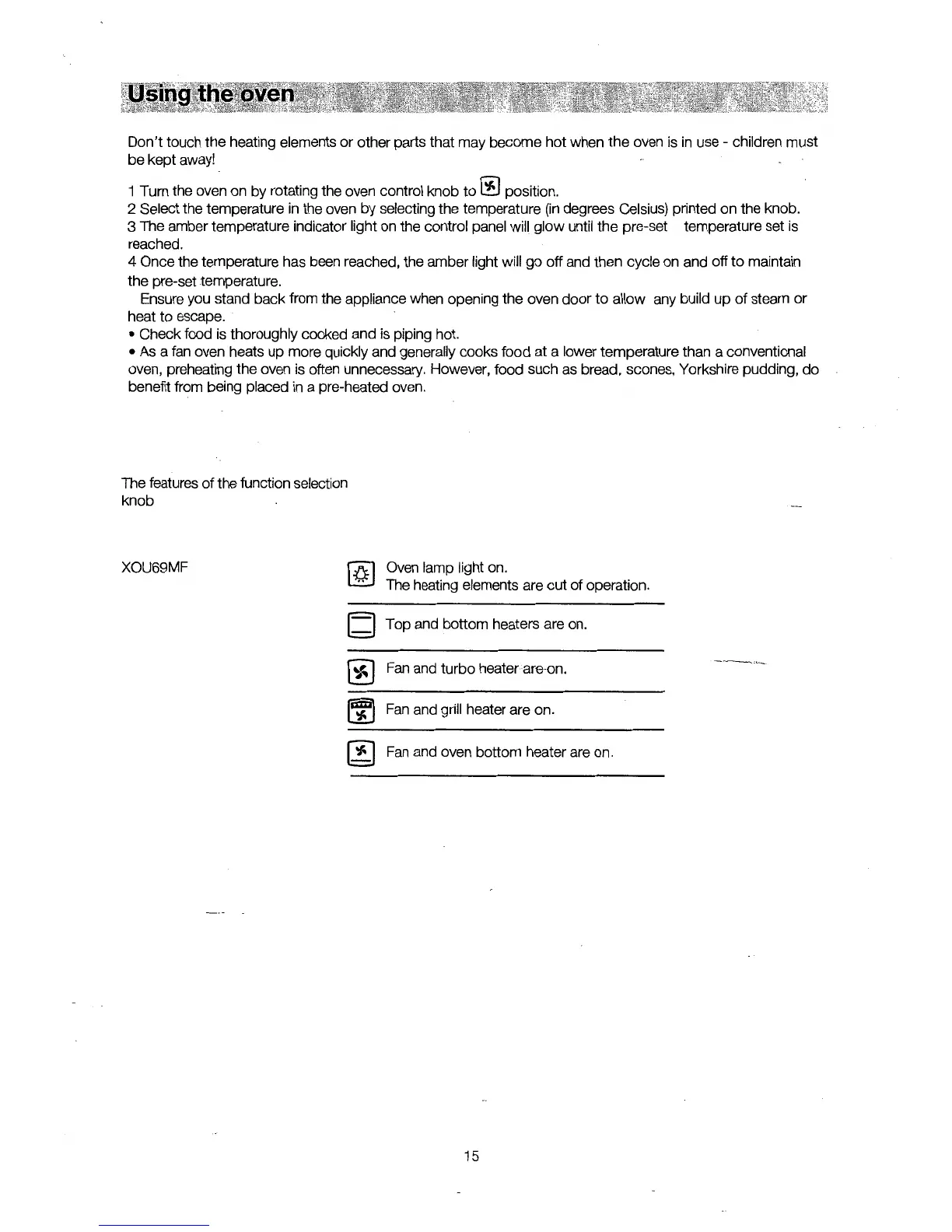
The features of the function selection
knob
XOU69MF
(Q]
[d
Oven lamp light on.
The heating elements are out of operation.
Top and bottom heaters are on.
Fan
and turbo heater are-on.
-,._____,,
__
Fan
and grill heater are on.
Fan
and oven bottom heater are on.
15


 To Next Page