EasyManua.ls Logo

Benchmark Games Ticket Station - Programming Options

Benchmark Games Ticket Station
48 pages
Print Icon
To Next Page IconTo Next Page
To Previous Page IconTo Previous Page
Loading...
Programing Options:
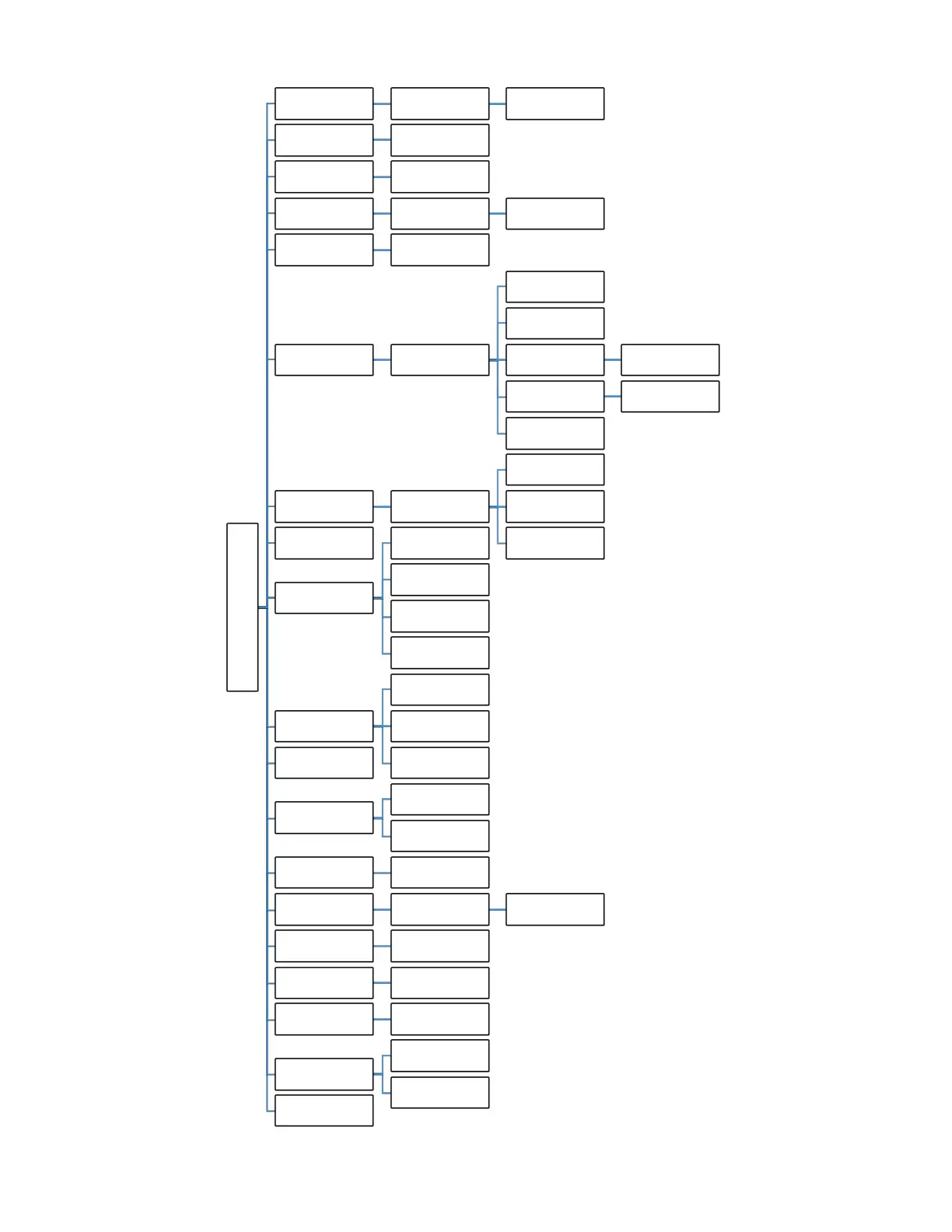
TICKET STATION MENU
Total Tickets Clear Tickets Yes / No
History Log Last 25 Receipts
Volume
Range 0-100
Default: 80
Date and Time
Date:MM/DD/YYYY -
Time: HH:MM
Done
Machine Number
Range 0 to 99
Default: 0
Ticket Types
Types A-J
Default: A
Insert Barcode Numbers
Default: 5151
Ticket Length(mm)
Learn Ticket Insert 10 Sample Tickets
Un-Learn Ticket Yes / No
Done
Security Level Ranges 0 to 10
0. DEMO Ticket Notch
Only
1. Ticket Notch Only
2-10. 20%-100% Valid
Barcode
Ticket Speed
Redemption Mode
1. Tickets + Receipts
2. Tickets + Card
3. Ticket + Receipt or
Card
4. Swipe + Tickets +
Button
Cardswipe Transfer Type
Pulse
Serial
Off
Barcode Sensor Active
Level
Language
English
Russian
Edit Display Prompt
Default: "Please Insert
Tickets/Swipe Card"
Edit Receipt Header
Lines - 1-4
Default: Blank LInes
Edit Characters
Enable Receipt Logo Yes / No
Receipt Check Digit
On / Off
Default: On
Receipt Include T2P
Barcode
On / Off
Default: Off
Display
Ticket Count
Point Count
Exit

Related product manuals