benchmarkwireline.com
P. O. BOX 850
Fax: 281.342.4848
Phone: 281.342.6415
Simonton,Texas 77476
36220 FM 1093
AM5K User Manual Rev Q Oct 2007 Page 16 of 44
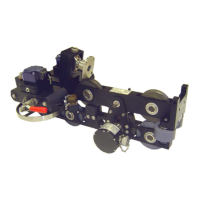
4.4.4 ENCODER COUPLING INSTALLATION
To install the encoder coupling, first remove the plug in the encoder adapter.
Install one of the metal parts of the three piece coupling (item 36) to the wheel
shaft and tighten it using a hex wrench. Next, install the center plastic piece of
the coupling onto the wheel shaft coupling. Place the other metal coupling on the
encoder shaft and set the encoder on the mount. Snug up the encoder coupling
then remove the encoder and tighten the coupling.
Reinstall the encoder with o-rings (item 98) and tighten it to the encoder mount
(item 6). Next tighten the plug.


 To Next Page
 Loading...